This plugin is deprecated and is no longer actively maintained.
All its functionality has been moved to Events Shortcodes For The Events Calendar. Please install that plugin instead. Existing Events Block listings will continue to work after you migrate.
Events Block For The Events Calendar
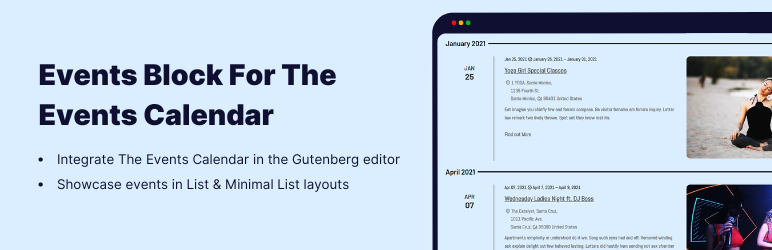
Events Block for The Events Calendar is a powerful addon that allows you to display your events from The Events Calendar directly inside Gutenberg. Simply search “events block” and showcase your events without any coding.
This addon fills in the gap by adding the Events Block feature to The Events Calendar, making it compatible with Gutenberg.
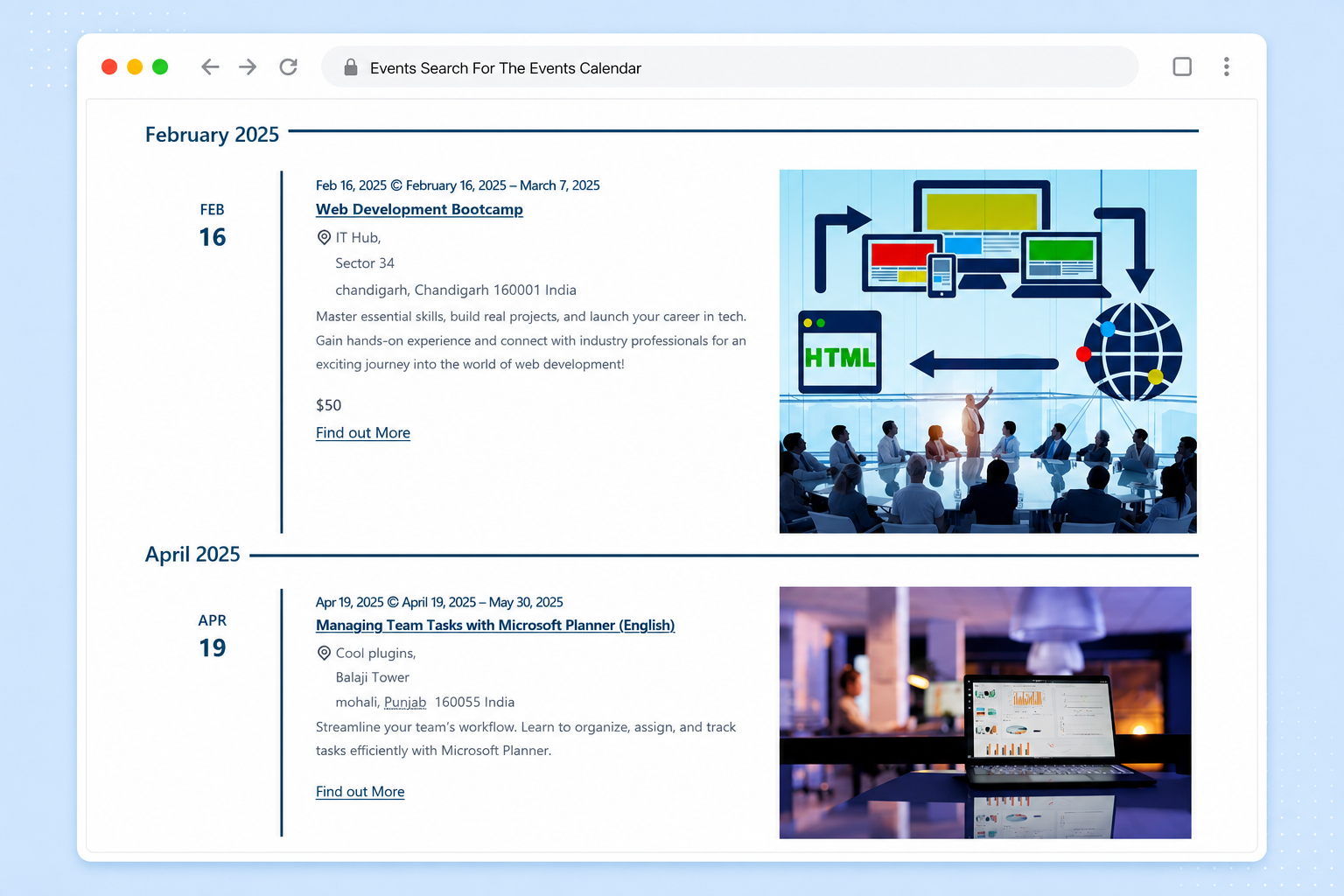
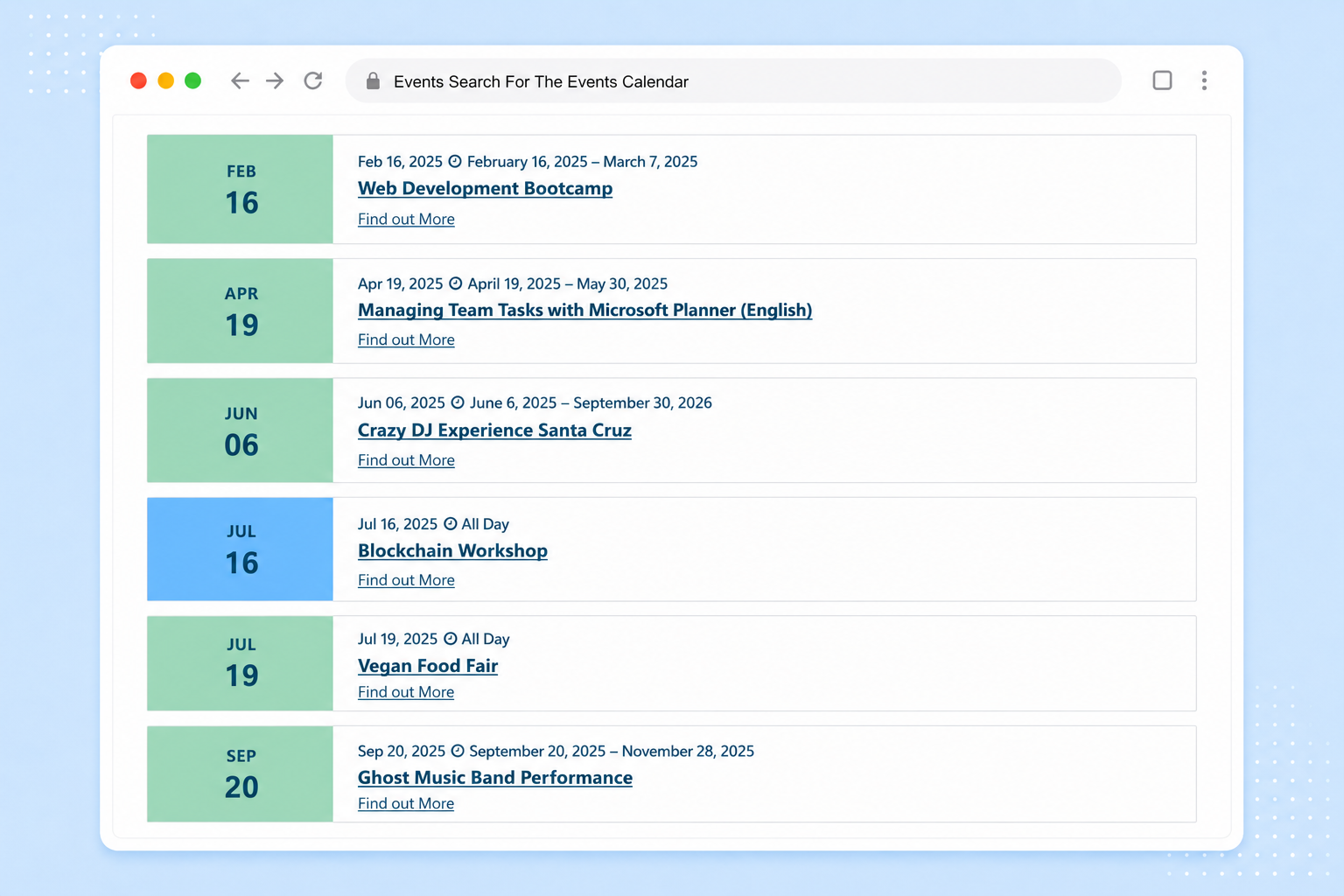
Layout Options: Choose between Minimal or Default layout styles.
Category Filters: Create targeted event listings, such as showing events for specific topics using category filters.
Custom Date Format: Choose how event dates are displayed (e.g., DD/MM/YYYY, MM-DD-YYYY) to match your regional preferences or branding style.
Event Display Limit: Set how many events to show at one time in the widget.
Event Order: Display events in ascending or descending order based on their date.
Event Type: Display only upcoming events, past, or show all events according to your preference.
Date-Based Event: Easily show events between specific dates. This means you can choose to showcase events between any dates, whether a particular week, month, or custom time period.
Month Headers: Show month headers for grouped event listings according to your requirements.
Customization: Customize the style of each event element according to your brand.
More Addons For The Events Calendar
Events Single Page Builder Pro – Design stunning single event pages with Elementor using pre-built templates and 20+ customizable widgets.
Events Shortcodes Pro – Events Shortcodes Pro For The Events Calendar adds the missing shortcode functionality to The Events Calendar plugin. With this plugin, you can easily display your events on any page or post in a list, grid, carousel, slider, masonry, accordion, or even a timeline format.
Events Calendar Modules for Divi – Display The Events Calendar Events directly inside Divi with Customizable List or Grid Layouts.
Events Widgets Pro – Show events list, grid, carousel, and more in Elementor pages using The Events Calendar Elementor Widgets.
Use of 3rd Party Services: This plugin connects to the Cool Plugins API to display information about related plugins inside the dashboard. It also offers optional usage tracking and optional feedback submission on deactivation. Data is sent only after explicit user consent. No hidden tracking is performed, and no frontend visitor or site user data is collected. For more details, please review our Data Usage Policy, TOS, and Privacy Policy.
✍ Special THANKS!
Special thanks to the famous The Events Calendar plugin authors and its parent company StellarWP, Inc. for creating an awesome plugin for events management.
All of these addons are not developed by or affiliated with The Events Calendar (by StellarWP) team, these are third-party addons for The Events Calendar and they add extra features inside The Events Calendar free plugin.
No. This plugin is deprecated. Events Block is now part of Events Shortcodes For The Events Calendar. Install that plugin to keep receiving updates, improvements, and new features.
What is the Events Block For The Events Calendar plugin?
The Events Block For The Events Calendar is an addon that allows you to showcase events from The Events Calendar within the Gutenberg page builder on your WordPress site.
How does this plugin enhance The Events Calendar?
This plugin adds an Events Block feature to The Events Calendar, making it compatible with Gutenberg. It offers a modern and simple list design for your events.
What are the main features of this plugin?
Key features include custom color and date formats, category filter settings, specific date range settings, custom event date formats, and event ordering by time.
Can I customize the appearance of my events list?
Yes, you can select custom colors and date formats for your events list to match your website’s design and preferences.
Does the plugin support filtering events by categories?
Yes, it supports event category filter settings, allowing you to display events based on selected categories.
Can I display events within a specific date range?
Yes, the plugin supports specific date range-based list settings, enabling you to showcase events within a chosen date range.
How does the event ordering feature work?
The plugin allows you to order events based on time, displaying them in chronological order to help you plan and track events more efficiently.
How can I report security bugs?
You can report security bugs through the Patchstack Vulnerability Disclosure Program. The Patchstack team helps validate, triage, and handle any security vulnerabilities. Report a security vulnerability.