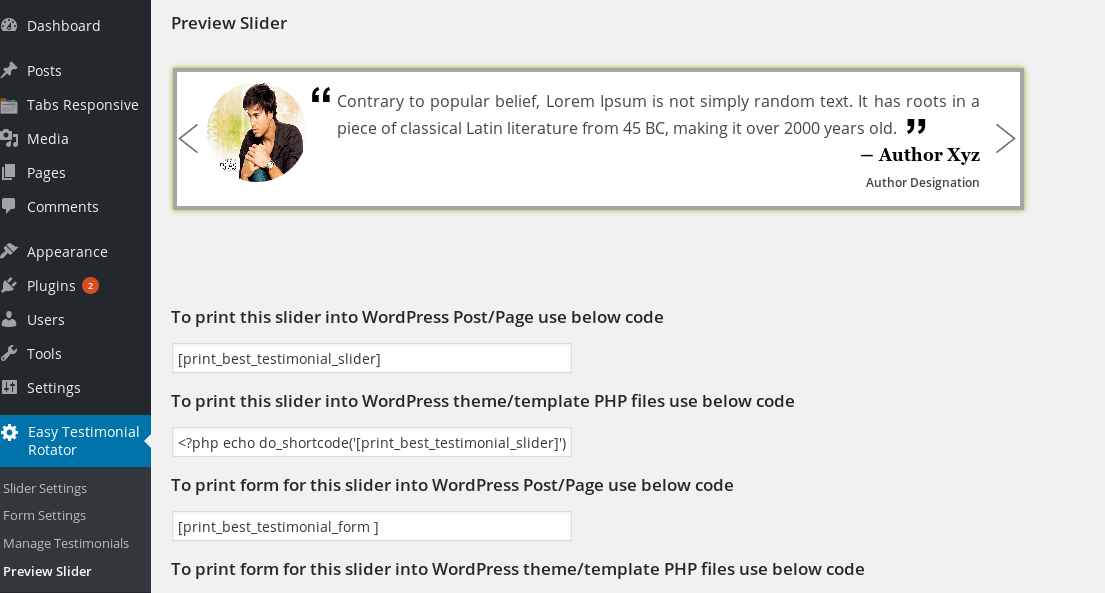
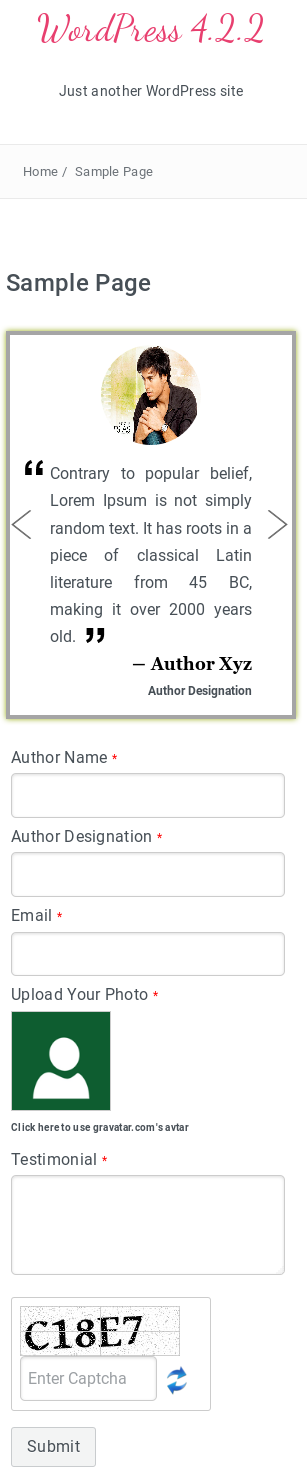
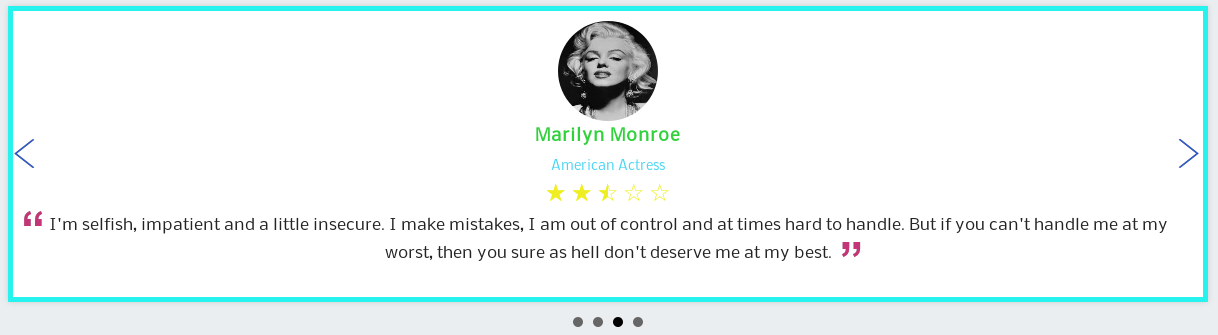
Easy Testimonial Slider and Form lets you display beautiful responsive testimonials on any page or post — using the Gutenberg block editor or classic shortcode. Visitors can submit their own testimonials through a built-in form, with captcha protection and admin moderation.
✅ Key Features (Free)
Gutenberg block — add the Testimonial Slider block directly from the block inserter
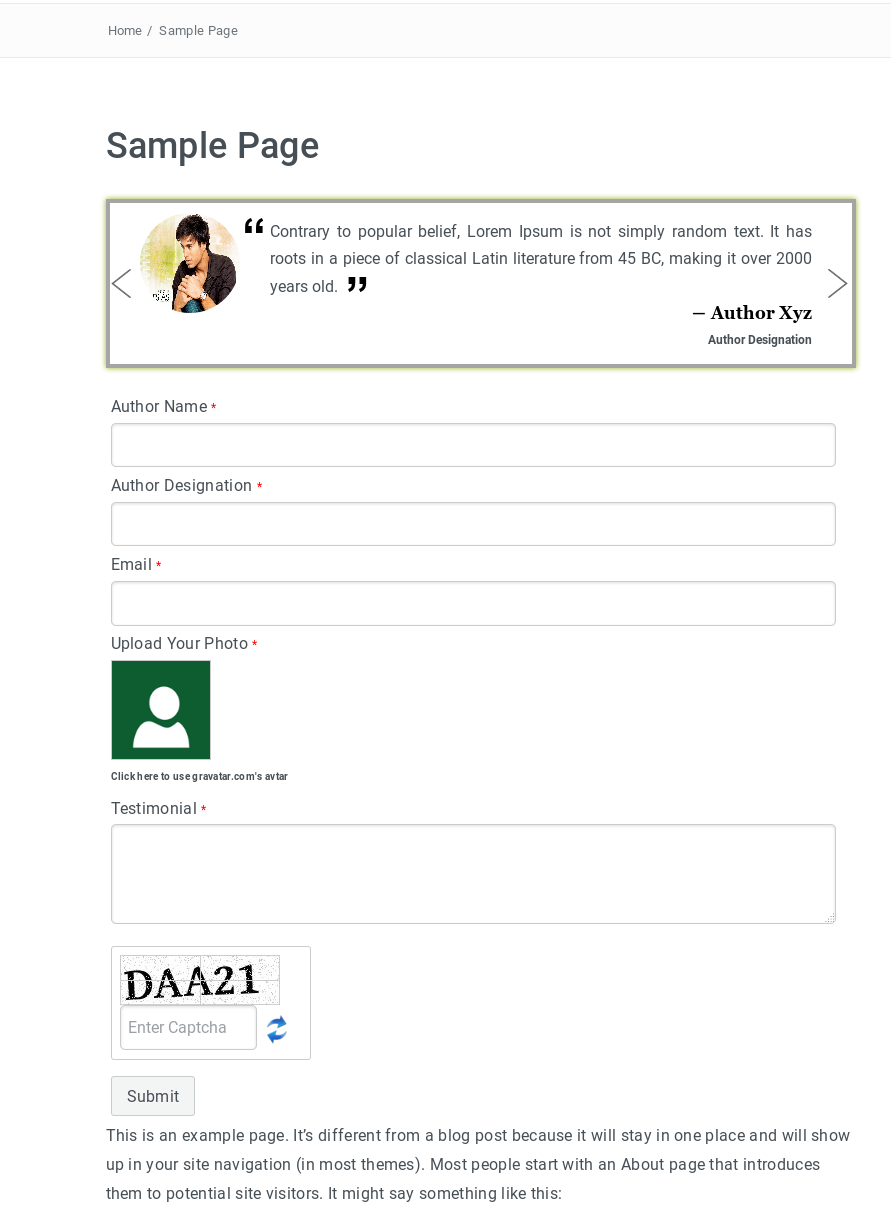
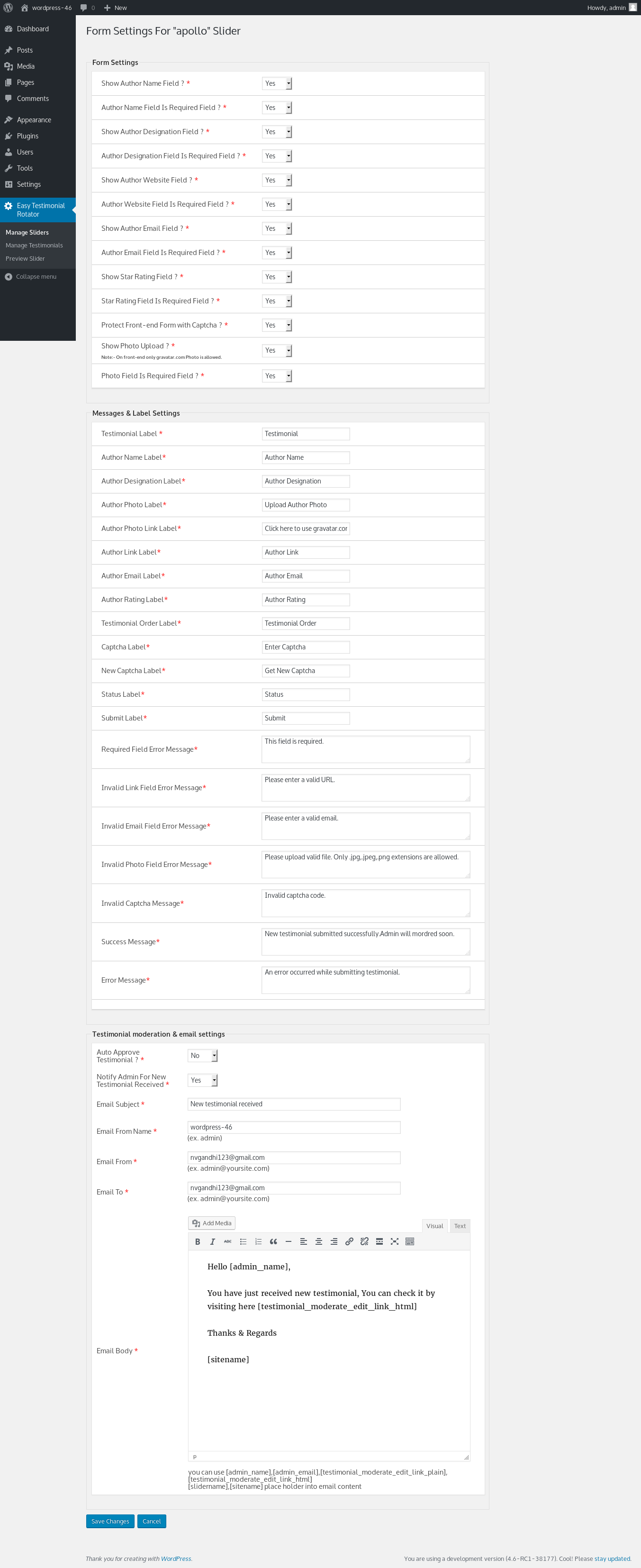
Testimonial submission form — let visitors submit testimonials from the frontend
Captcha protection — protect your form from spam
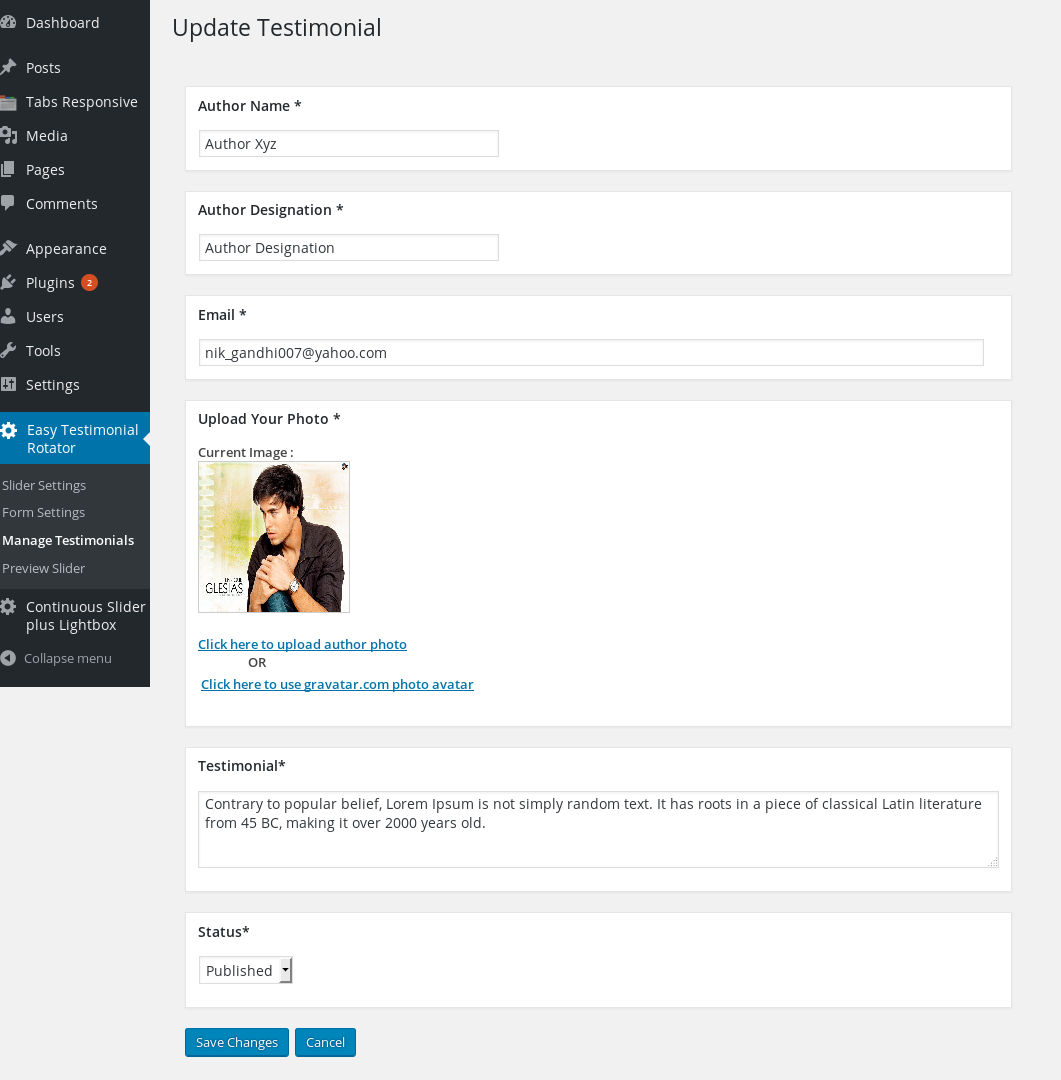
Photo upload — visitors can upload their photo with their testimonial
Gravatar support — pull photos automatically from Gravatar
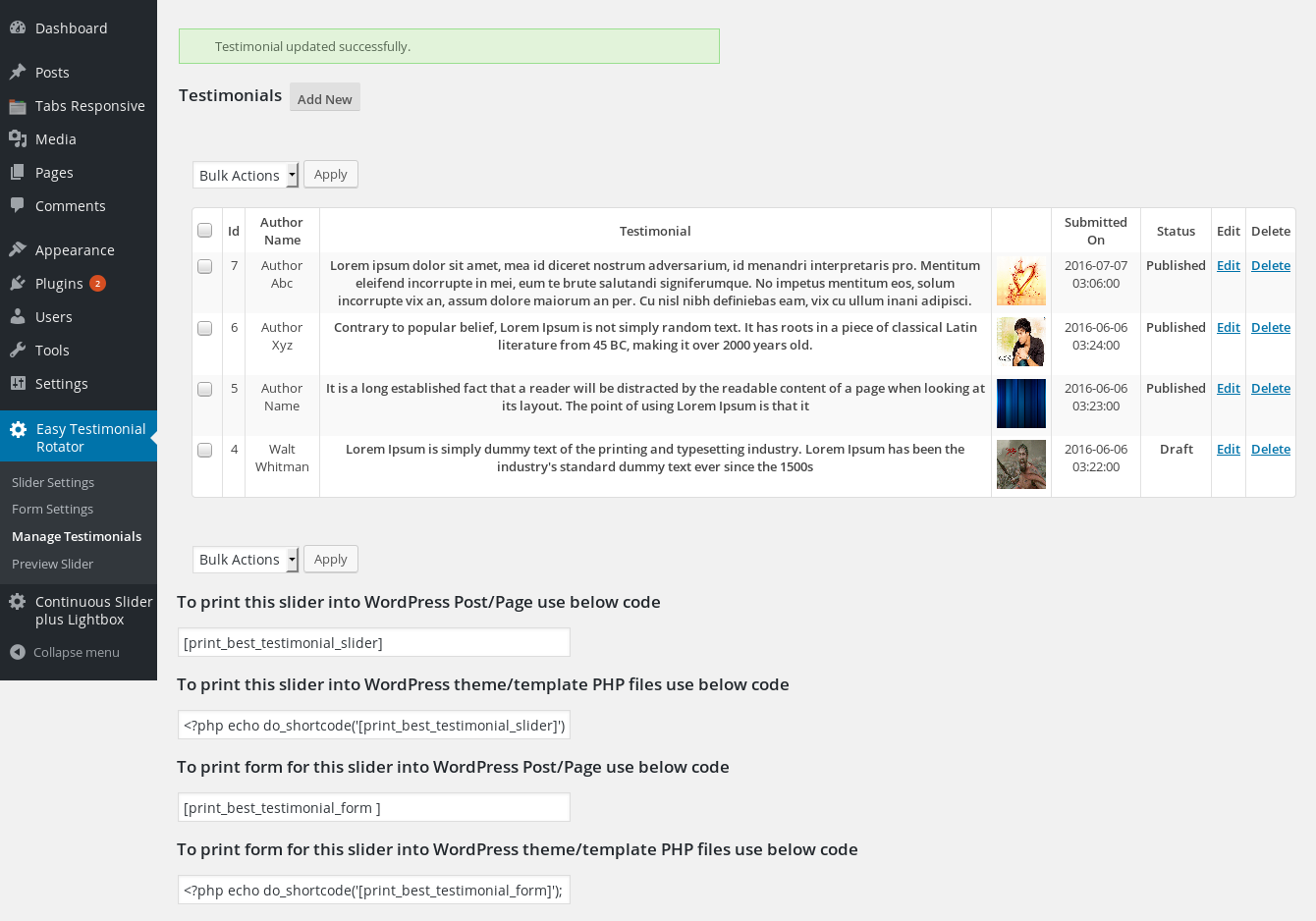
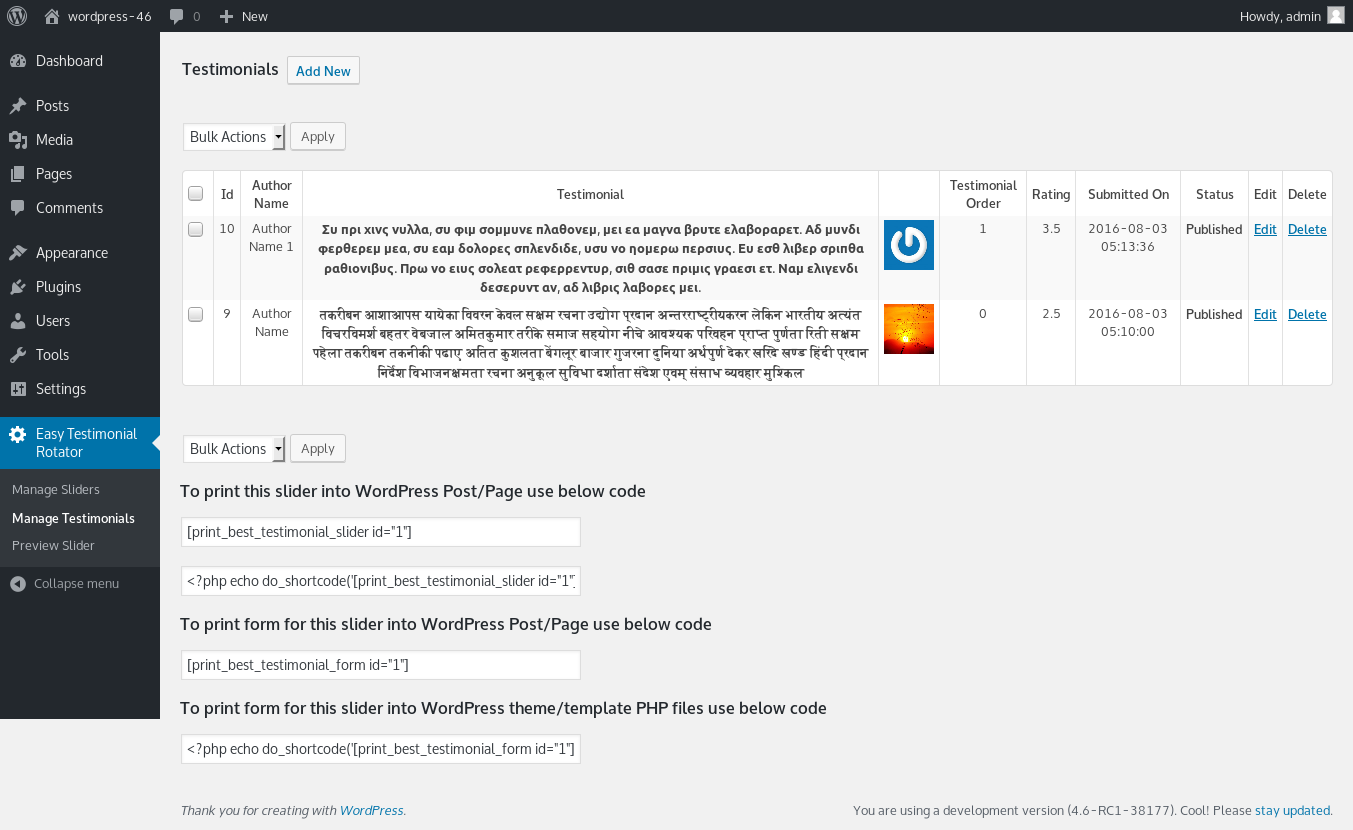
Admin moderation — approve or reject submissions before they go live
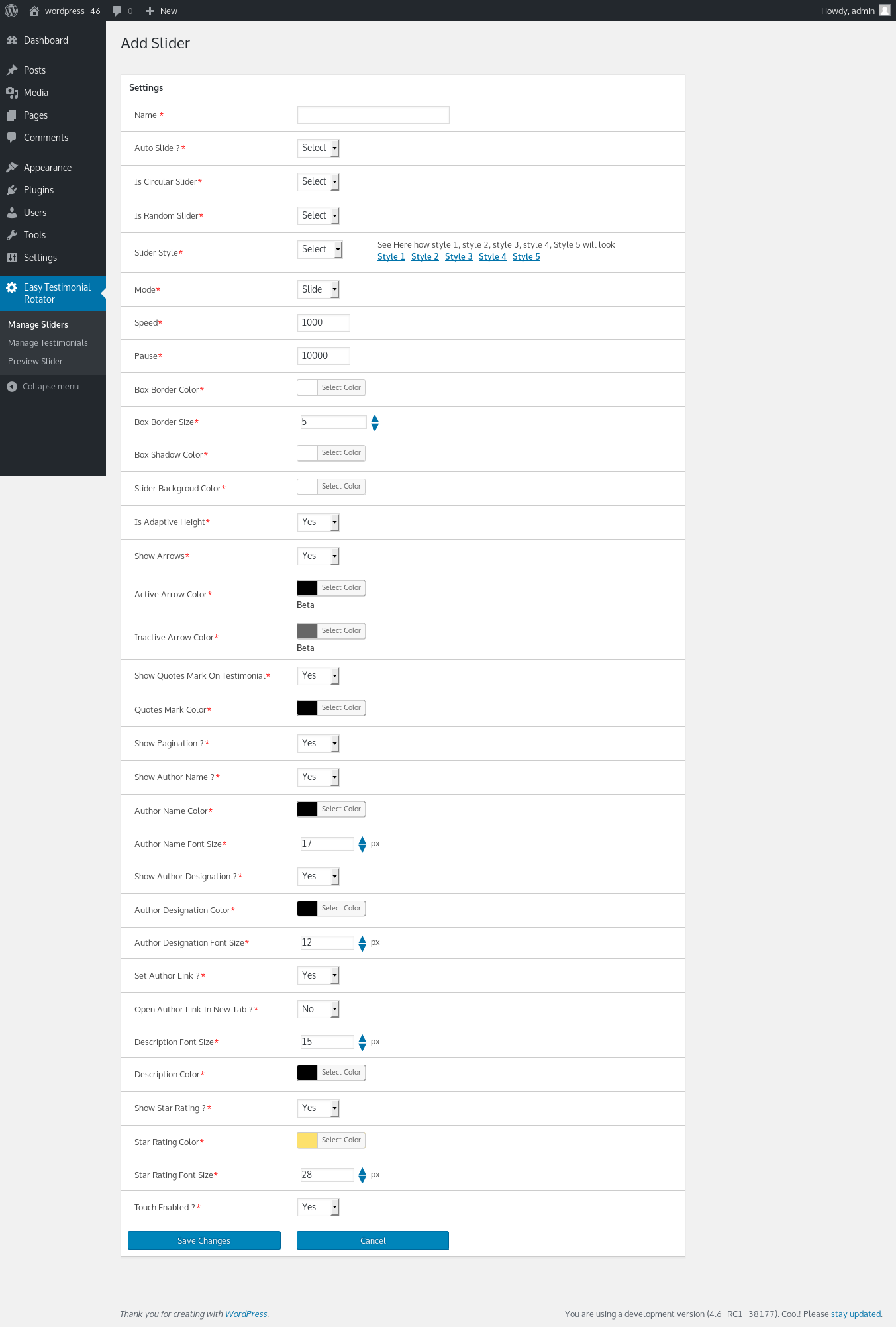
Auto-slide — automatically rotate through testimonials
Responsive — looks great on mobile, tablet and desktop
Shortcodes — [print_best_testimonial_slider] and [print_best_testimonial_form]
Customisable labels — change every field label to any language
Email notification — get notified when a new testimonial is submitted
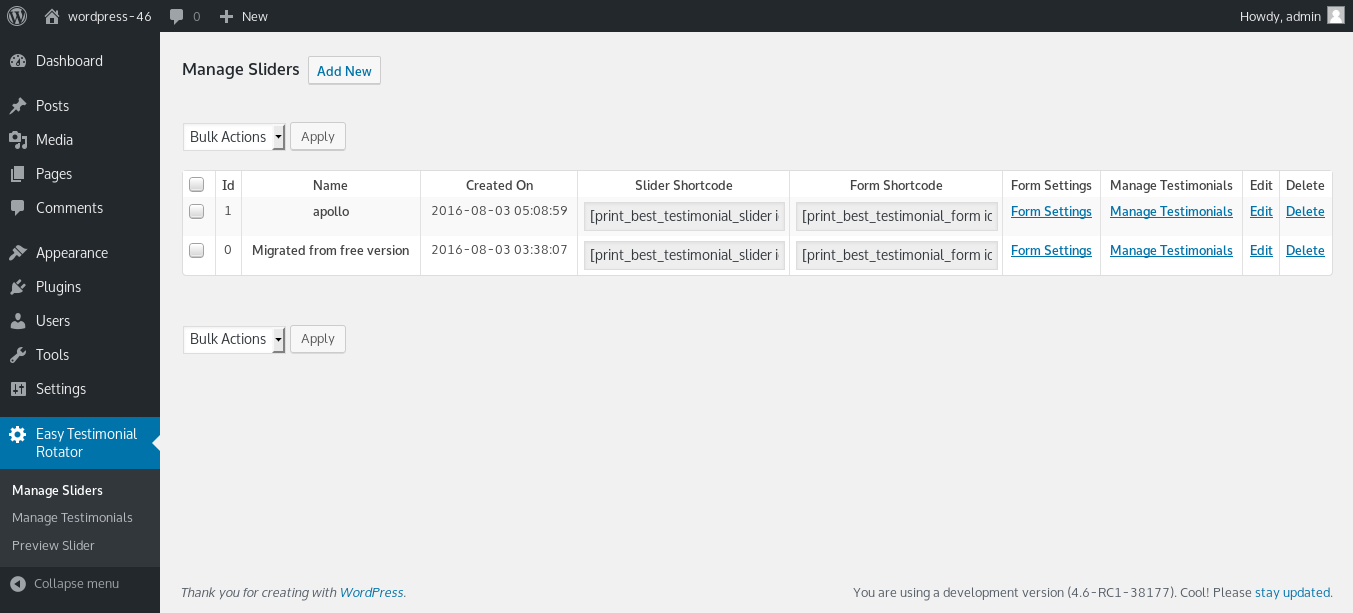
Unlimited sliders — free version supports 1 slider
5 beautiful slider styles — choose the perfect look for your brand
Testimonial Grid layout — display testimonials as a responsive grid with pagination. Use the [testimonial_grid] shortcode or the dedicated Gutenberg block. Choose 1–4 columns, set card height and excerpt length
Star ratings — let visitors rate with 1–5 stars
Custom arrow and quote colors — match your brand exactly
Custom font sizes and colors — full control over text appearance
Fade transition — smooth fade instead of slide
Random order — show testimonials in random order
Author link — link author name to their website
Auto-approve — publish submissions instantly without review
Bulk approve/reject — manage many submissions at once
Multiple forms — different form settings per slider
Schema markup — Google Rich Snippets for star ratings in search results
CSV Import/Export — backup and restore all testimonials as a CSV file
Yes! The plugin includes dedicated Gutenberg blocks. Search for “Testimonial Slider” or “Testimonial Form” in the block inserter.
Can visitors submit their own testimonials?
Yes — enable the submission form with [print_best_testimonial_form] shortcode or the Form block. All submissions go to pending status for your review.
Can I protect the form from spam?
Yes — enable the captcha option in the form settings.
Can I display testimonials in a grid layout?
The slider layout is included in the free version. A responsive grid layout with pagination, multiple columns and card height control is available in the Pro version via the [testimonial_grid] shortcode and the Testimonial Grid block.
Can I have multiple sliders on different pages?
The free version includes 1 slider. Upgrade to Pro for unlimited sliders.
How do I change field labels for my language?
Go to the form settings page and customise every label and message — no translation file needed.
Does it work with page builders?
Yes — use the shortcode in any page builder that supports shortcodes, including Elementor, Beaver Builder and Divi.
Is there a Pro version?
Yes — Easy Testimonial Slider Pro adds 5 styles, star ratings, grid layout, unlimited sliders, custom colors, schema markup, CSV import/export and more.