A collection of custom Gutenberg blocks developed with native components to showcase client testimonials.
How do I add testimonials to my WordPress site?
Open a page or post in the block editor and insert the Testimonial Grid or Testimonial Carousel block. For the grid, choose a ready-made design or start blank; the carousel starts with sample testimonials. Then fill in the text, reviewer details and rating. Add more testimonials with the block appender. You can also create a complete testimonials page in one click from Settings → Testimonial Blocks → Designs.
Is Easy Testimonial Blocks free?
Yes. The plugin is 100% free and open source under the GPL.
Will it slow down my website?
No. Grids output no JavaScript, and the carousel adds only a tiny script (about 1 KB gzipped) on pages that use it. CSS loads only on pages that contain a testimonial block, and reviewer photos use responsive image sizes with lazy loading.
Can I show star ratings with each testimonial?
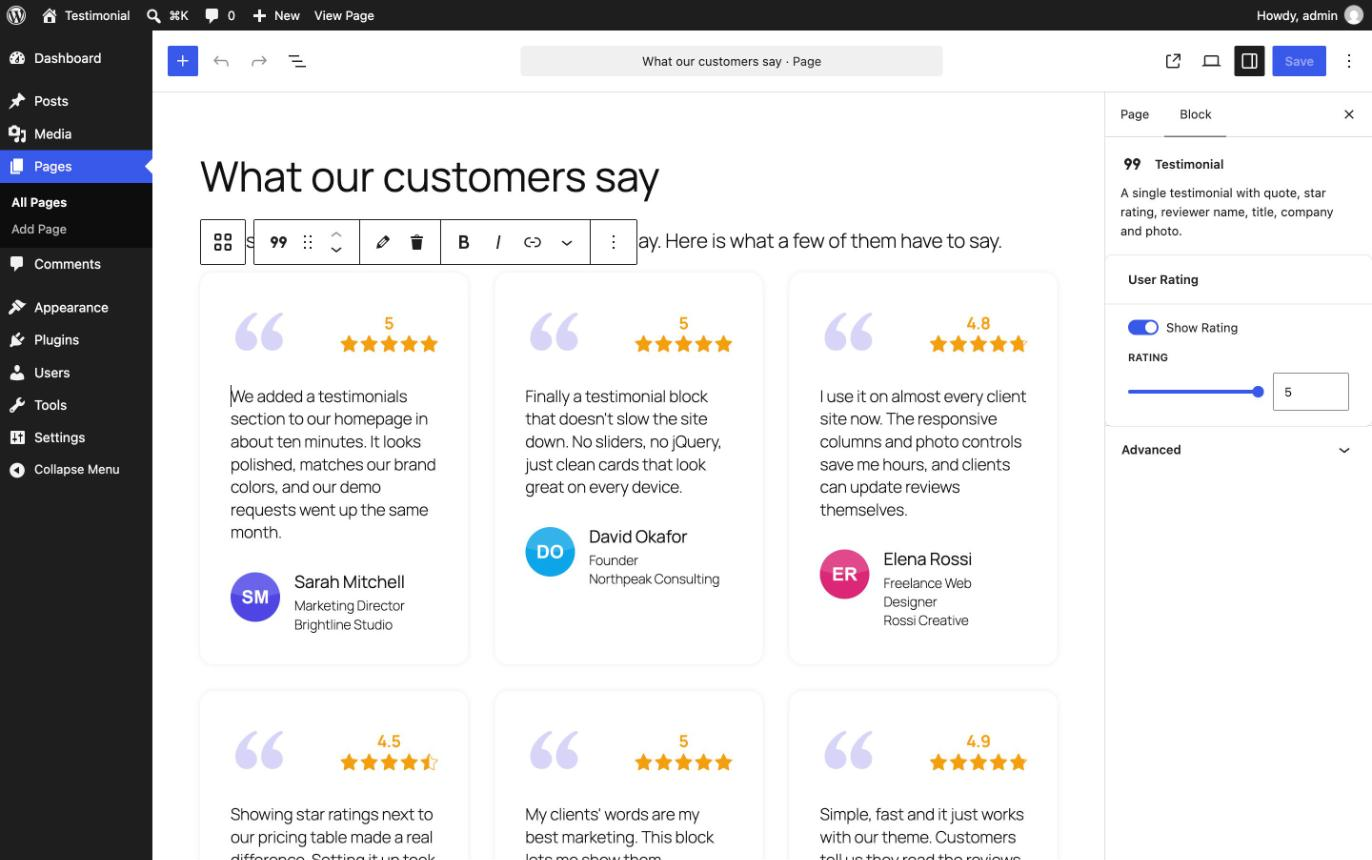
Yes. Every testimonial has a rating from 0 to 5, including decimal values such as 4.5. Stars are drawn as SVG, so they stay sharp on every screen. You can also show the number next to the stars or hide the rating.
Can I change the number of columns on mobile?
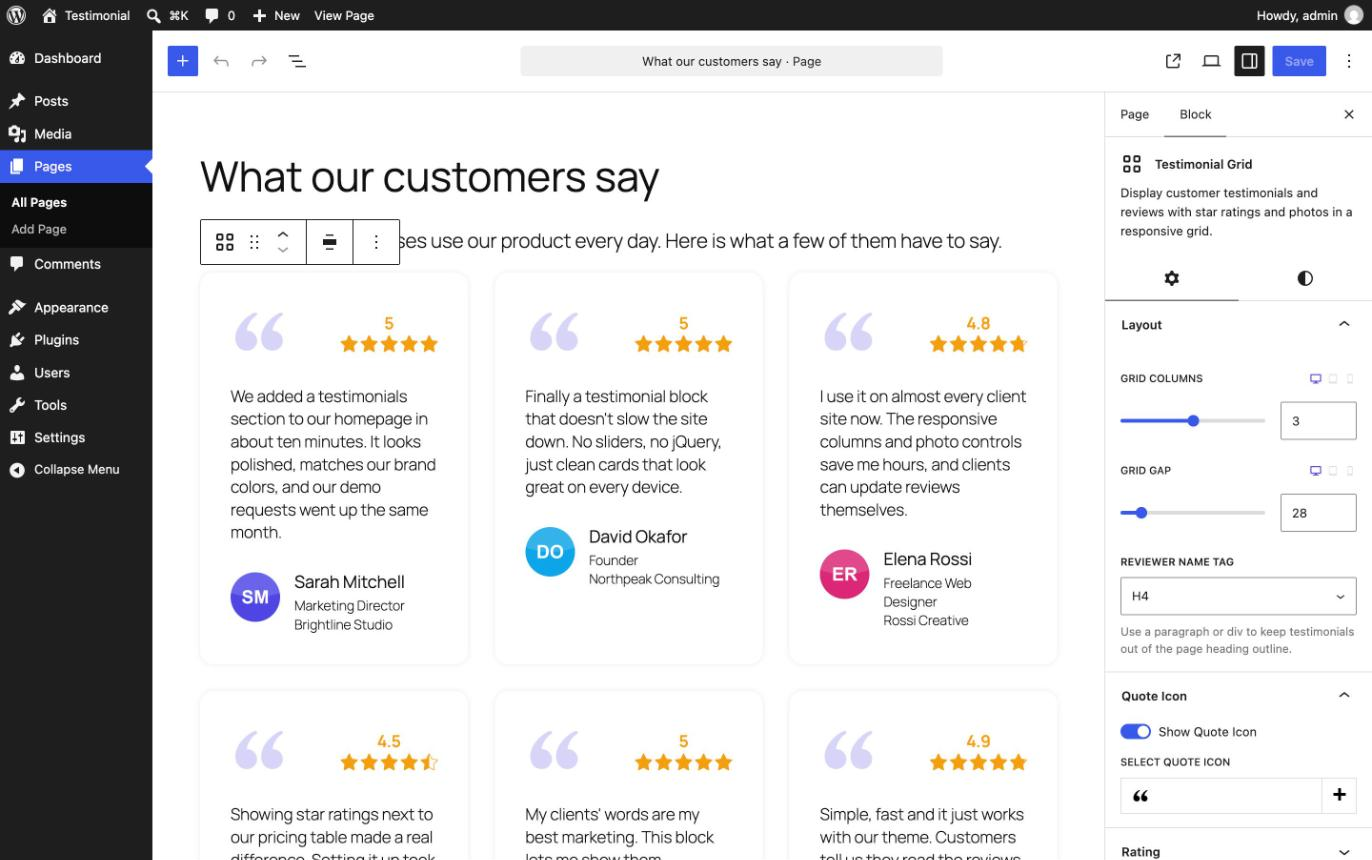
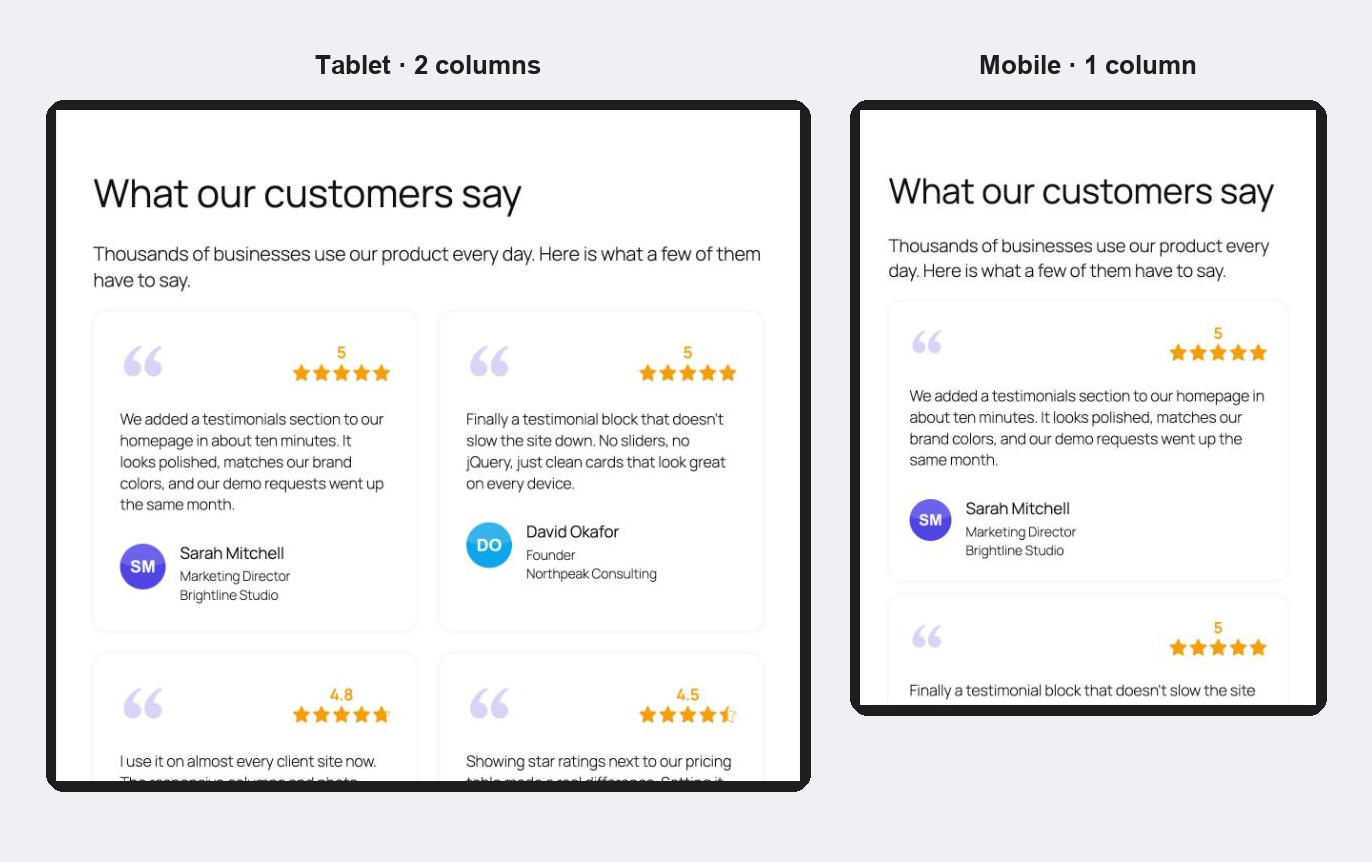
Yes. Columns, gaps, font sizes, icon sizes, photo sizes and padding can each be set separately for desktop, tablet and mobile.
Does it work with block themes and full site editing?
Yes. You can use the testimonial block in posts, pages, templates, template parts and block-based widget areas, with both block themes and classic themes.
Are there ready-made testimonial designs?
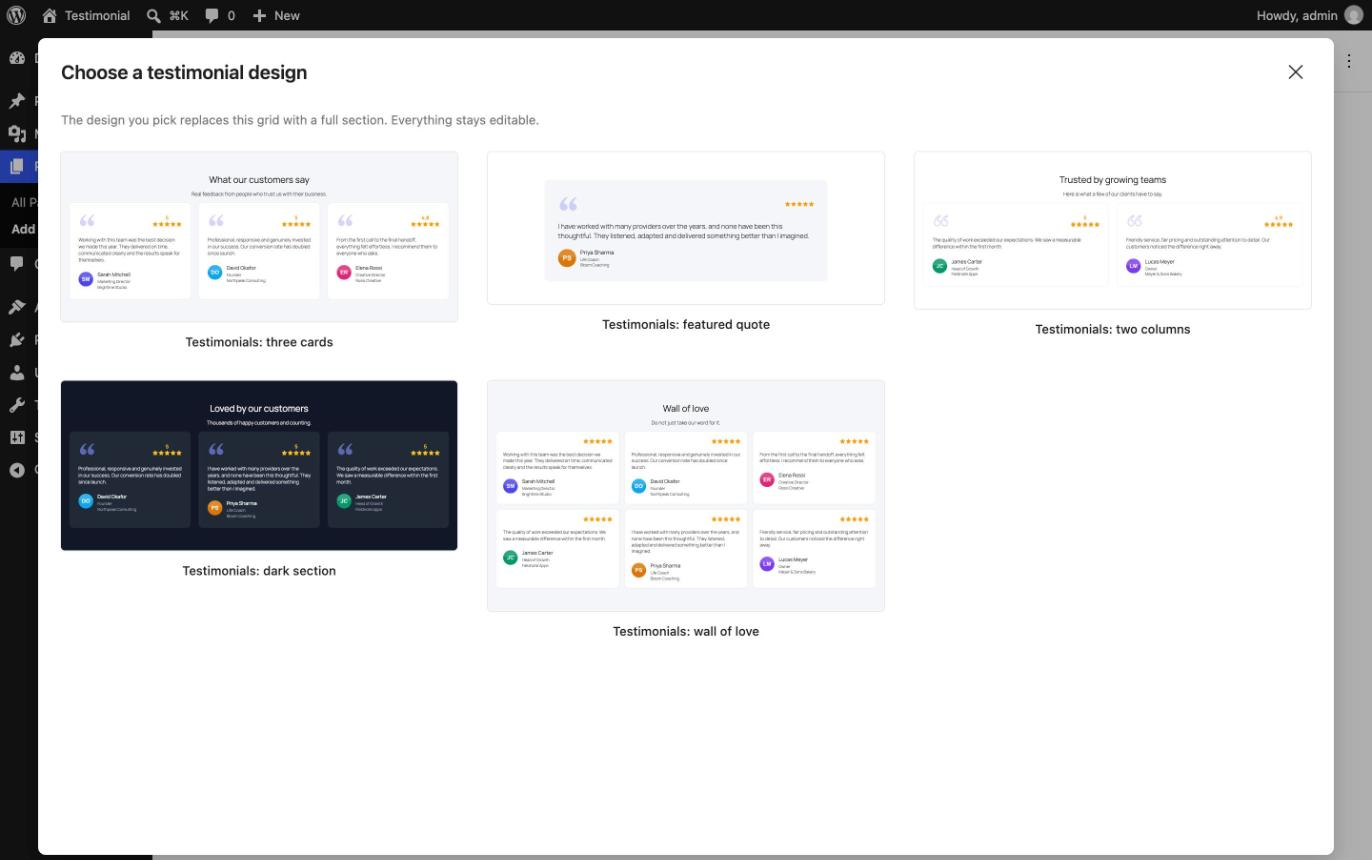
Yes. When you insert the Testimonial Grid block, click Choose a design to pick one visually. You can also open Patterns → Testimonials in the block inserter. There are 13 sections: three cards, featured quote, two columns, dark section, wall of love, spotlight, speech bubbles, aurora gradient, frosted glass, accent stripe, editorial, side by side and minimal. Every pattern is fully editable, so replace the sample text, photos and ratings with your own.
Can I change how the testimonial cards look?
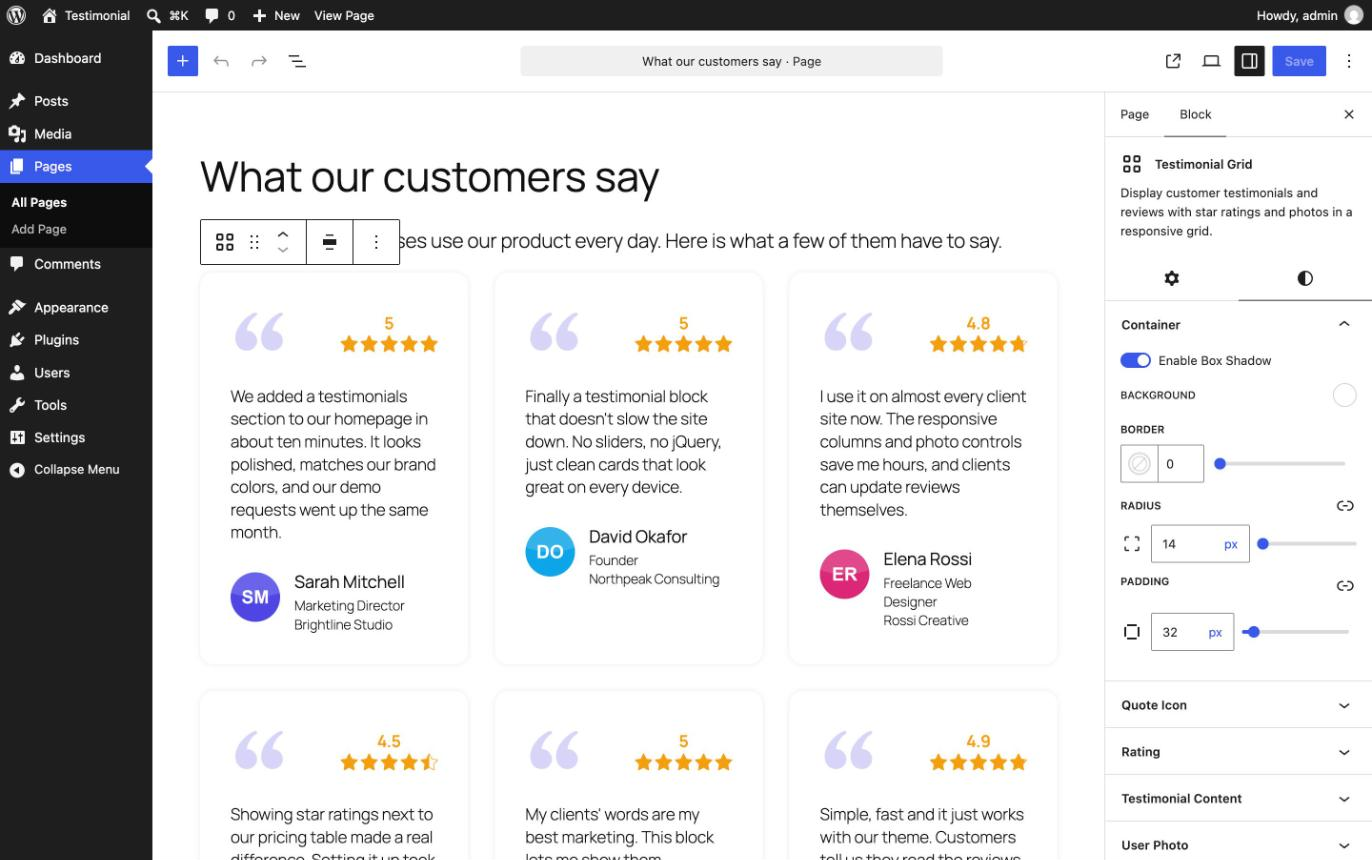
Yes. Select the Testimonial Grid and open the Design panel in the block sidebar. Choose one of 13 card designs from the thumbnails, pick an accent color, add a hover effect (Lift, Grow, Glow, Highlight border or Focus) and a custom shadow for the normal and hover states. Every color, size and spacing value a design sets can be fine-tuned in the Styles tab.
Do I need to know how to code?
No. Every option is in the block sidebar, under the Settings and Styles tabs.
Can I add a photo or avatar for each reviewer?
Yes. Upload or choose a photo from the Media Library for each testimonial. You can set the photo size, border and border radius, for example to make round avatars.
Can I show testimonials in a slider or carousel?
Yes. Insert the Testimonial Carousel block. Set how many testimonials show at once on desktop, tablet and mobile, and choose arrows (below, at the sides or on top), dots, loop and autoplay. Autoplay pauses on hover and keyboard focus and stays off for visitors who prefer reduced motion, and you can add a pause button. All 13 card designs work in the carousel.
Can I import Google reviews?
Not yet. You add testimonials by hand inside the block. Importing reviews and more testimonial features are planned. Suggestions are welcome in the support forum.
Is the plugin translation ready?
Yes. All strings can be translated through translate.wordpress.org, and right-to-left languages are supported.
Which WordPress and PHP versions are required?
WordPress 6.5 or higher and PHP 7.0 or higher.