Choose right WordPress plugin from thousands others in a moment
Easy Replace Image
This plugin allows you to replace an attachment file by uploading another image or by downloading one from a specified URL, without deleting the attac …
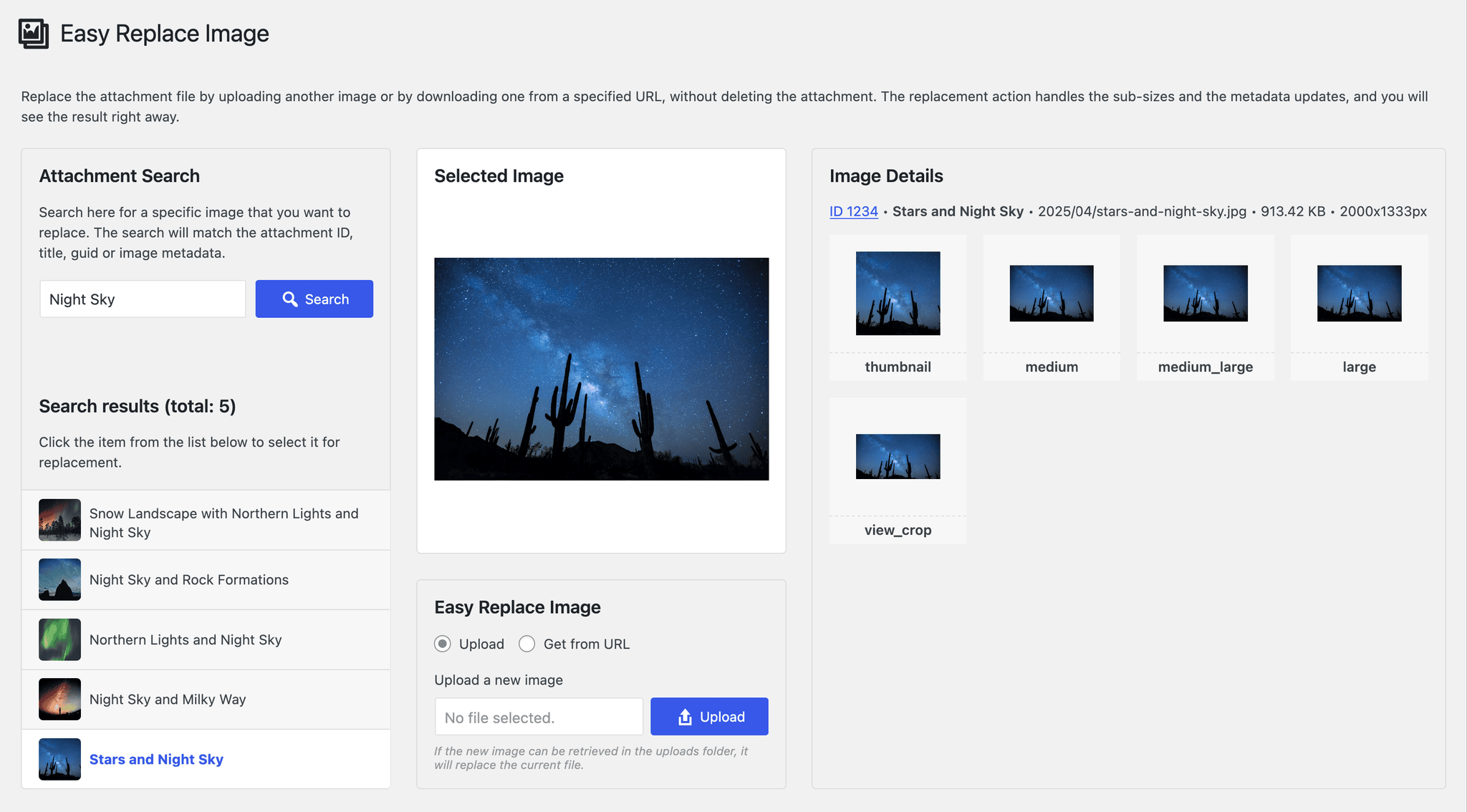
This plugin allows you to replace an attachment file by uploading another image or by downloading one from a specified URL, without deleting the attachment. The plugin handles the sub-sizes generation and the attachment metadata update, and you will see the result right away.
Demo
License
This program is distributed in the hope that it will be useful, but WITHOUT ANY WARRANTY; without even the implied warranty of MERCHANTABILITY or FITNESS FOR A PARTICULAR PURPOSE.
Easy Replace Image general page where you can search for a specific image, select it and then perform the replace of the file either by uploading another one, or by downloading one from a URL of your choise.
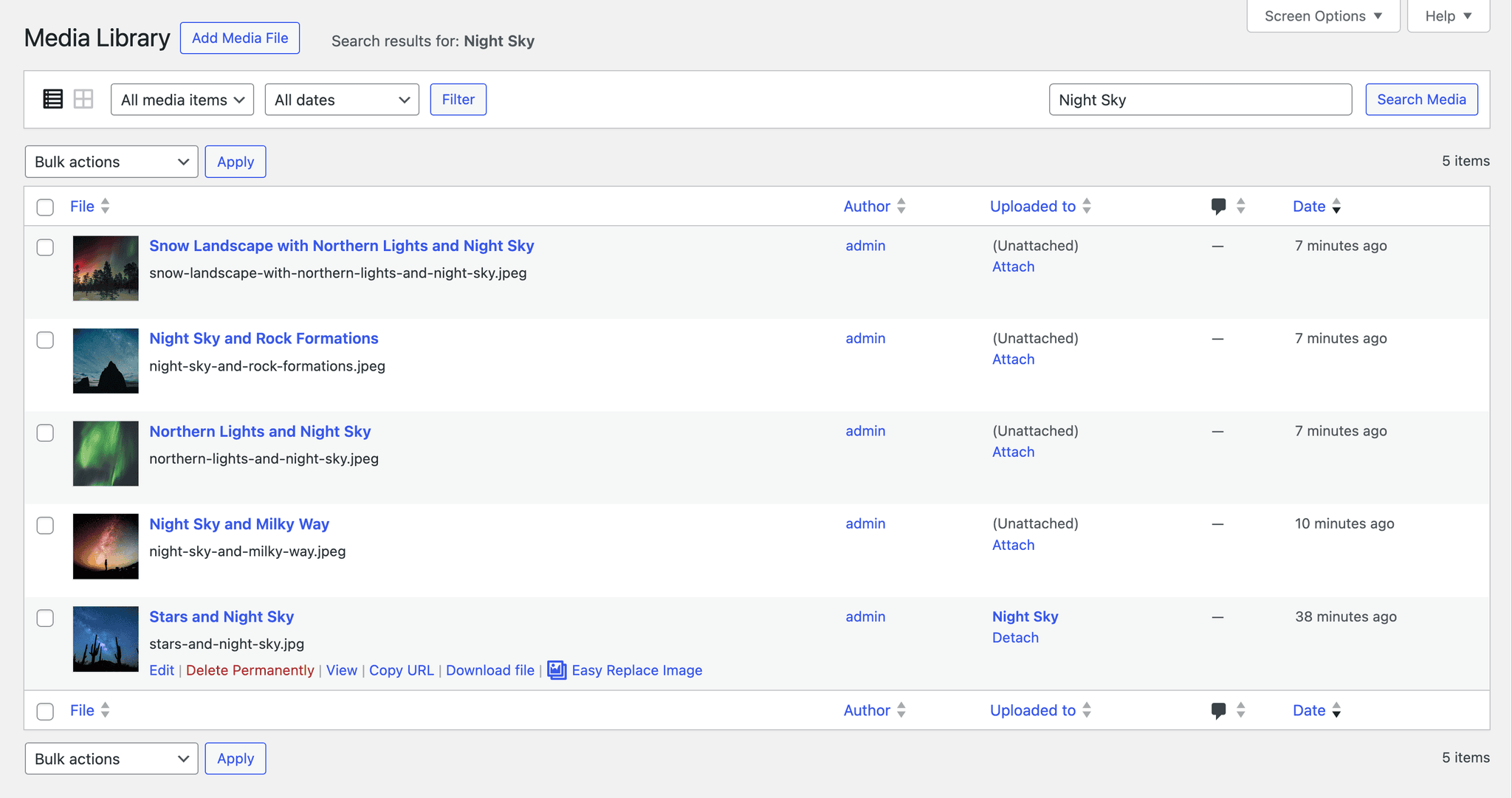
Easy Replace Image direct link for the images in the Media screen, for easy access to the replace feature.
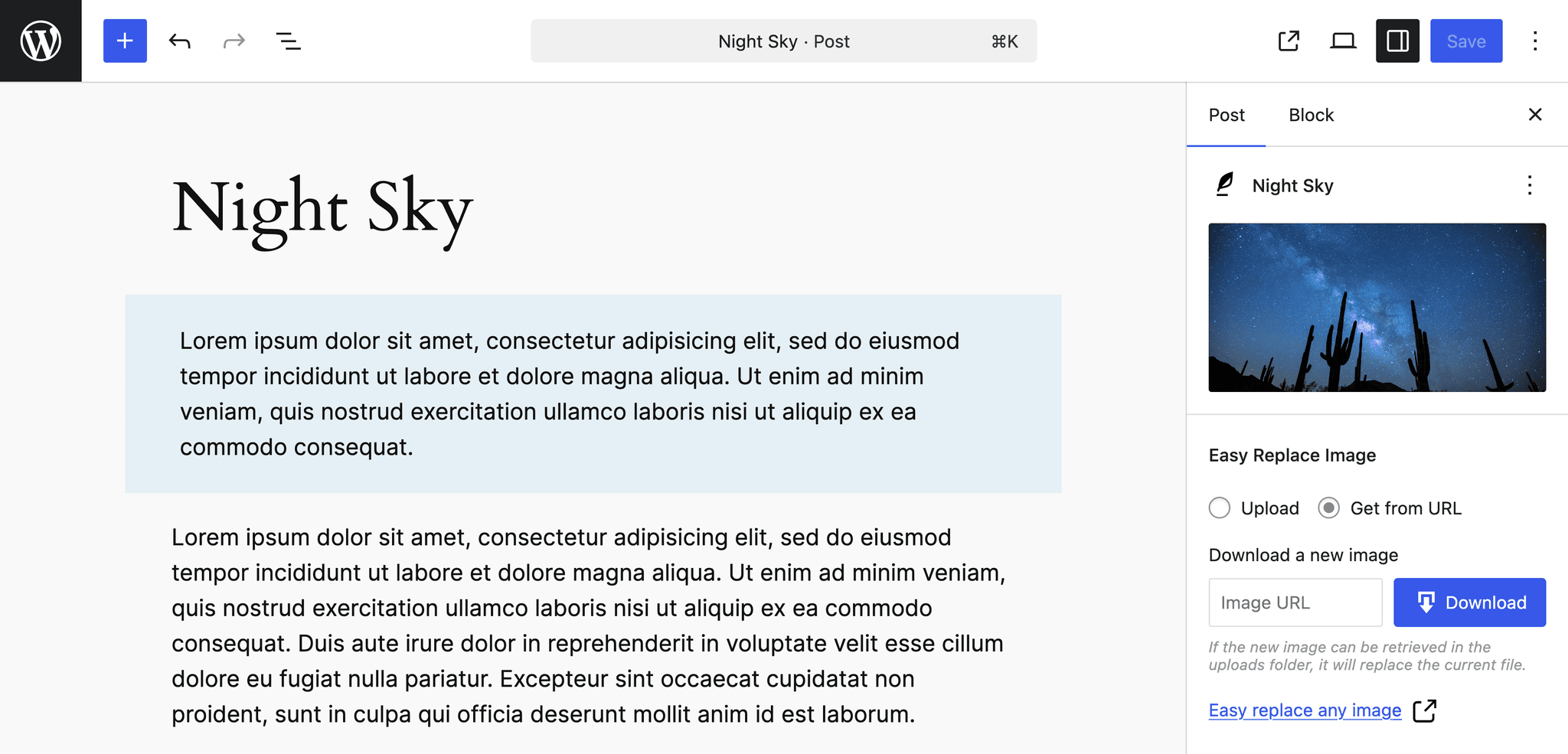
Easy Replace Image feature on the post pages, under the Featured image that is selected.
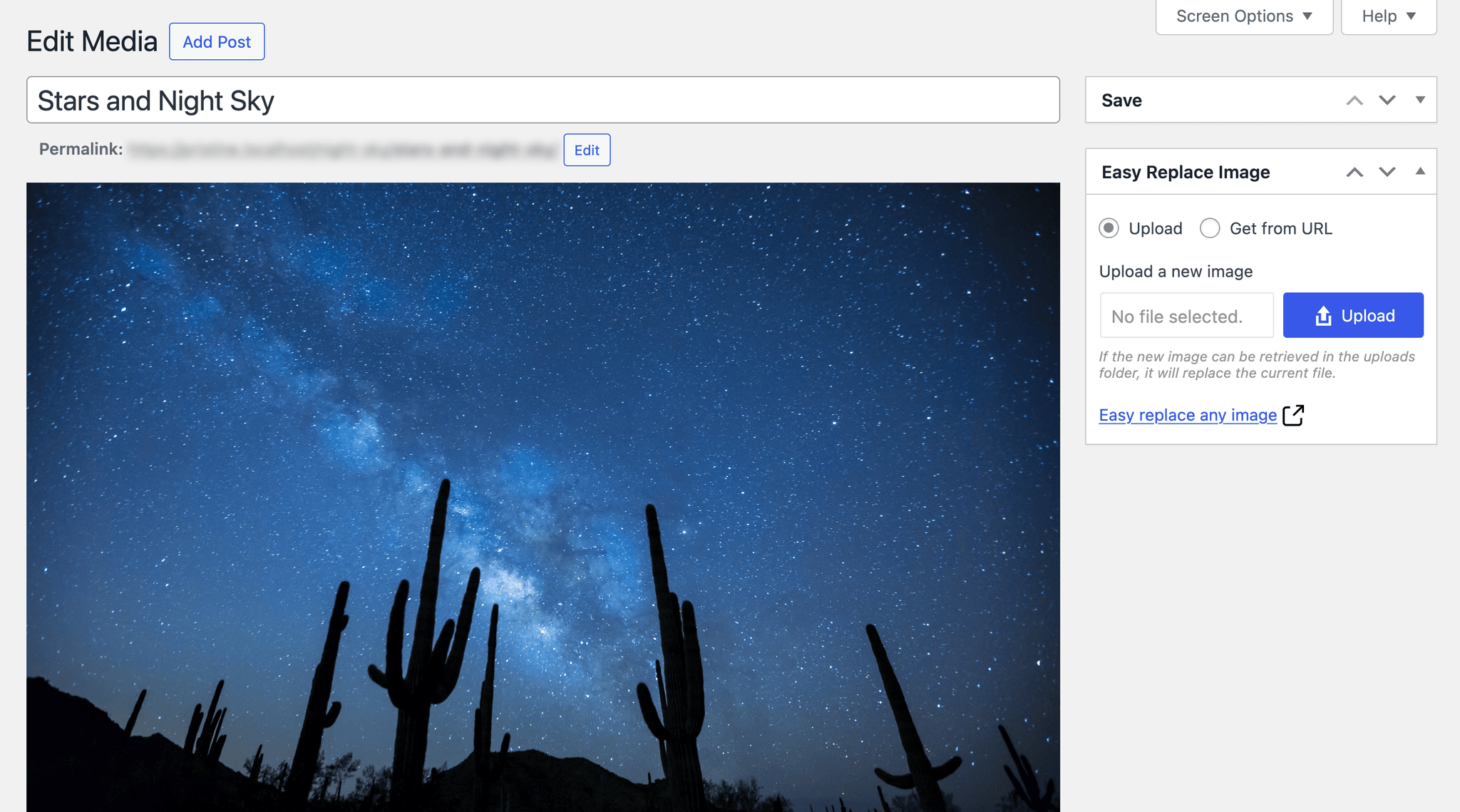
Easy Replace Image feature on the attachment page.
Yes, with another SVG file. The replacement keeps the same file name and URL, so an SVG cannot be replaced with a raster image (or the other way around). The SVG files that contain scripts, event handlers or embedded external content are refused. You can adjust this check with the easy_replace_image/svg_is_safe filter.
PHP 8.5 compatibility checks (the image size functions detect the SVG files natively)
Adds support for replacing the SVG images (an SVG is replaced only with another SVG, and a raster image only with another raster image)
The SVG files are validated before the replacement, the ones with scripts, event handlers or embedded external content are refused (filter easy_replace_image/svg_is_safe available for a custom sanitization)
The replace action is available in the Media screen for the SVG files too
Fixes the previews that were not refreshed after the replacement: block editor featured image, editor canvas, product gallery and other thumbnails of the same file
Refreshes the file size and the dimensions on the attachment edit screen after the replacement
Shows an error message when the replacement fails, and fixes the upload error check
Updates the dependencies and the build setup
See the changelog for detailed information on changes made in the earlier versions.