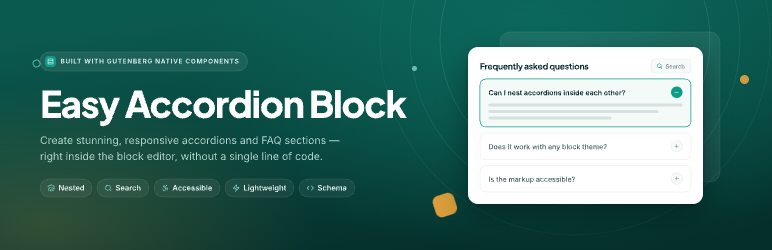
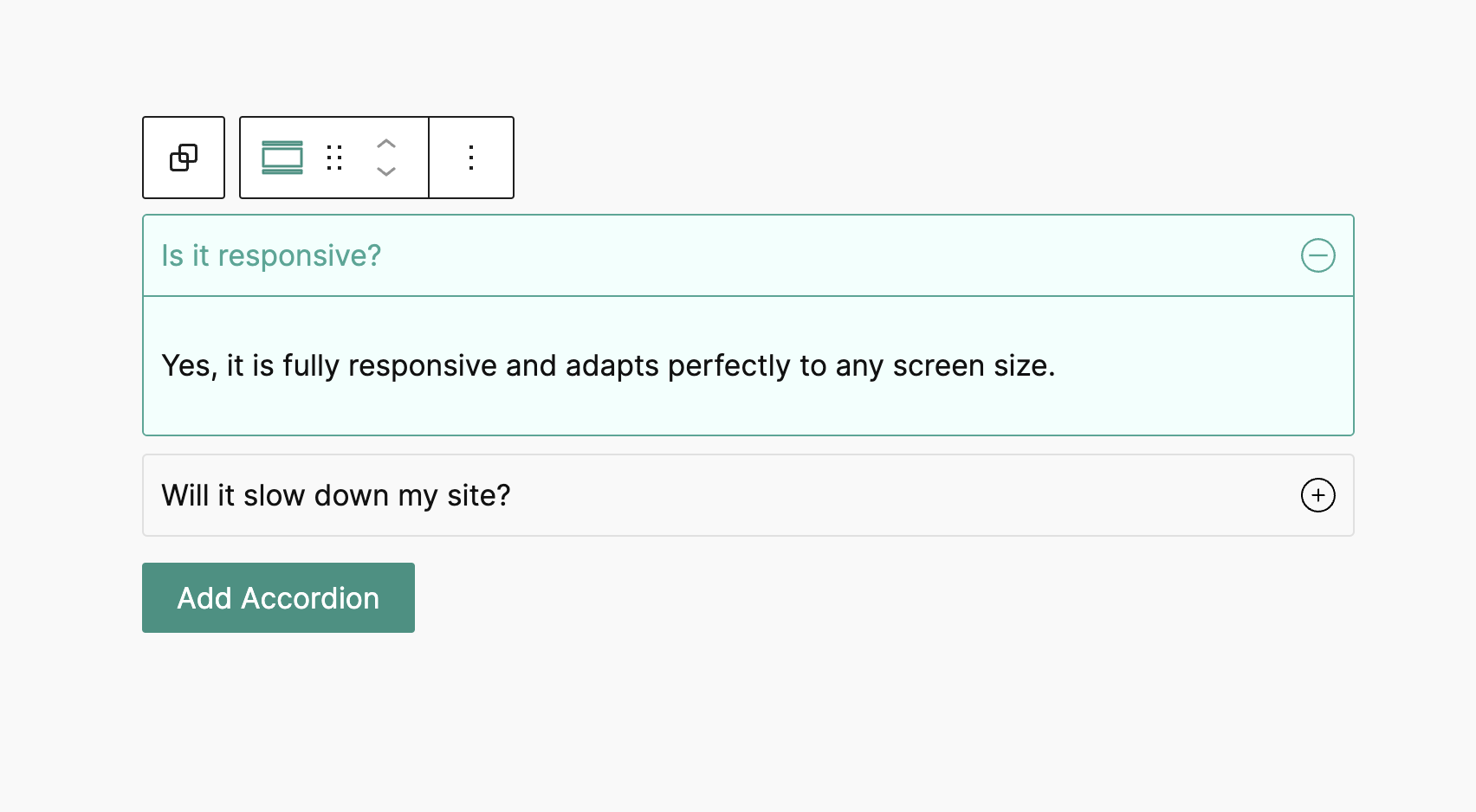
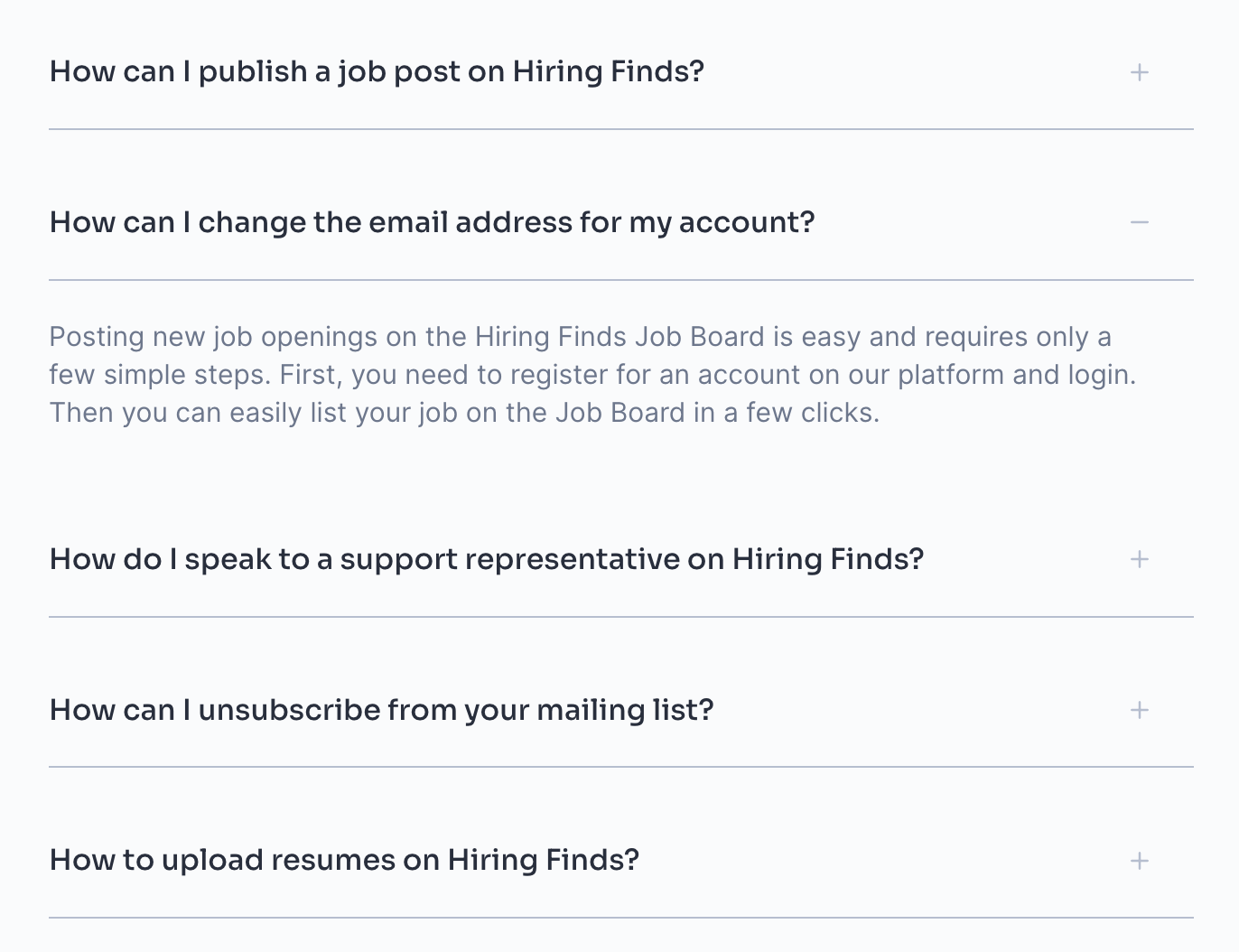
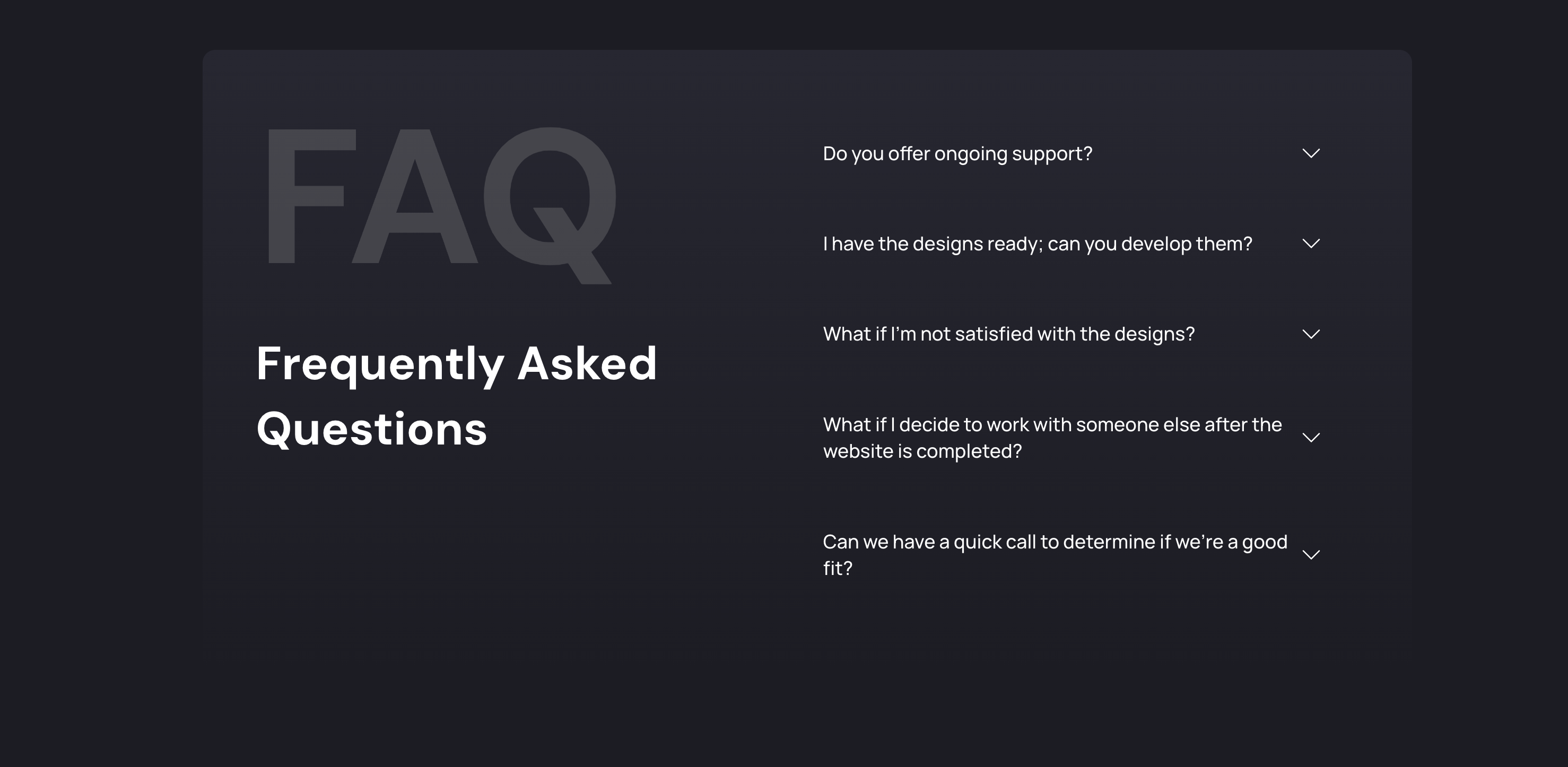
Easy Accordion Block adds a native accordion block to the WordPress block editor, so you can build FAQ sections, product specifications, documentation, and collapsible content in minutes — without shortcodes, without a page builder, and without touching a line of code.
It is built entirely with Gutenberg’s own components, so the controls feel like the rest of the editor and the output matches your theme automatically.
Truly native – built with Gutenberg components, not a wrapper around an old jQuery plugin.
Loads only where it is used – block assets are enqueued on the pages that actually contain an accordion.
Accessible by default – real ARIA roles, full keyboard support, and screen-reader-friendly panels.
Works with any theme – block themes, classic themes, and hybrid themes.
Any content inside – put images, videos, buttons, columns, or any other block inside a panel.
Accordion features
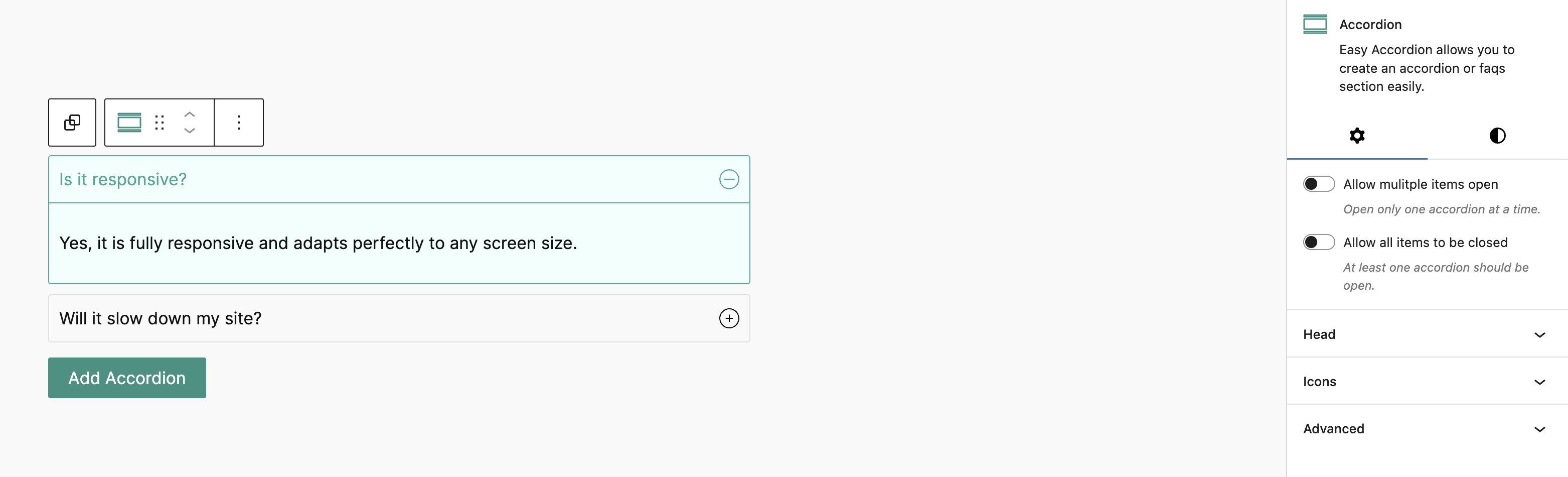
Single or multiple panels open – decide whether one item stays open or several can be expanded at once.
Allow all panels closed – let visitors collapse everything for a cleaner page.
Open on page load – mark any item to render already expanded.
Nested accordions – place an accordion inside a panel, with optional separate styling for the nested level.
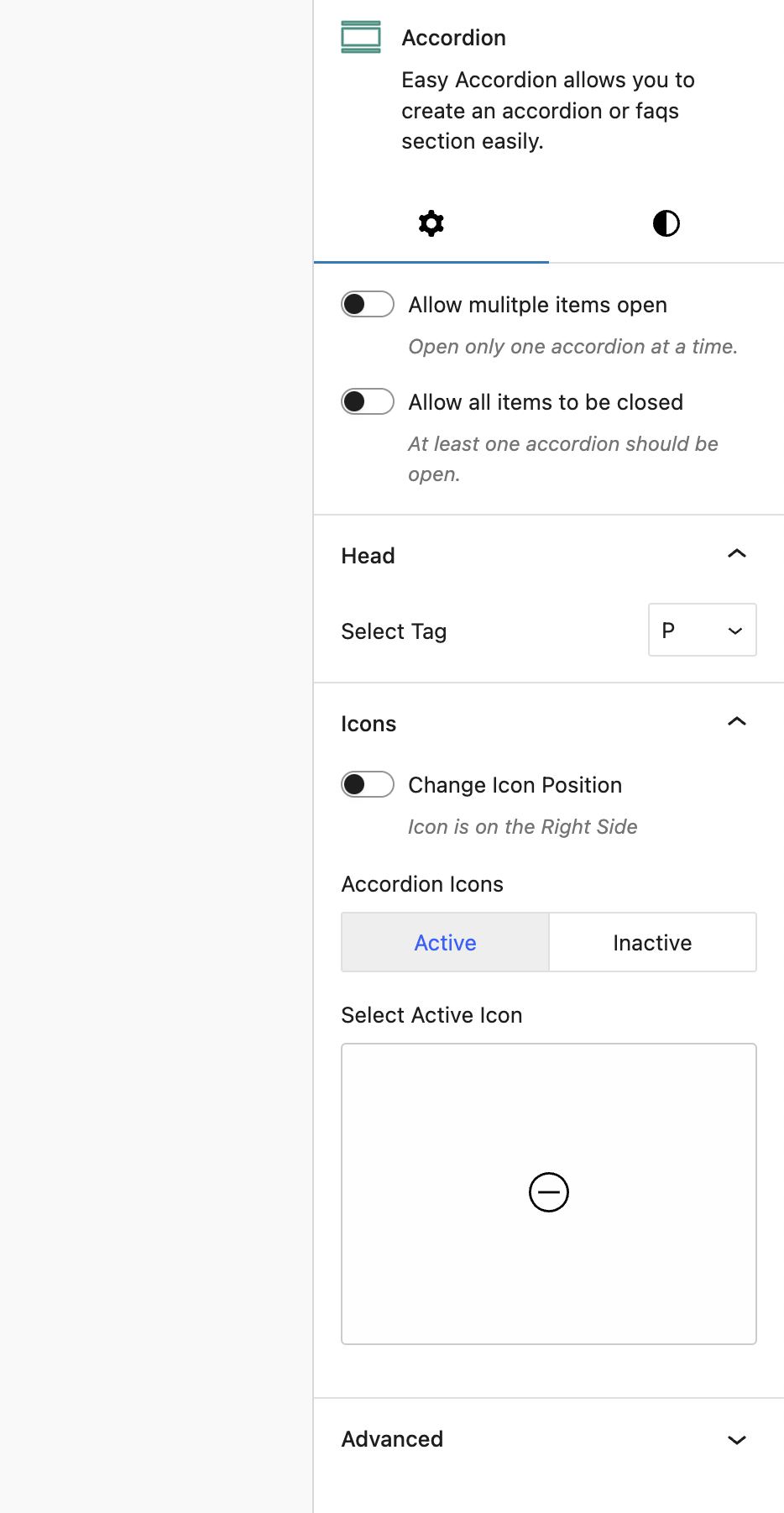
130+ built-in SVG icons – pick separate icons for the expanded and collapsed state, on the left or the right.
Heading icons – add an icon in front of any accordion title.
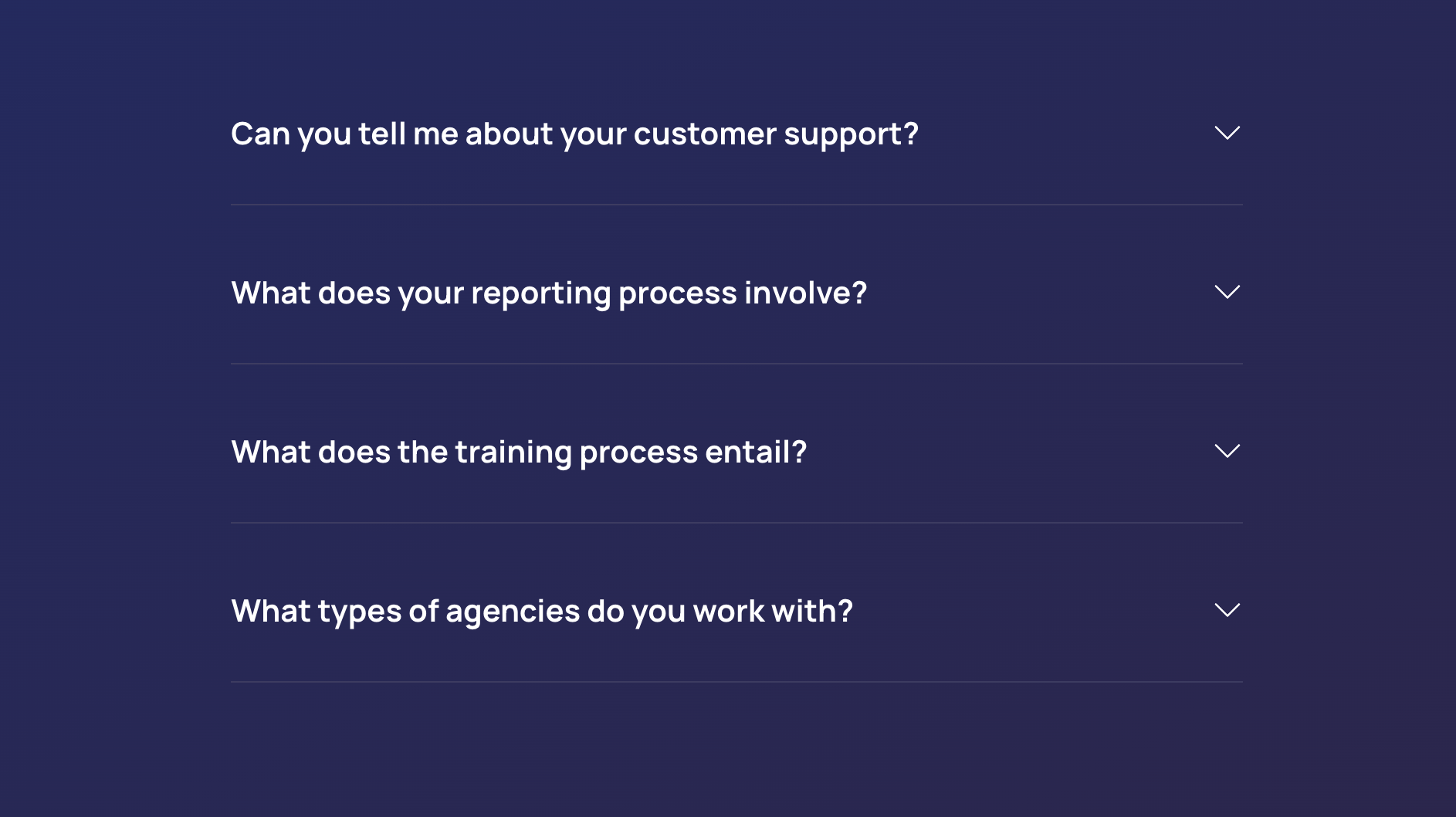
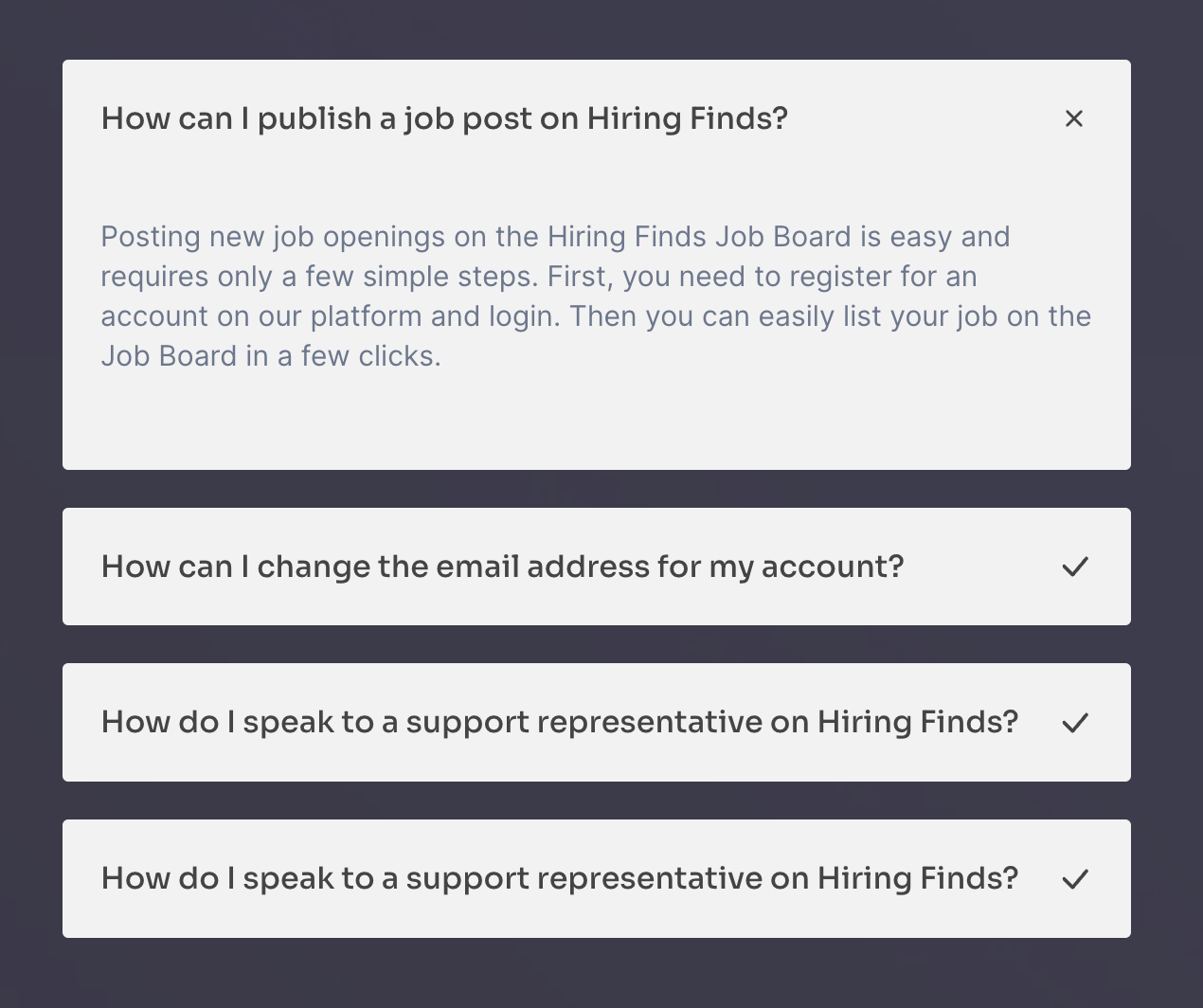
Premade patterns – start from a ready-made design and edit it, instead of building from scratch.
Design and styling
Full responsive control – separate desktop, tablet, and mobile values for spacing and sizing.
Normal, hover, and active states – style each state independently.
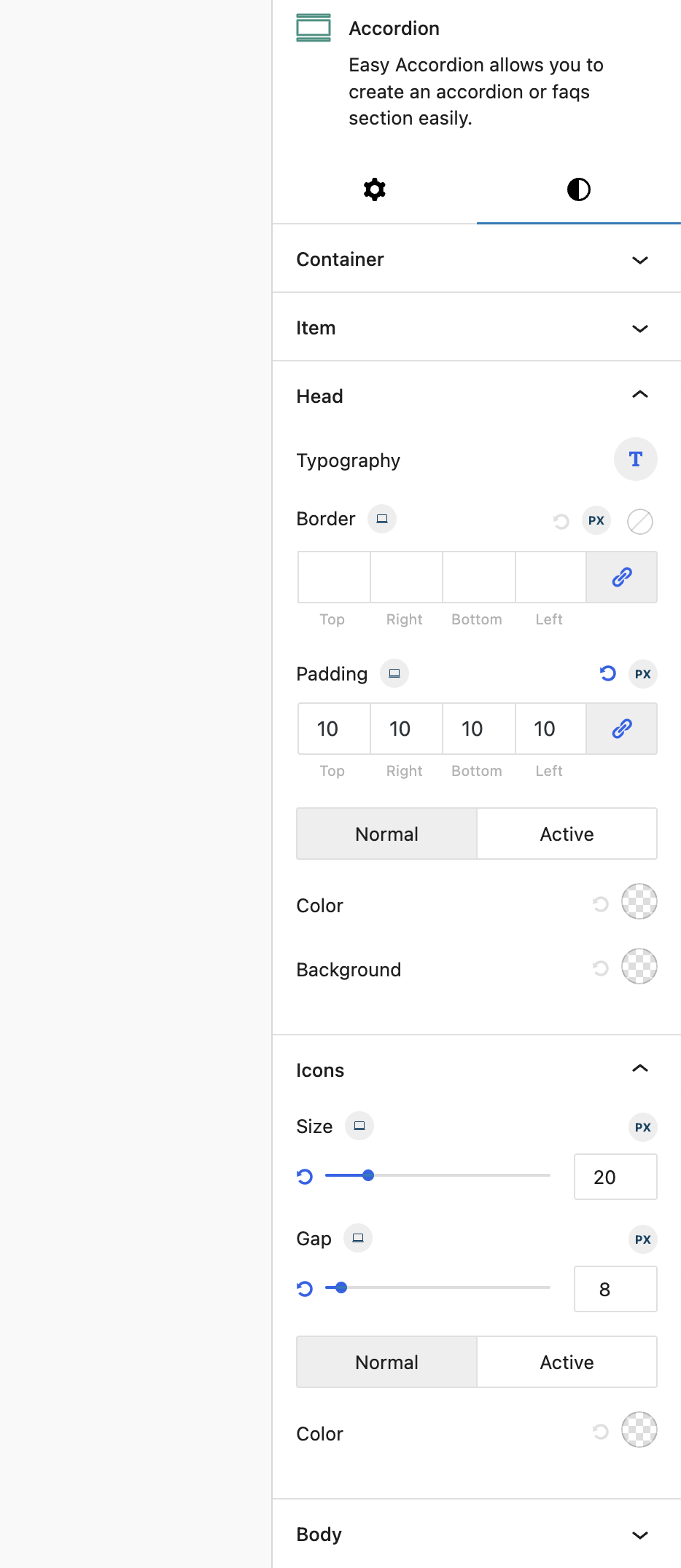
Typography – font family, weight, size, line height, letter spacing, transform, and decoration.
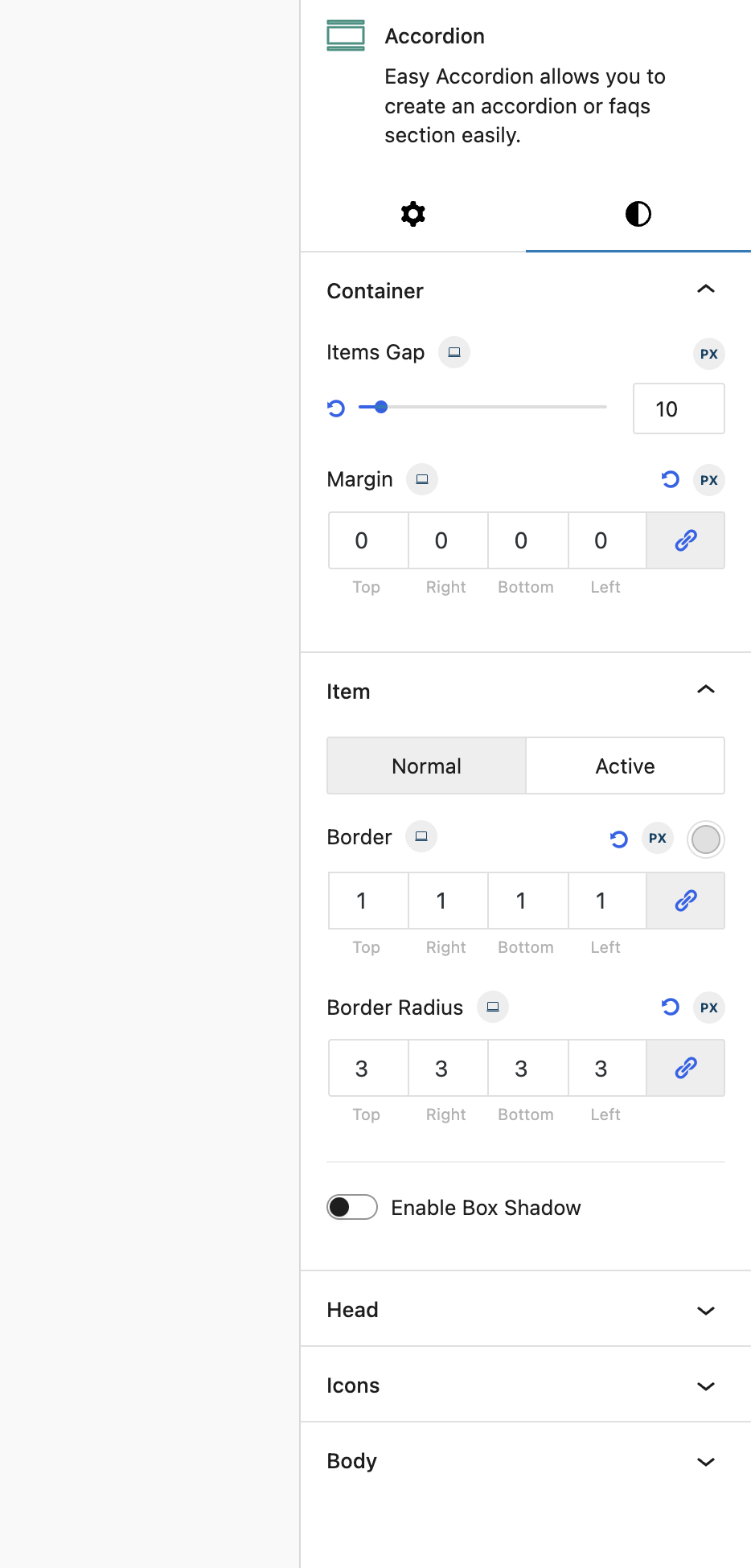
Borders, radius, padding, margin, box shadow – on the item, the header, and the panel.
Theme colour palette support – colours stay consistent with the rest of your site.
Accessibility
Accessibility is a feature here, not an afterthought:
Correct aria-expanded, aria-controls, and labelled panel regions.
Full keyboard operation — Enter, Space, Up, Down, Home, and End.
Unique, non-colliding IDs even with several accordions on the same page.
Respects the visitor’s reduced motion preference.
Panel content stays readable when JavaScript is unavailable, and expands automatically when the page is printed.
Privacy
Google Fonts are requested only when you actually choose one, and only in the weights you use. You can switch remote font loading off entirely with a setting or the esab_disable_google_fonts filter — useful for GDPR-sensitive sites.
Perfect for
FAQ pages · knowledge bases and documentation · product specifications · pricing and policy pages · course and lesson outlines · service descriptions · anywhere long content needs to collapse.
Edit the page, click the + inserter, search for “Accordion”, and insert the block. Type your heading, then drop any blocks you want inside the panel. There is no shortcode to remember.
How do I create an FAQ section?
Insert the Accordion block and add one item per question. Put the question in the heading and the answer inside the panel. For FAQ schema markup that makes your questions eligible for Google rich results, use the FAQs block in the Pro version.
Does this plugin add FAQ schema for Google rich results?
FAQ schema (FAQPage JSON-LD) is included in the Pro version through its dedicated FAQs block. The free plugin focuses on building and styling the accordion itself.
Will it slow down my website?
No. Block assets are only loaded on pages that actually contain the block, so pages without an accordion are unaffected.
Does it work with my theme?
Yes. It works with block themes, classic themes, and hybrid themes, and it picks up your theme’s colour palette so accordions match the rest of your site.
Can I put images, videos, or other blocks inside an accordion?
Yes. Each panel is a normal block canvas, so you can add images, videos, buttons, columns, forms, or any other block.
Can I have more than one accordion item open at the same time?
Yes. There is a setting to allow multiple panels open at once, or to keep it to one at a time. You can also allow every panel to be closed.
Can an accordion item be open when the page loads?
Yes. Turn on the “Make it active on load” option for any item and it renders already expanded.
Does it support nested accordions?
Yes. You can place an accordion inside another accordion’s panel, and optionally give the nested level its own styling.
Is it accessible and keyboard friendly?
Yes. Headers expose the correct ARIA state, panels are labelled regions, and you can operate the whole accordion with Enter, Space, Up, Down, Home, and End. Reduced-motion preferences are respected.
What happens if JavaScript is disabled?
Panel content stays visible and readable, so no answer is ever hidden from a visitor or a search engine crawler.
Can visitors print the page?
Yes. When printed, every panel expands automatically and the interactive controls are hidden.
How many accordion items can I add?
As many as you need — there is no limit.
How many icons are included?
More than 130 SVG icons, and you can set a different icon for the expanded and collapsed state. Pro adds the ability to upload your own SVG or image.
Is it responsive on mobile?
Yes. Spacing, sizing, and typography each have separate desktop, tablet, and mobile values.
Does it load Google Fonts, and can I turn that off?
Fonts are only requested when you select one, and only in the weights you actually use. You can disable remote font loading entirely with a setting or the esab_disable_google_fonts filter.
Is it built with Gutenberg native components?
Yes. The interface uses Gutenberg’s own components, so it behaves like the rest of the block editor.
New: Redesigned block controls — spacing (margin, padding, radius, border width) with a linked slider, typography panel with font search and live preview, visual shadow presets, and a rebuilt custom shadow panel
New: Device switcher uses the same icons as the editor’s preview menu
New: Sidebar panels open one at a time, and remember where you were
New: Fresh starting screen when you insert the block — browse patterns or start from scratch
New: Google Fonts are served from your own site by default (no requests to Google), in one stylesheet with only the weights you use. Filter: esab_local_google_fonts
New: Public JavaScript API (window.esabAccordion) and an esab:ready event for developers
Improved: Fonts you pick now show in the editor canvas and stay loaded when you reopen a post
Improved: Editor text can now be translated
Fixed: Changing the unit on one device reset the other devices’ units
Fixed: Resetting a value on Mobile did not clear it
Fixed: Posts were marked as changed as soon as they were opened in the editor
Fixed: Shadow presets did not show in the editor
Security: Block styles are now limited to the block itself
Changed: FAQ schema and deep linking are now provided by Easy Accordion Block Pro 2.1.0 or later. Your saved settings are kept
1.5.3
Added (Pro): Schema Markup — output FAQPage structured data per accordion, right from the block’s own sidebar
Added (Pro): Deep Linking — give every item a shareable anchor; opening a URL that ends in “#your-question” expands that item and scrolls to it
Changed: Schema Markup and Deep Linking moved from the global Settings page into per-block Pro controls, so each accordion can opt in on its own
1.5.2
Fixed: Accordion panels could share the same ID when more than one accordion was on a page, breaking screen-reader announcements
Fixed: Open All / Close All triggered a large number of redundant animations on long lists
Fixed: Nested accordions had their toggle handlers bound twice
Fixed: A link inside an accordion header produced invalid nested interactive markup; expansion now uses a real button
Fixed: Instant Search matched text from nested accordions and lost the Load More state when the query was cleared
Fixed: Google Fonts were requested after wp_head and at all nine weights; they now load in the head, only in the weights used
Fixed: A single unsupported CSS declaration could discard all of a block’s styling
Added: Keyboard navigation between headers (Up/Down/Home/End)
Added: Content stays readable when JavaScript is unavailable, and when printing
Added: prefers-reduced-motion is respected
Added: esab_disable_google_fonts filter and option
1.5.1
Added: Redesigned admin dashboard with new Dashboard and Help & Support tabs
1.5.0
Added: Premade Patterns Import system built
1.4.5
Fixed: CSS sanitization issue is fixed
1.4.4
CSS output is escaped properly
1.4.3
Updated for wp review
1.4.2
assets load optimized for classic & hybrid theme
1.4.1
Subheading and heading icon issues are fixed
1.4.0
Compatibility check with the latest pro version
1.3.9
Added: Heading icon style is added
1.3.8
Fixed: Uncaught TypeError: Cannot read properties of undefined (reading ‘length’)
1.3.7
Making compatible with WordPress 6.8 & new pro block
1.3.6
Fixed: REM/EM unit fraction value issue fixed
Fixed: Nested Accordion issue fixed
1.3.5
Improved: Dynamic style are minified and optimized
1.3.4
Info: Pro features are integrated
1.3.3
Added: Border Radius for header and content, margin for content
Added: Option to override style for nested accordion
Added: Hover style option for item, title, header
1.3.2
Fixed: SVG icon color issue
1.3.1
Fixed: PHP Fatal Errors
1.3.0
New Feature: Nested Accordion
New Feature: Allow to close all accordion items
New Feature: Able to close accordion in editor view
New Feature: Responsive device support
New Feature: Accessibility improvements
New Feature: Added 50+ SVG icons for active & inactive accordion
New Feature: Typography options for accordion title
Improved: Add new accordion item button
Improved: Title and icon gap option
Fixed: multiple accordion items opened at a time issue
Support: Gutenberg Built-in custom Class for block
Support: Gutenberg built-in anchor for block
Removed: Custom option for adding custom class to the block
Removed: Custom option for adding custom ID to the block
Compatibility: WordPress 6.7.1 compatible
1.2.2
Fixed: tabindex Accessibility
1.2.1
Fixed: Accordion Initial Editor style issues
Update: Version compatible with WordPress 6.4.x
1.1.0
Fixed: Styles related PHP errors are fixed
New Feature: multiple accordion items opened at a time
1.0.4
Fixed: Load scripts only on the pages where the block is used
1.0.3
Fixed: Active accordion issue fixing
Fixed: Editor styles issue fixing
1.0.1
Update: Redirection to the plugin page after activation