
Short Description: Embeds videos into posts via a custom field and [dynamic_video] shortcode for Divi.
Dynamic Video for Divi Posts dynamically embeds a video into your blog posts by using a custom field. When editing a post, a new meta box labeled “Video URL” appears. Enter a video URL (e.g., a YouTube link) into this box, and then use the [dynamic_video] shortcode in your Divi Builder template. The video is automatically embedded using WordPress’s oEmbed functionality. New in version 1.0.2: Optional setting to display the post’s featured image when no video URL is provided.
Screenshots
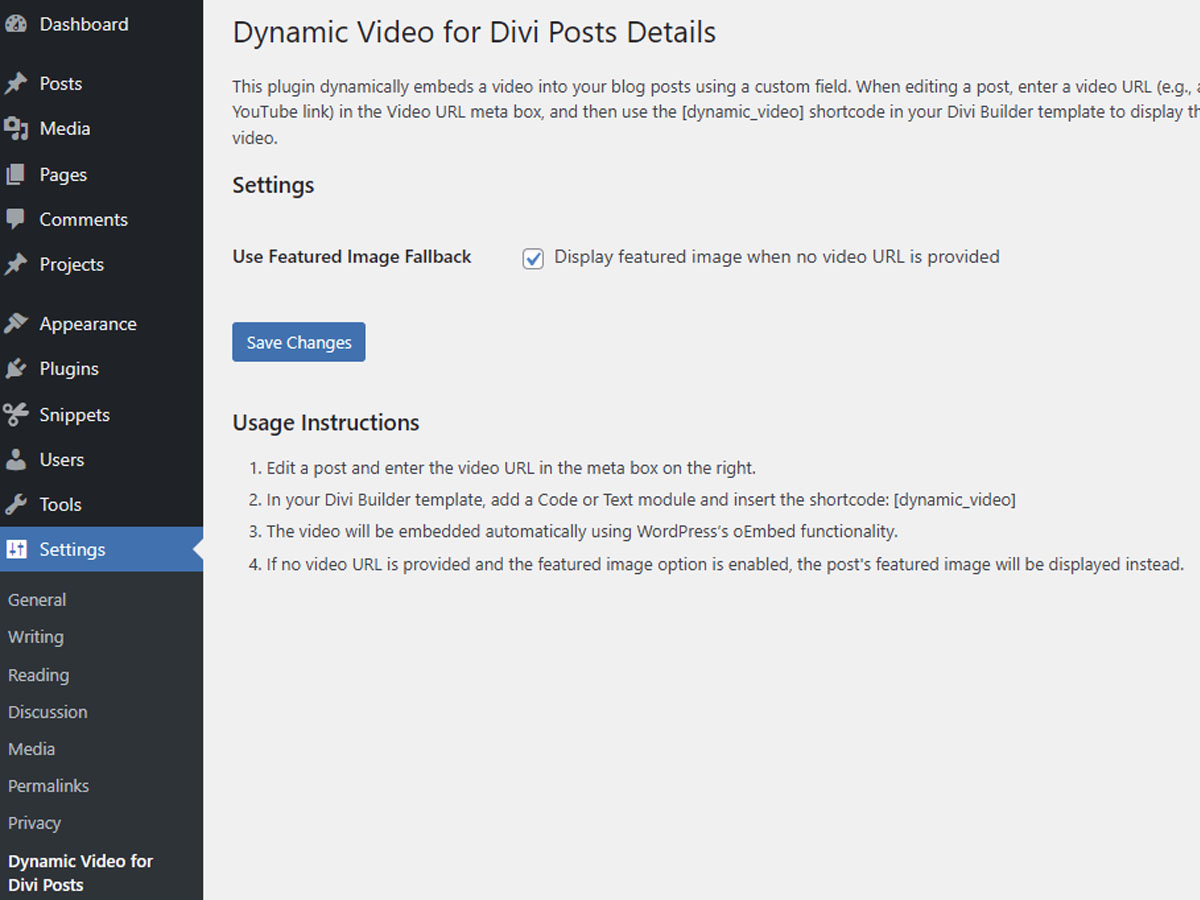
Settings, Instructions
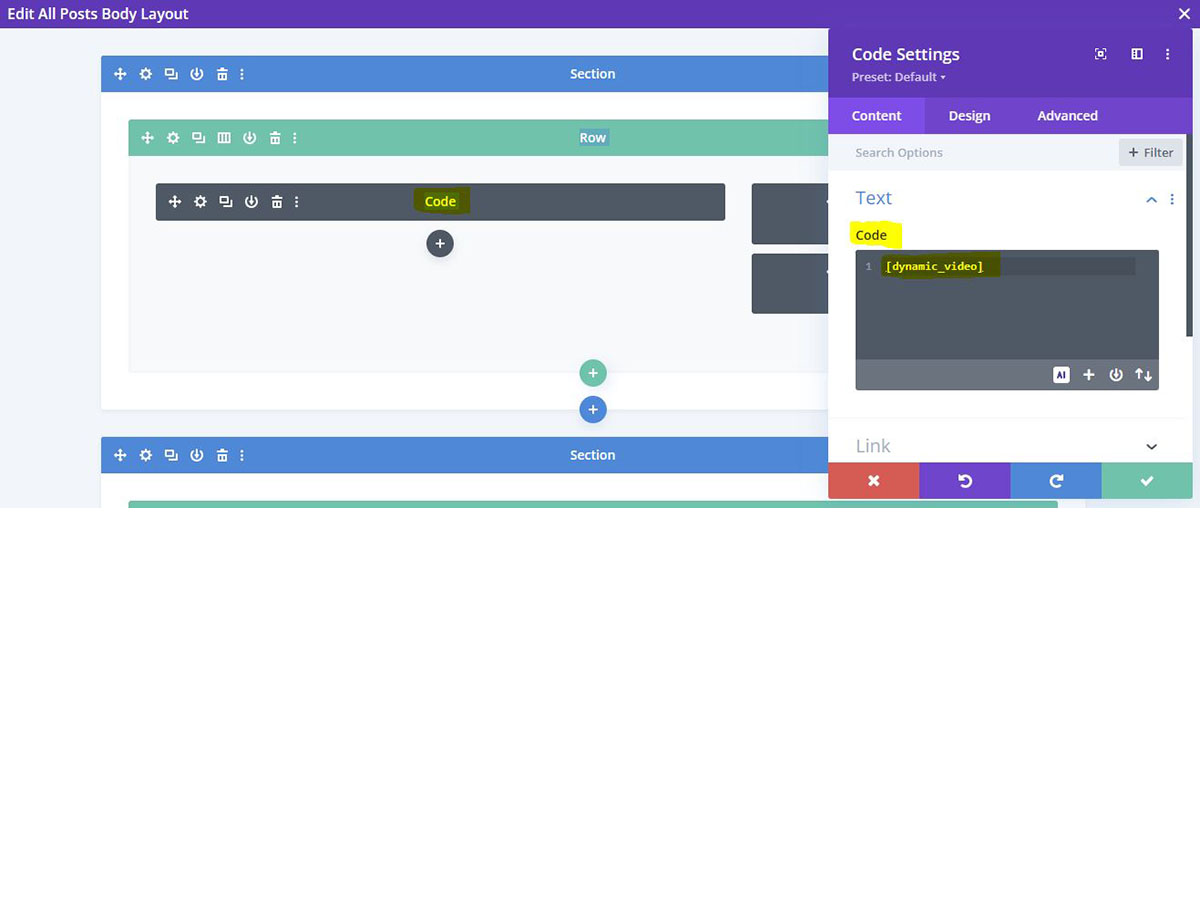
Snippet example for Divi Code Module
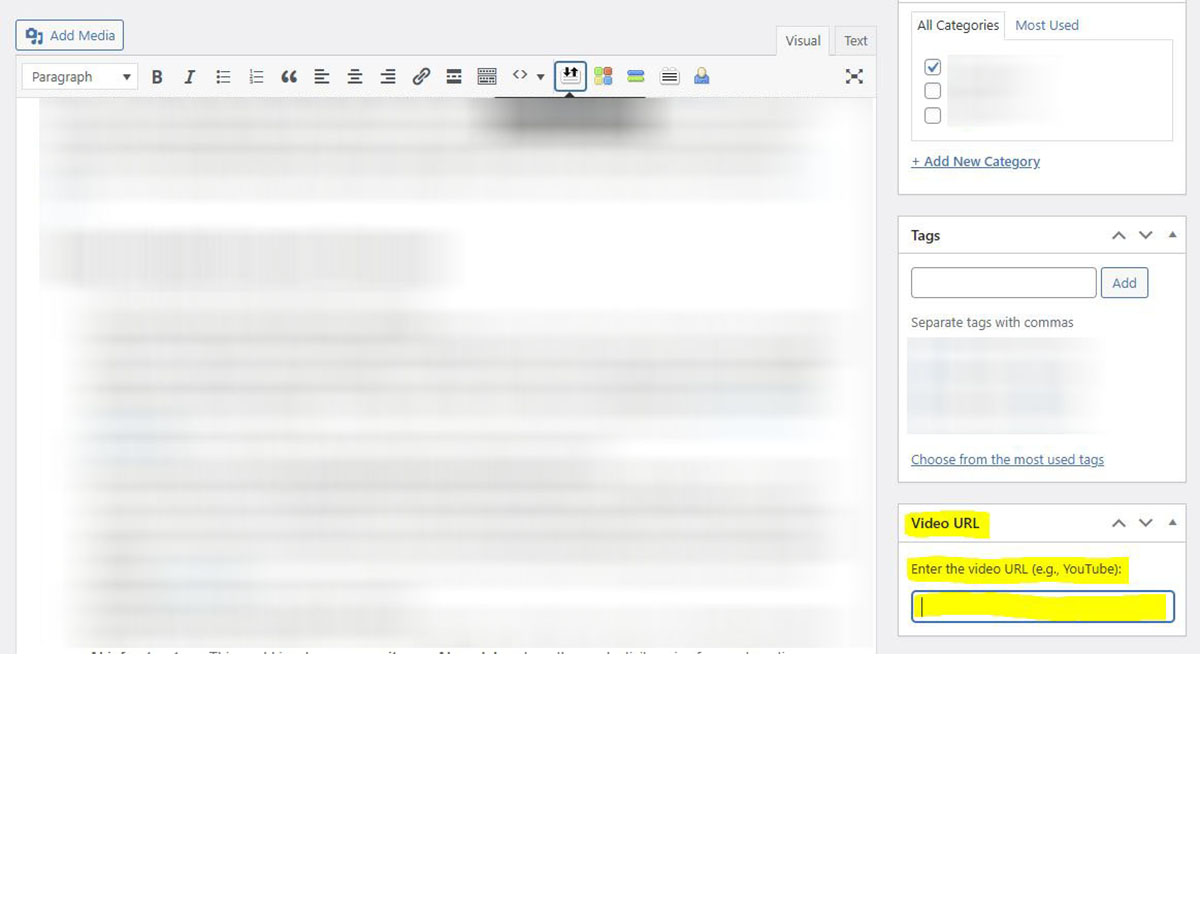
Blog entry for video URL
How do I embed a video?
Enter a valid video URL (for example, a YouTube URL) in the “Video URL” meta box when editing a post, and then use the [dynamic_video] shortcode in your template. The video will be automatically embedded via WordPress’s oEmbed functionality.
Why isn’t my video appearing?
Ensure that the video URL is correct and that your post type supports the shortcode. Also, verify that your Divi Builder template includes the [dynamic_video] shortcode. If no video appears and the featured image option is enabled, check if the post has a featured image set.
How does the featured image fallback work?
When enabled in the plugin settings, if no video URL is provided for a post, the plugin will display the post’s featured image instead of leaving the space blank. You can turn this feature on or off in the plugin settings.
ChangeLog
1.0.2
- Added optional feature to display featured image when no video URL is provided
- Added settings page checkbox to enable/disable featured image fallback
- Updated documentation to include new feature instructions
1.0.1
- Renamed all functions, meta keys, nonce names, and admin slugs to use the unique prefix “dynvid_” to avoid naming conflicts.
- Improved nonce verification by sanitizing input using both wp_unslash() and sanitize_text_field().
- Enhanced data sanitization and output escaping for all user inputs and meta values.
- Added an admin submenu page for plugin details.
- Minor code and documentation updates for better security and compatibility.

