
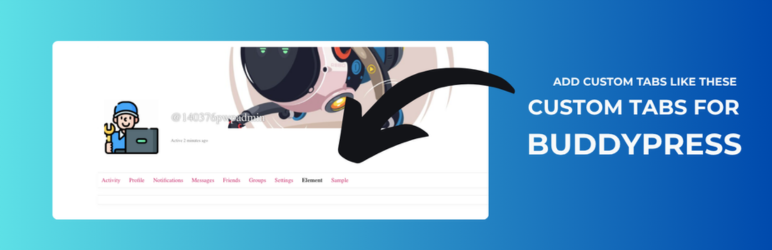
Add custom tabs to BuddyPress user profiles with role-based visibility and shortcode content, managed from the admin panel. Requires BuddyPress.
| Author: | Tycoonverse (profile at wordpress.org) |
| WordPress version required: | 5.0 |
| WordPress version tested: | 6.8.1 |
| Plugin version: | 1.0.0 |
| Added to WordPress repository: | 06-06-2025 |
| Last updated: | 06-06-2025 |
| Rating, %: | 40 |
| Rated by: | 1 |
| Plugin URI: | https://tycoonverse.com/plugins/custom-tabs-f... |
| Total downloads: | 774 |
| Active installs: | 10+ |
 Click to start download |
|
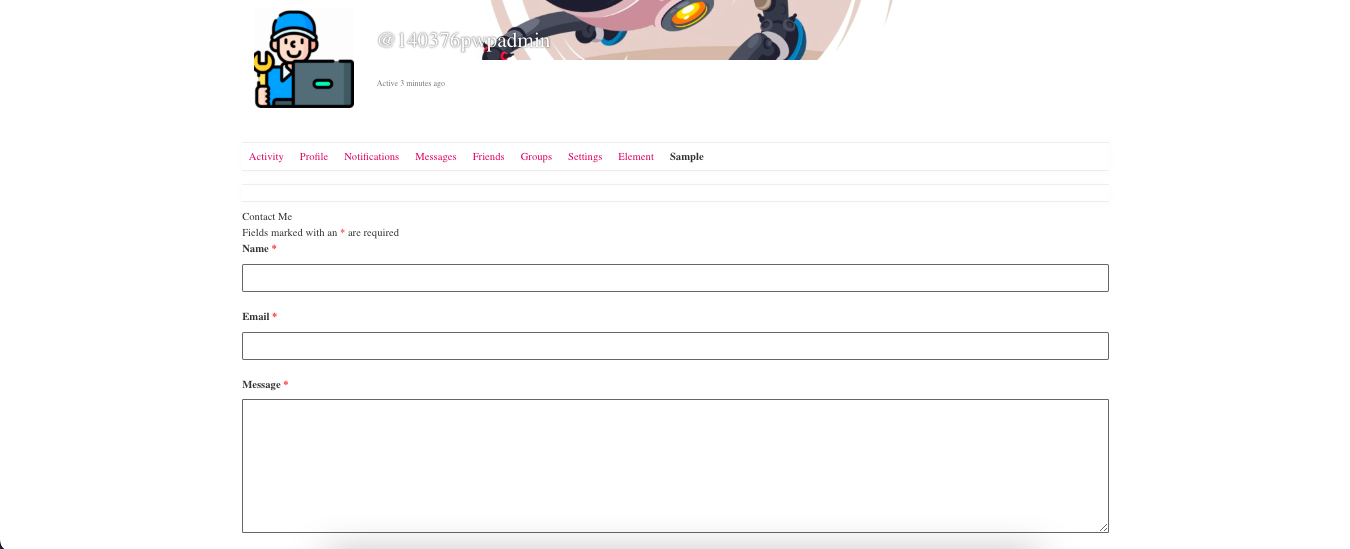
The Custom Tabs for BuddyPress plugin, developed by Tycoonverse, allows you to add up to three custom tabs to BuddyPress user profiles. Each tab can display content via a WordPress shortcode and be restricted to specific user roles. Features include:
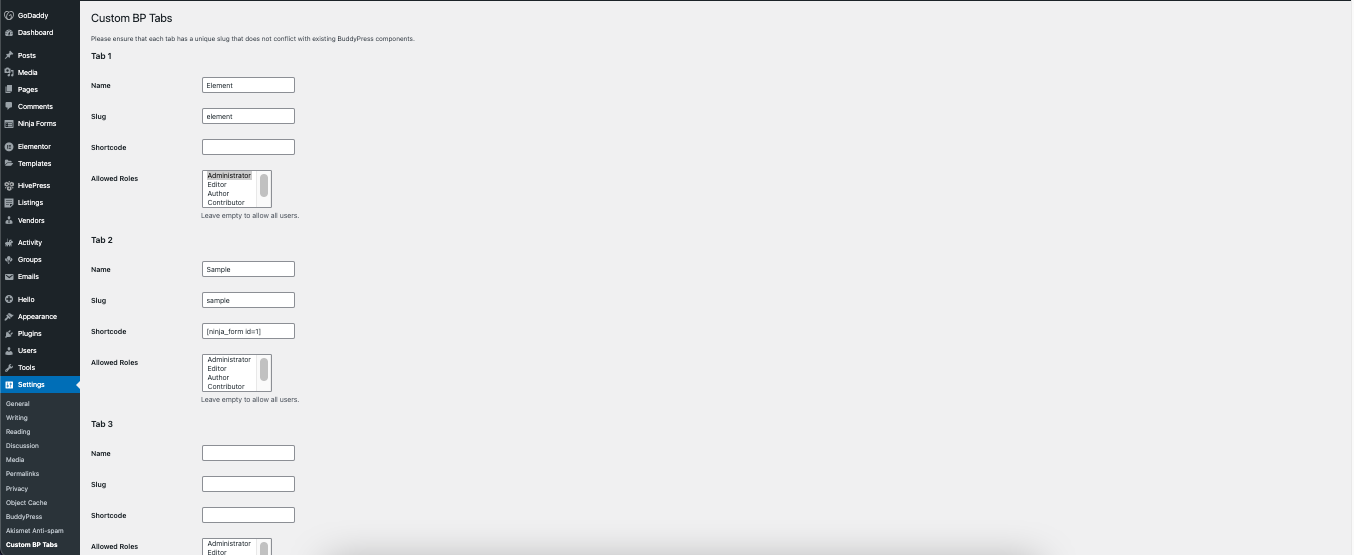
Create custom tabs with a name, unique slug, and shortcode (e.g., GamiPress achievements).
Control tab visibility by user roles (e.g., show only to administrators or subscribers).
Manage tabs from the WordPress admin panel under Settings > Custom BP Tabs.
Ideal for BuddyPress sites needing tailored profile tabs without extra features that slow down performance. Perfect for showcasing custom content or integrations with plugins like GamiPress or HivePress.
Use Shortcode For Elementor to Generate a Custom Template according to your specific need
and use its Shortcode to display Dynamic Content or use Ninja Forms Shortcode to display a form.
Screenshots
FAQ
ChangeLog