Use Google Maps with coordinates (latitude & longitude) anywhere in WordPress with help of shortcodes & Gutenberg block
| Author: | Manish S (profile at wordpress.org) |
| WordPress version required: | 5.6 |
| WordPress version tested: | 7.1.1 |
| Plugin version: | 1.1 |
| Added to WordPress repository: | 25-02-2023 |
| Last updated: | 19-09-2026 |
| Rating, %: | 0 |
| Rated by: | 0 |
| Plugin URI: | https://# |
| Total downloads: | 1 638 |
| Active installs: | 20+ |
 Click to start download |
|
No API key needed to use google maps, use direct iframe method.
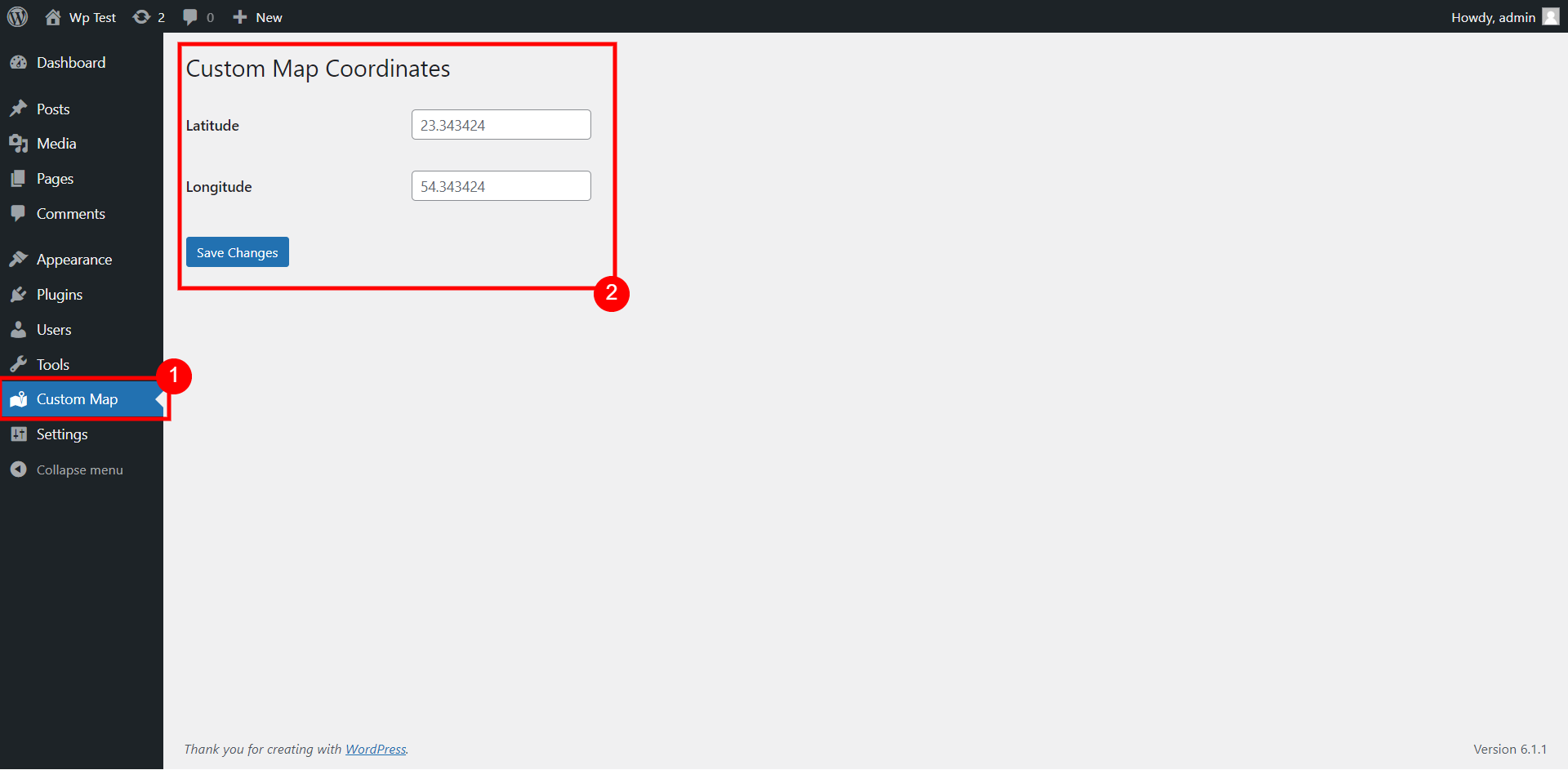
This plugin allows to use the shortcode ([map-coordinate]), custom Elementor widget or a Gutenberg block to display Google Maps with Latitude & Longitude. There is also an admin menu to add Latitude & Longitude globally for all Gutenberg blocks and shortcodes.
You can add the coordinates globally for the map to use from admin menu (Custom Map) as shown on screenshot #1.
The shortcode for the map to display is:
[map-coordinate]
You can also add different coordinates for each shortcode:
[map-coordinate lat="xx" lon="xx"]
If you are using Gutenberg editor for your posts, then you can also use the Gutenberg block – Custom Map Coordinates
Custom elementor widget is also available to use for Elementor page builder.
Screenshots
ChangeLog