
Gutenberg block to add product image gallery for CTC Lite ecommerce plugin
| Author: | UjW0L (profile at wordpress.org) |
| WordPress version required: | 6.6 |
| WordPress version tested: | 7.1.3 |
| Plugin version: | 2.3.0 |
| Added to WordPress repository: | 28-05-2021 |
| Last updated: | 07-10-2026 |
| Rating, %: | 0 |
| Rated by: | 0 |
| Plugin URI: | |
| Total downloads: | 5 634 |
| Active installs: | 100+ |

Click to start download
|
CTCL Image Gallery displays a large photograph above a scrollable thumbnail strip, using the lightbox layout from CTC Gallery. Select a thumbnail or use the previous and next controls to browse the collection.
Click the main image to open the fullscreen viewer powered by the retained ctc_overlay.js library. The viewer includes zoom, panning, a slideshow, previous and next controls, and a thumbnail dock.
Features:
- Interactive gallery preview in the block editor.
- Adjustable maximum width, image height, corner radius, surface, and image fit.
- Centered captions revealed on hover or keyboard focus, and visible on touch devices.
- An independent bottom-left image count, including images without captions.
- Media-library selection, image reordering, and per-image captions and alternative text.
- Keyboard navigation, visible focus indicators, and reduced-motion styling.
- Existing CTCL block identity and legacy saved-gallery markup are preserved.
- No CTC Lite dependency. Original gallery and overlay libraries are included locally.
What’s Next
Explore my other WordPress projects:
Screenshots
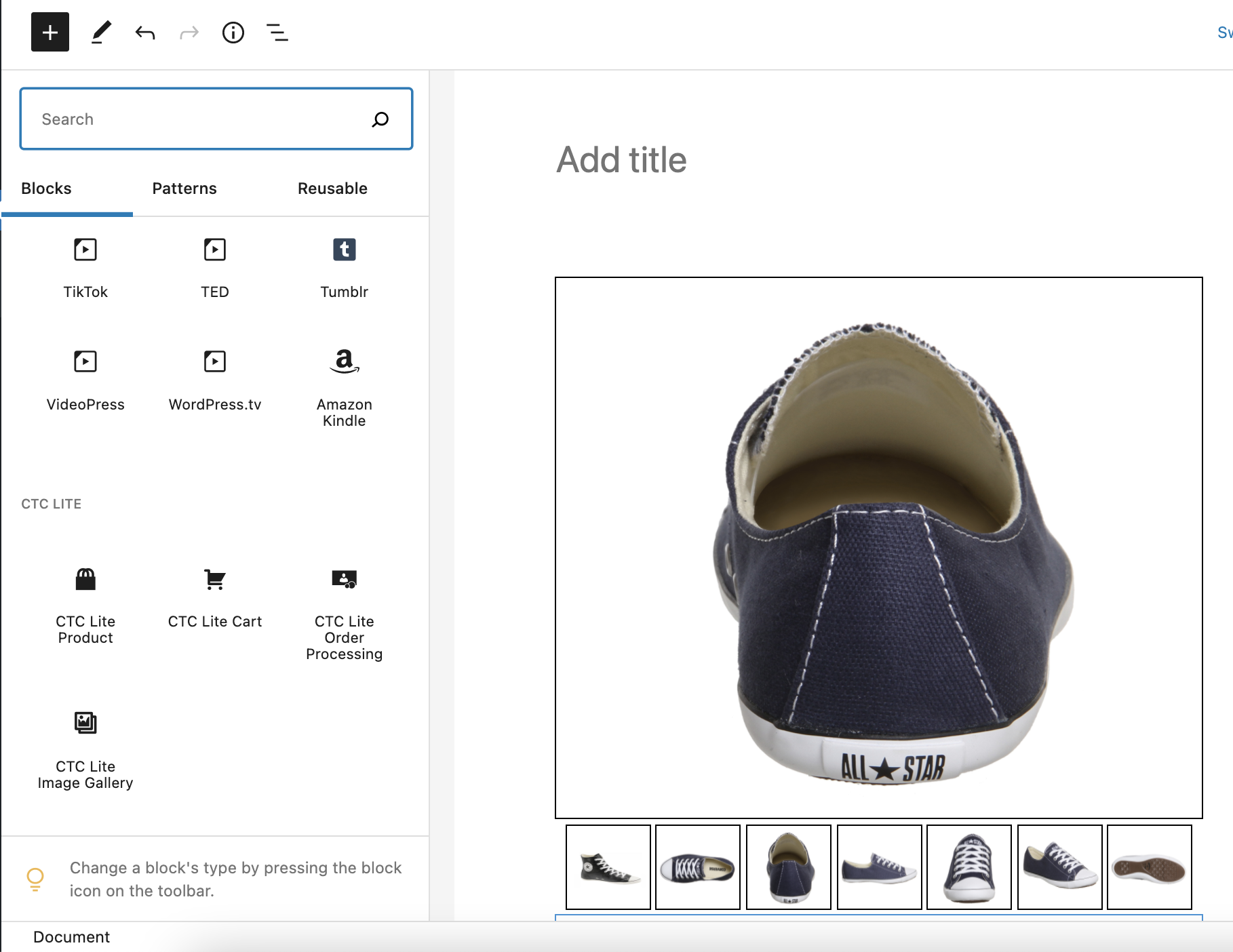
Earlier Gutenberg block interface.
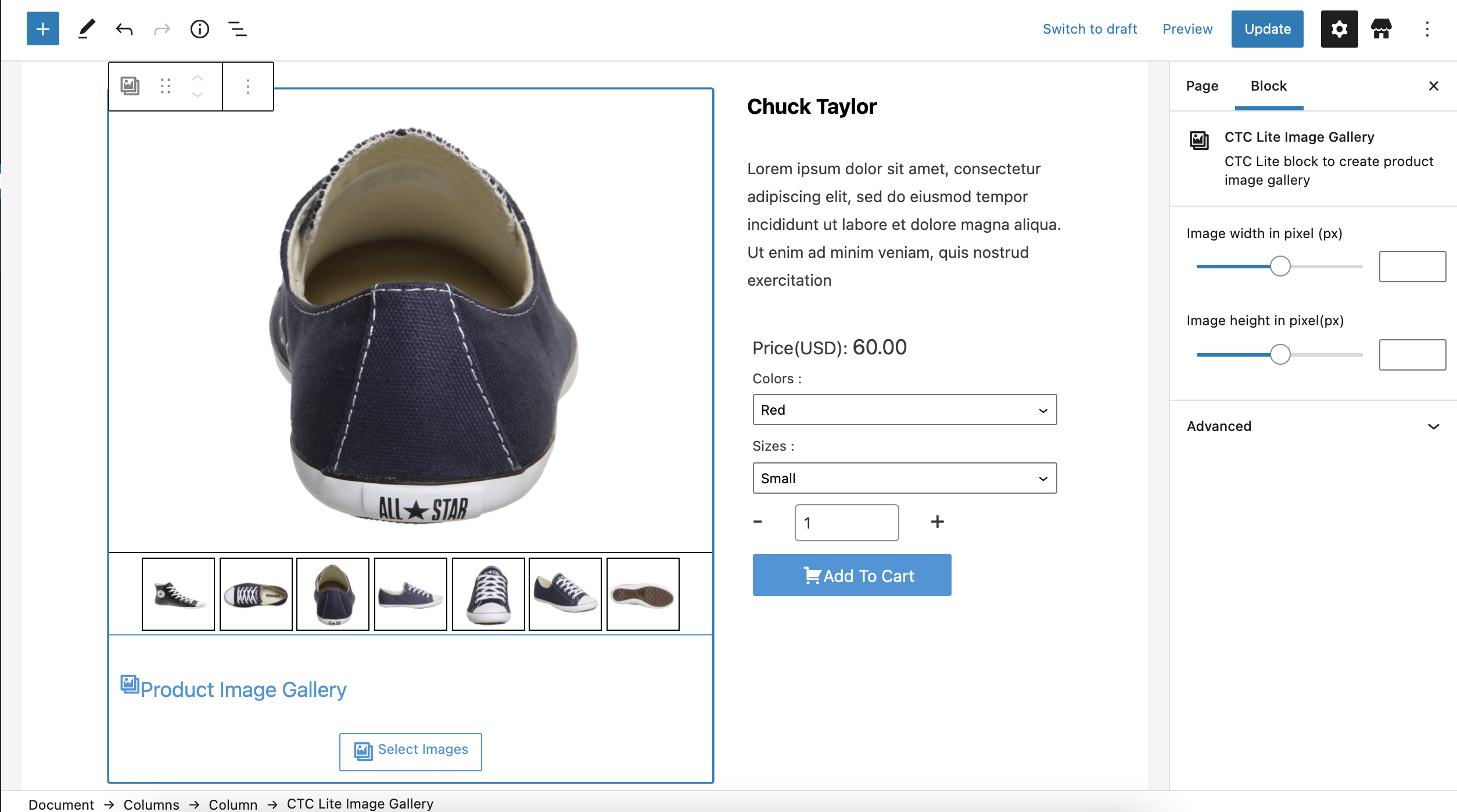
Earlier block settings.
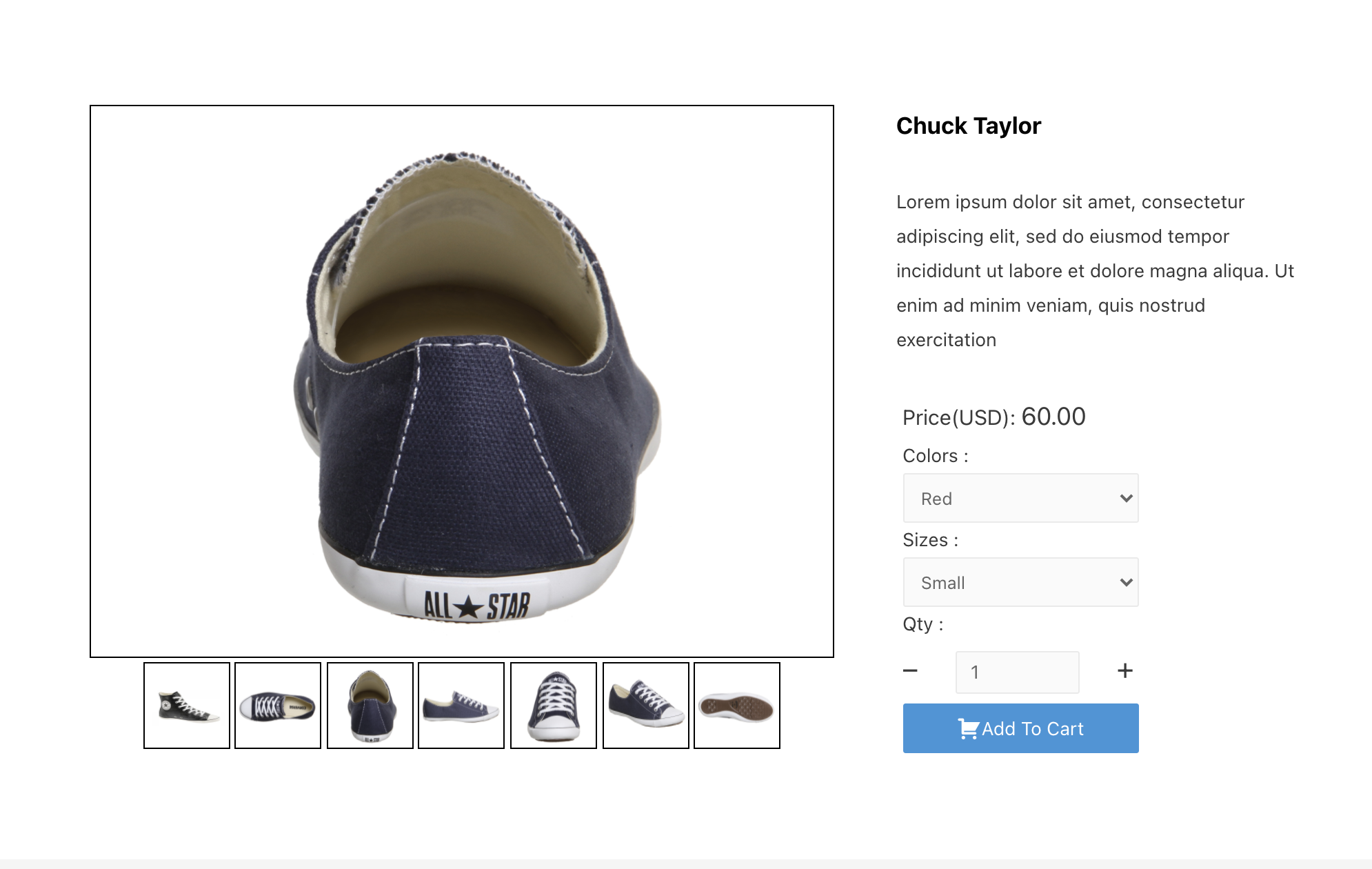
Earlier frontend gallery.
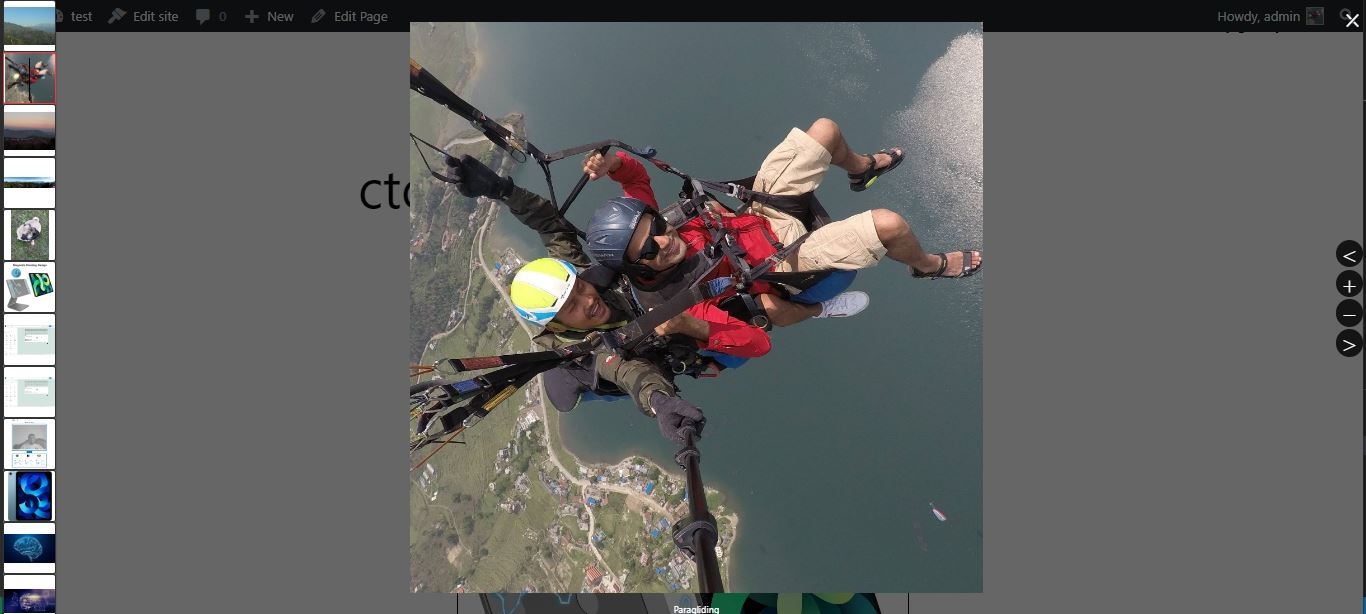
Earlier overlay album.
Does this require CTC Lite?
No. CTCL Image Gallery works independently.
What happens to existing galleries?
The original block name and gallery attributes are retained. Existing saved markup is supported by the frontend, and the editor includes the historical save function for block migration.
How do keyboard controls work?
Use Left and Right arrows within the inline gallery. Press Enter or Space on the main image to open the viewer. In the viewer, use Left and Right to browse, Up and Down to zoom, Home and End to jump to the first or last image, and Escape to close. Closing restores focus to the opener.
What was checked for WordPress 7.1.3?
The block was checked against WordPress 7.1.3 core block registration and attribute APIs, compiled asset paths, and core script dependencies. The production build and standalone browser checks covered inline navigation, caption-independent image counts, overlay navigation, zoom, and closing with focus restoration. Full editor and frontend integration in a running WordPress 7.1.3 site was not verified because the local database was unavailable.
ChangeLog
2.3.0
- Match the CTC Gallery lightbox layout and interactive editor preview.
- Add thumbnail navigation, centered captions, and an independent image-count badge.
- Restore the fullscreen viewer through the retained ctc_overlay.js library, with zoom, panning, slideshow, and a thumbnail dock.
- Use Block API version 3 and include right-to-left styles.
- Preserve the original block name, gallery attributes, and legacy save markup.
- Update requirements and WordPress 7.1.3 compatibility metadata; document validation scope.
2.2.1
2.2.0
- Bug fixes.
- Remove the overlay.
2.1.1
- Change the block icon.
- Minor fixes.
2.1.0
- Use JSX and minified JavaScript.
2.0.0
- Remove the CTC Lite dependency.
- Replace JS Overlay with CTC Overlay.
1.0.0
