

Adds a set of new search results to the WordPress command palette (CMD+K/CTRL+K) for all entries from registered Custom Post Types.
| Author: | Shaan (profile at wordpress.org) |
| WordPress version required: | 6.8 |
| WordPress version tested: | 6.9 |
| Plugin version: | 0.1.4 |
| Added to WordPress repository: | 20-12-2025 |
| Last updated: | 20-12-2025 |
| Rating, %: | 100 |
| Rated by: | 1 |
| Plugin URI: | https://github.com/shanto/cpt-commands |
| Total downloads: | 454 |
 Click to start download |
|
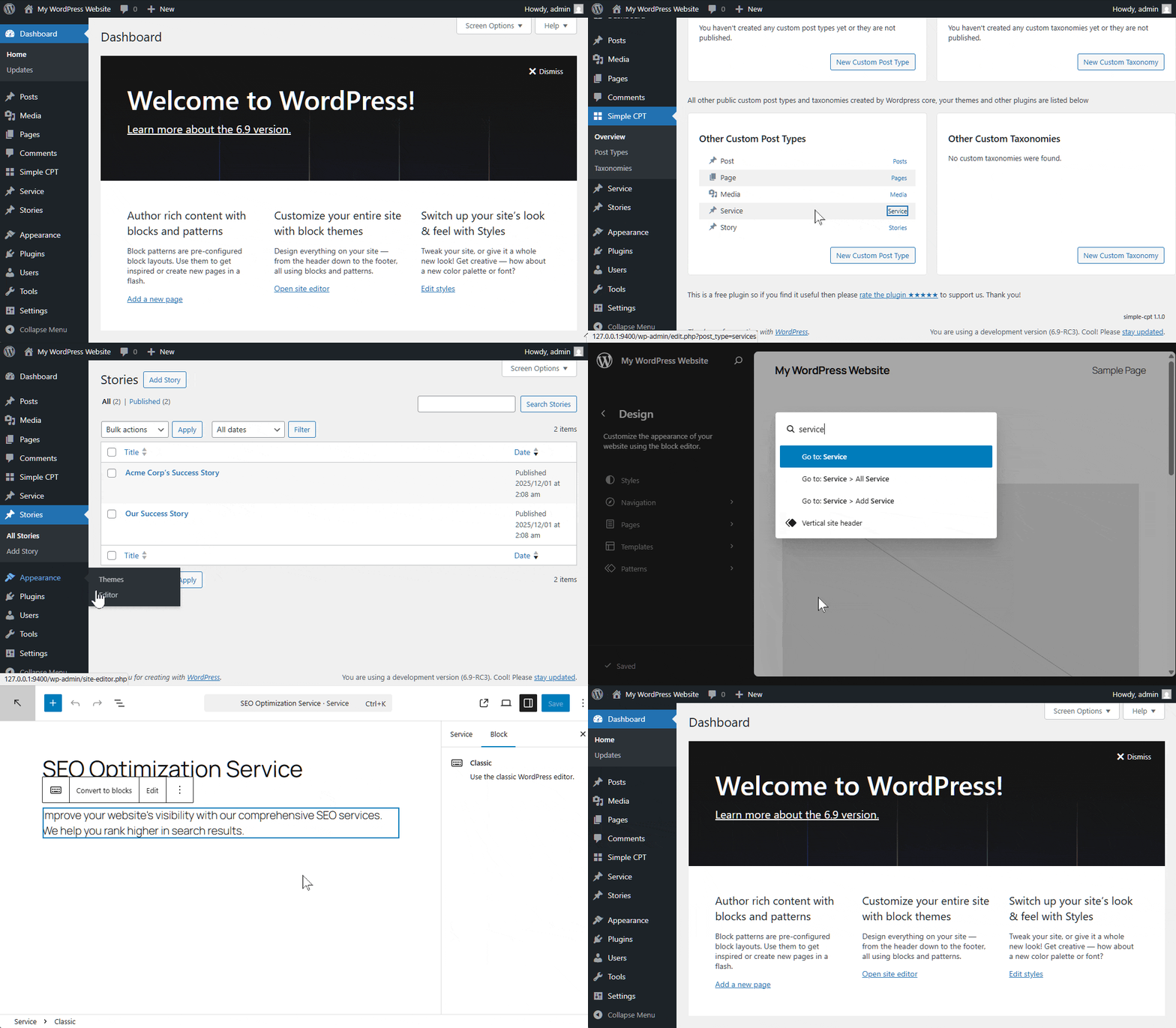
This plugin adds a set of new search results to the WordPress command palette (CMD+K/CTRL+K) for all entries from registered types, and thus, enables quick jumps through all posts and pages which are not limited to the built-in Post and Page types.
WordPress has a great time-saving feature— the command palette. Before WordPress v6.9, the command palette was available only in the editor. Since WordPress v6.9, the command palette is available anywhere inside the admin area. It is quite useful to perform quick commands and navigate through pages or posts using keyboard alone. However, it is limited to the core Post and Page types. It does not populate entries from user customized types. So, for the users of Custom Post Types, this workflow that partially breaks due to the absense of custom post types.
This plugin fills up this gap in WordPress core. It injects those missing Custom Post Type entries into the command palette. It requires no complex setup. Just install, activate and it is ready to go!
If you find this plugin useful, then please leave an appropriate review.
Configuration
See Settings CPT Commands for customization options. This step is optional and not necessary in most cases.
Screenshots
FAQ
ChangeLog