

Simple way to integrate MailChimp mailing lists to Contact Form 7. Save your subscribers in a proper mailing list.
| Author: | Renzo Johnson (profile at wordpress.org) |
| WordPress version required: | 5.6 |
| WordPress version tested: | 5.8.9 |
| Plugin version: | 0.5.55 |
| Added to WordPress repository: | 21-01-2015 |
| Last updated: | 02-04-2026 |
| Rating, %: | 86 |
| Rated by: | 172 |
| Plugin URI: | https://renzojohnson.com/contributions/contac... |
| Total downloads: | 7 567 566 |
| Active installs: | 90 000+ |
 Click to start download |
|
Chimpmatic Lite is the easiest way to connect Contact Form 7 to Mailchimp. When a visitor submits your CF7 form, their information is automatically added to your Mailchimp audience using the Mailchimp API v3.
Unlike heavyweight form builders, Chimpmatic is a specialist CF7-to-Mailchimp integration. It does one thing and does it well: syncing your Contact Form 7 submissions directly to Mailchimp.
Why Chimpmatic?
- Built specifically for Contact Form 7 – not a generic form connector
- Lightweight – no bloat, no extra form builders, no overhead
- Mailchimp API v3 – uses the latest official Mailchimp API
- 50,000+ active installs – trusted by WordPress sites worldwide
Free Features
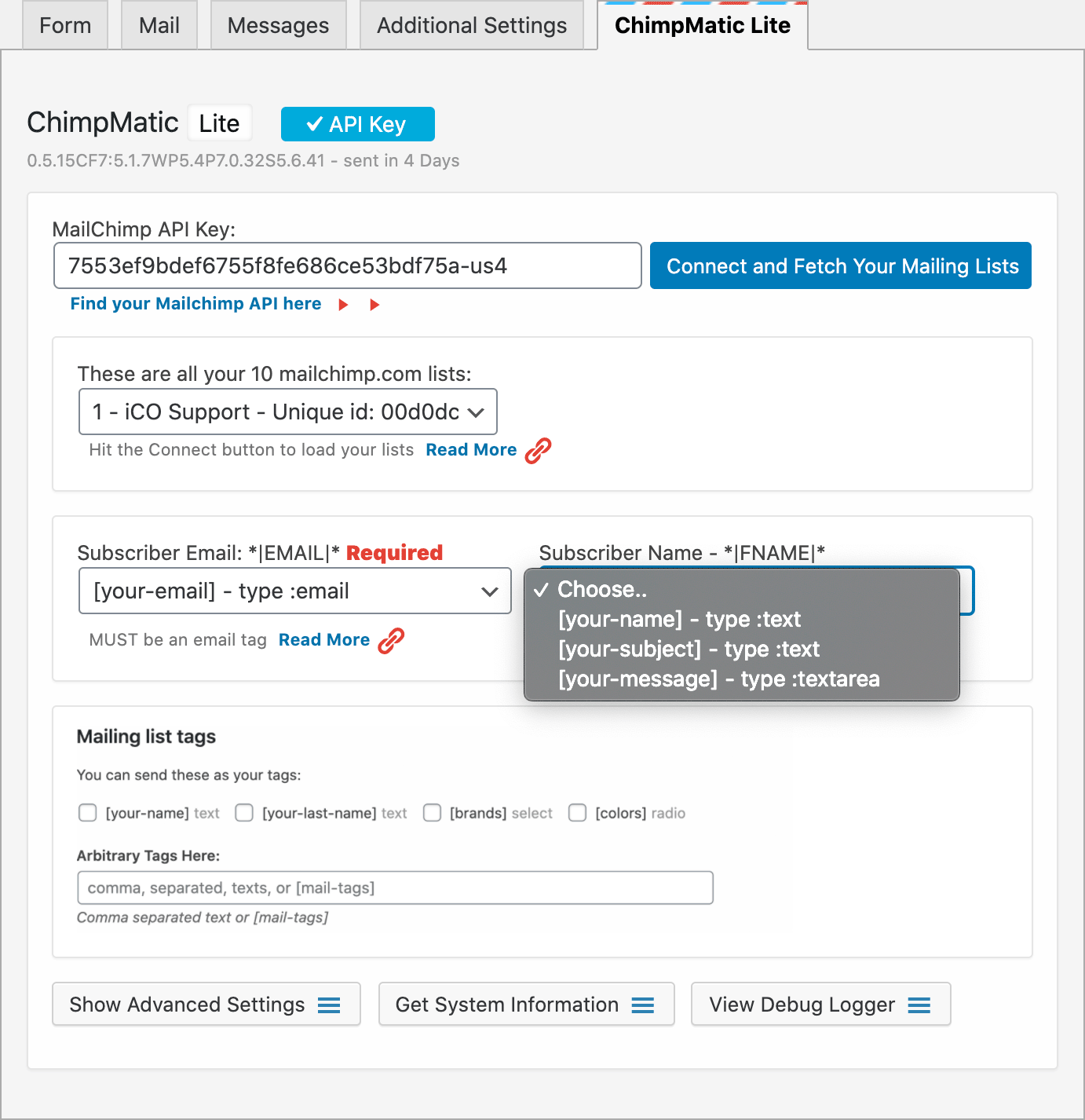
- Connect any Contact Form 7 form to a Mailchimp audience
- Map form fields to Mailchimp merge fields (FNAME, LNAME, etc.)
- Use a different Mailchimp API key per contact form
- Use a different mailing list per contact form
- Single opt-in or double opt-in support
- Opt-in checkbox – let visitors choose to subscribe
- Unlimited contact forms
- Works with any Contact Form 7 form layout
Premium Features (Chimpmatic PRO)
Upgrade to Chimpmatic PRO for advanced Mailchimp integration:
- Mailchimp Tags – automatically tag subscribers from form submissions
- Mailchimp Groups – assign subscribers to interest groups
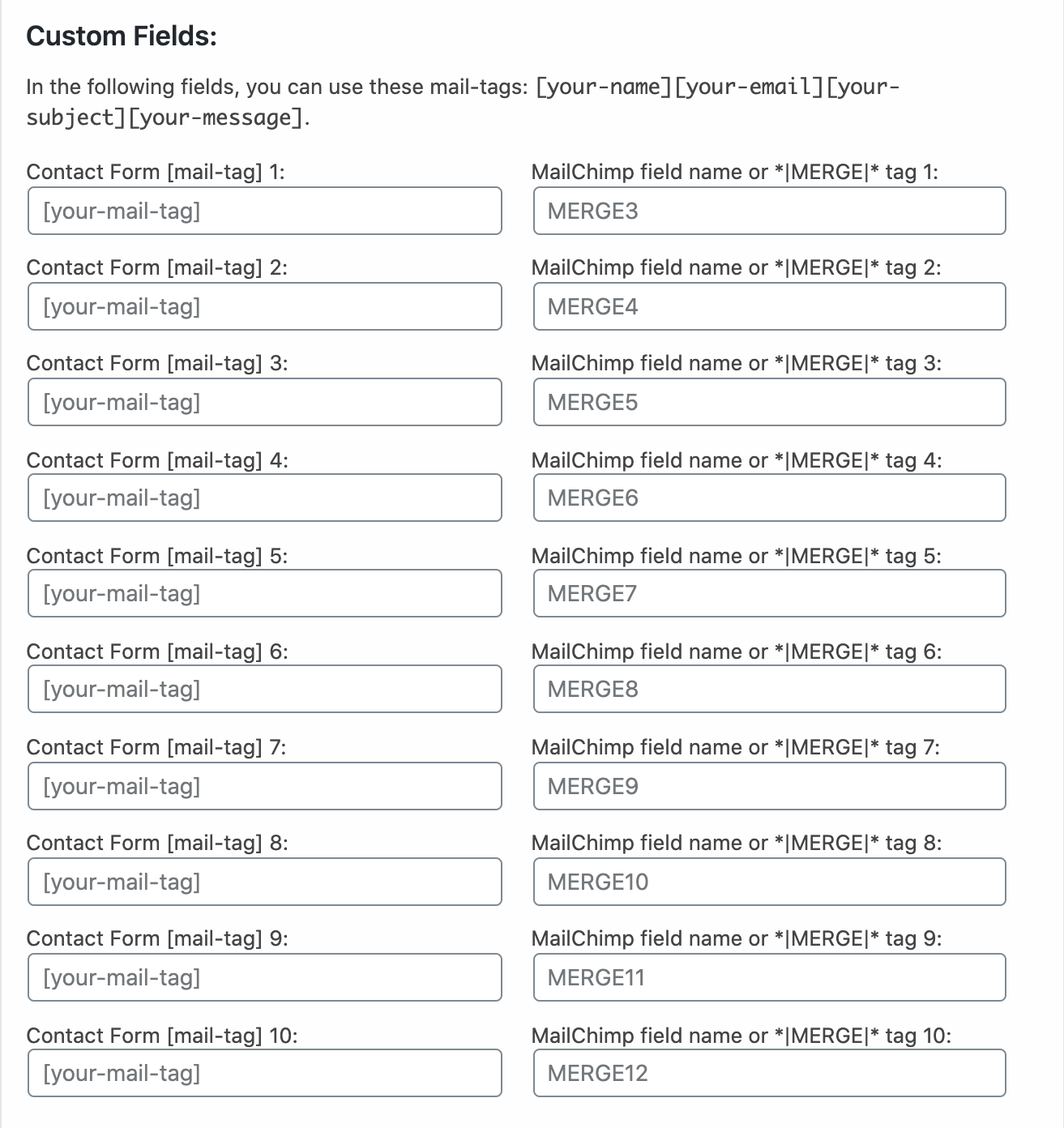
- Unlimited custom merge fields – map any CF7 field to Mailchimp
- GDPR consent checkbox – built-in compliance for email marketing
- Birthday field support – sync date fields to Mailchimp
- Email verification – validate emails before subscribing
- Unsubscribe, archive, and delete subscriber management
- Priority support – direct help from the developer
Learn more about Chimpmatic PRO
Requirements
- WordPress 6.4 or higher
- Contact Form 7 (5.0 or higher)
- PHP 7.4 or higher
- A free or paid Mailchimp account
Support
Screenshots
FAQ
ChangeLog