
Easily accept PayPal payments in WordPress by adding PayPal smart payment buttons to your website.
Checkout for PayPal is a lightweight WordPress PayPal plugin that lets you accept payments directly through PayPal’s Checkout API.
Checkout for PayPal Add-ons
Features
- PayPal Checkout – Accept payments securely through PayPal Checkout directly from your WordPress website.
- Accept PayPal Payments – Let customers pay with PayPal without requiring a traditional shopping cart.
- No WooCommerce Required – Add PayPal payment functionality without installing WooCommerce.
- No Shopping Cart Required – Ideal for single products, services, bookings, donations, and other direct-payment use cases.
- Payment Buttons – Add a payment button to pages, posts, and landing pages.
- PayPal Checkout API – Uses PayPal’s Checkout/Orders API to create and process PayPal orders.
- Secure Payment Processing – Payment details are handled by PayPal rather than stored on your WordPress website.
- PayPal Sandbox Support – Test your integration using PayPal’s sandbox environment before accepting live payments.
- Live and Sandbox Environments – Easily configure the plugin for either PayPal testing or live transactions.
- Simple Configuration – Configure your PayPal payment settings from the WordPress admin area.
- Responsive Checkout – Provide a PayPal checkout experience that works across desktop and mobile devices.
- Lightweight Payment Solution – Add PayPal payments without the overhead of a complete ecommerce system.
- Developer-Friendly Integration – Built around PayPal’s APIs for reliable integration with WordPress.
- Custom Amounts – Accept fixed or variable payment amounts using Variable Price add-on.
How to Use the Plugin
- Navigate to plugin settings (Checkout for PayPal > Settings) and fill in all required fields (API keys, Page URLs, Currency).
- Open checkout page to make sure it contains this shortcode:
[coforpaypal_checkout]
- Create a Product (Checkout for PayPal > Products)
- Create a Buy Now button for a product by adding this shortcode to a page:
[coforpaypal_product id="1"]
Note: You need to replace 1 with the actual product ID.
Elementor Page Builder Integration
- Create a new page or Edit with Elementor.
- From Widgets (Under Elements) select Shortcode.
- Enter the Checkout for PayPal shortcode.
- Click Apply to update changes to page.
- Click Publish.
Documentation
https://noorsplugin.com/checkout-for-paypal-wordpress-plugin/
Translation
If you are a non-English speaker please help translate Checkout for PayPal into your language.
Note: This is NOT an official PayPal product.
Screenshots
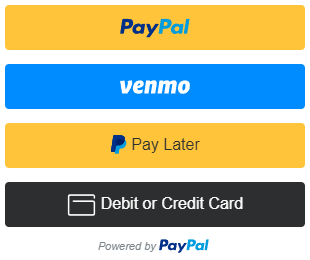
PayPal Checkout
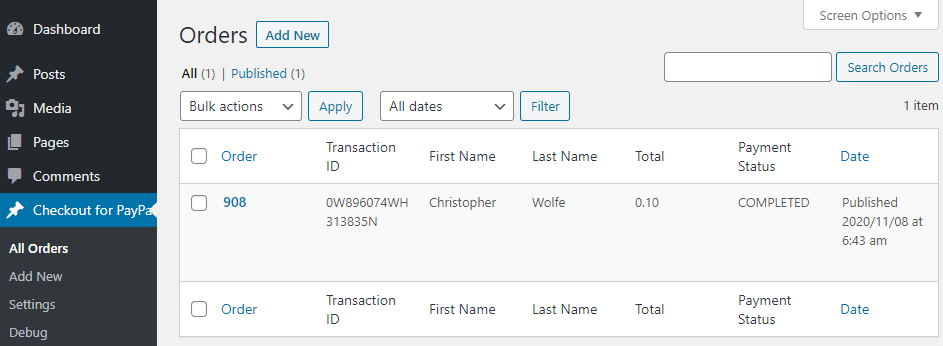
Orders Menu
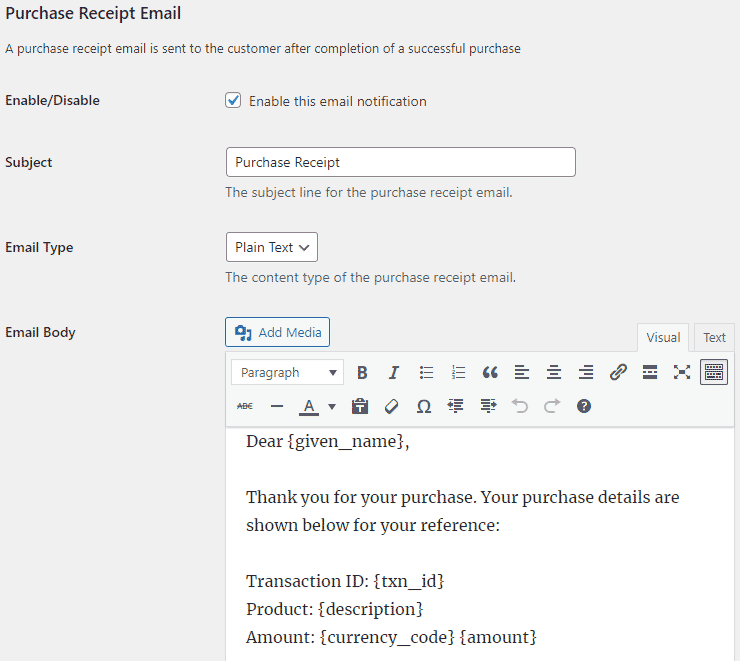
Purchase Receipt Email Settings
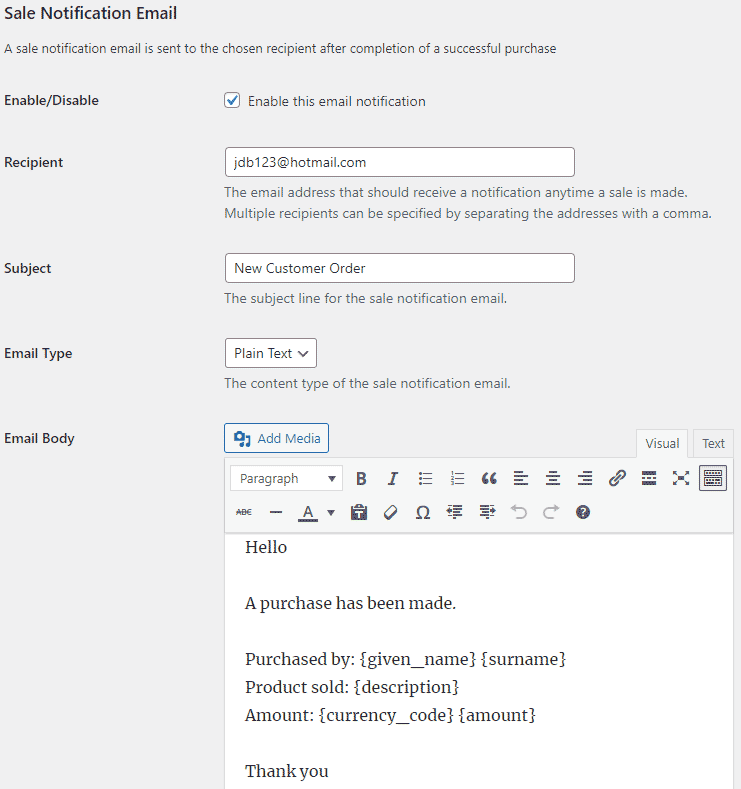
Sale Notification Email Settings
Do I need a business PayPal account?
Yes. To use the PayPal Checkout API, you will need a free PayPal Business account.
Can I test payments before going live?
Yes, you can use PayPal’s sandbox mode for safe testing.
Does it work with WooCommerce?
This plugin works independently without WooCommerce. WooCommerce has its own PayPal integrations.
How do I protect pages or content for members only?
You can restrict an entire page or post using the “Checkout for PayPal: Membership Protection” box in the WordPress editor.
How do membership expirations work?
When creating a membership product, you can set a duration. Once a member’s duration passes, their status changes to Expired.
ChangeLog
1.0.50
1.0.49
- Added button image option for product.
1.0.48
- Added a product interface.
1.0.47
- Removed older integration.
1.0.46
- Changes to URL parameters.
1.0.45
1.0.44
1.0.43
- Save payment data after a new order is added.
1.0.42
- Added an option to edit order data shown in the table.
1.0.41
- Added the buyer country option to test checkout as a buyer from that country.
1.0.40
- Added security to api keys.
1.0.39
- Some improvements in security.
1.0.38
- Improvement to code that changes the layout, color and shape of the button.
1.0.37
- Fixed broken parameters in the return URL.
1.0.36
- Fixed a bug that caused an issue with test mode purchases.
1.0.35
- Fixed an issue with settings link.
1.0.34
1.0.33
- Some improvements in security reported by Wordfence.
1.0.32
- Some improvements in security reported by Wordfence.
1.0.31
- Added support for variable price description options.
1.0.30
- Changed a logical statement to get around a bug in some default themes.
1.0.29
- Added an option to disable the Orders API v2 notice.
1.0.28
- Updated the plugin to be compatible with PayPal Orders API Version v2.
1.0.27
- Made changes to the code that retrieve the plugin url and path.
1.0.26
- Added options to enable/disable funding sources.
1.0.25
- Added an email tag for the customer’s phone number.
- Better debug logging.
1.0.24
- Additional check for the settings link.
1.0.23
- Added an option to set the locale for the buyer.
1.0.22
- Added a parameter to specify the shipping amount.
- Added email tags for the item total and shipping amount.
- Improved the checkout flow.
1.0.21
- Added an option to load PayPal scripts on every page.
1.0.20
- Added support for Contact Form 7 integration.
1.0.19
- Added an option to configure a payment cancellation page.
1.0.18
- Added support for dynamic buttons.
1.0.17
- Fixed an error in loading scripts when the rendered page does not exist.
1.0.16
1.0.15
- Added an option to show the Venmo button at checkout.
1.0.14
- Made some security related improvements suggested by wpscan.
1.0.13
- Added horizontal layout option to PayPal checkout button.
1.0.12
- Made some improvements in the plugin settings.
1.0.11
- Made item information available in the orders menu.
1.0.10
- Added pill shape as an available style to PayPal checkout button.
1.0.9
- Added support for the variable price add-on.
1.0.8
- Customer email address is now shown in the orders menu.
1.0.7
- Added Venmo as a payment option.
1.0.6
- Added the width parameter to customize the size of the PayPal button.
1.0.5
- Added the color parameter to customize the color of the PayPal button.
1.0.4
- The shortcode can be used in a custom field.
1.0.3
- Added the “no_shipping” parameter to disable shipping address collection.
1.0.2
- Added fix for a PayPal bug where specifying a different currency would trigger an error.
1.0.1

