
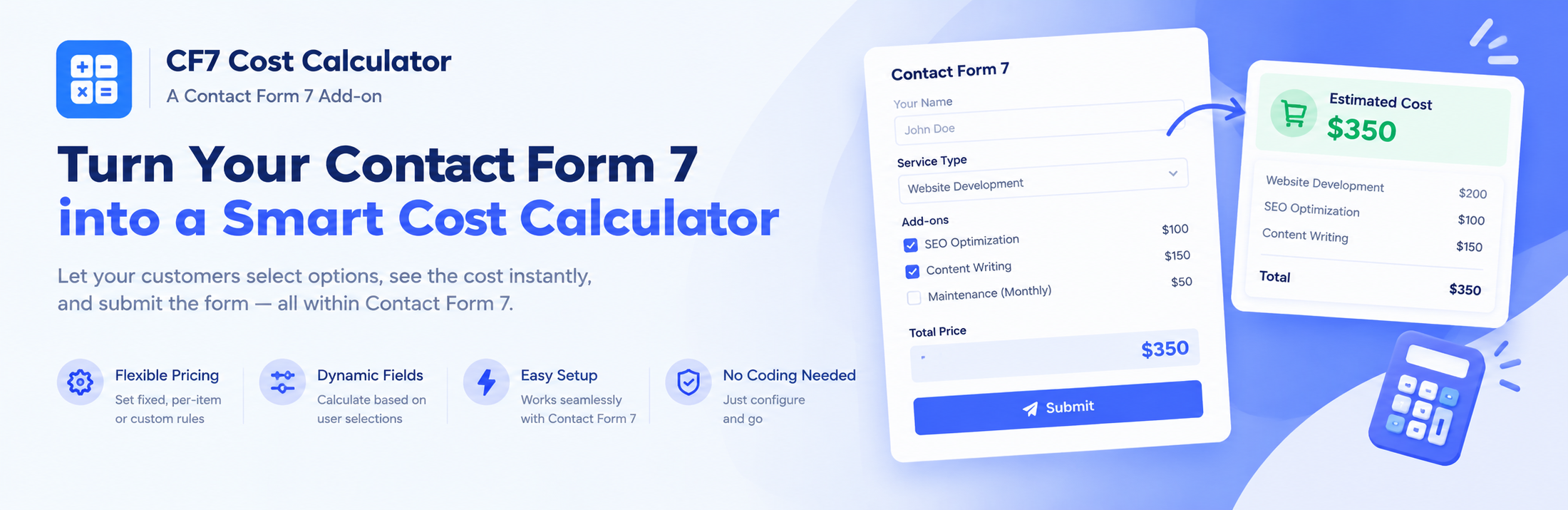
Contact Form 7 Cost Calculator is a clean, simple quote / project price / estimation plugin which allows you to easily create price estimation contact …
| Author: | azmarket (profile at wordpress.org) |
| WordPress version required: | 5.6 |
| WordPress version tested: | 7.1.3 |
| Plugin version: | 2.0.0 |
| Added to WordPress repository: | 24-04-2018 |
| Last updated: | 24-10-2026 |
| Rating, %: | 40 |
| Rated by: | 1 |
| Plugin URI: | https://azmarket.net/item/contact-form-7-cost... |
| Total downloads: | 5 001 |
| Active installs: | 80+ |
 Click to start download |
|
Cost Calculator for Contact Form 7 turns any Contact Form 7 form into a quote, estimate or price calculator. Add priced options, then build the total with a visual formula builder and see the result live while you edit.
Features
- Visual Formula Builder – pick a template, click or drag fields, add operators and functions. Switch to text mode at any time.
- Live preview – try the formula with sample values before you save.
- Unlimited totals – add as many Calculated fields as you need. A total can use another total (subtotal, tax, grand total).
- Number & currency format – symbol and position, thousand and decimal separators, decimals. Presets for $, €, £, ₫, ¥ and ₹.
- Hide a total – keep a subtotal off the form but still calculate it and send it by email.
- Totals in emails – use
[your-total]in the Mail tab; it is sent formatted. - Priced fields – Checkbox, Radio and Dropdown fields with “value|label” options. Contact Form 7 number, select, radio and checkbox fields work too.
- Formulas box – see and edit every formula from the editor sidebar.
- Safe evaluation – formulas are parsed by the plugin, never with
eval().
Formula syntax
- Operators:
+ - * /and brackets( ) - Functions:
round(),ceil(),floor(),abs(),min(a, b),max(a, b) - Example:
quantity * unit_price + shipping
Source code
The admin interface is built with Vue 3. The uncompressed source is included in the formula-builder folder; build it with npm install && npm run build.
Screenshots
FAQ


ChangeLog