

Changelog manager for digital products or releasable projects
| Author: | Sabuj Kundu (profile at wordpress.org) |
| WordPress version required: | 5.3 |
| WordPress version tested: | 7.1 |
| Plugin version: | 2.0.12 |
| Added to WordPress repository: | 27-10-2016 |
| Last updated: | 29-08-2026 |
| Rating, %: | 100 |
| Rated by: | 3 |
| Plugin URI: | http://codeboxr.com/product/cbx-changelog-for... |
| Total downloads: | 14 017 |
| Active installs: | 200+ |
 Click to start download |
|
CBX Changelog & Release Note helps you create and display well-organized changelogs for your WordPress themes, plugins, or digital products.
Keep your users informed about every update, improvement, and fix — directly inside your WordPress site.
This plugin lets you easily add, manage, and showcase version histories with a clean interface and developer-friendly structure.
???? Developed by Codeboxr
???? Live Demo
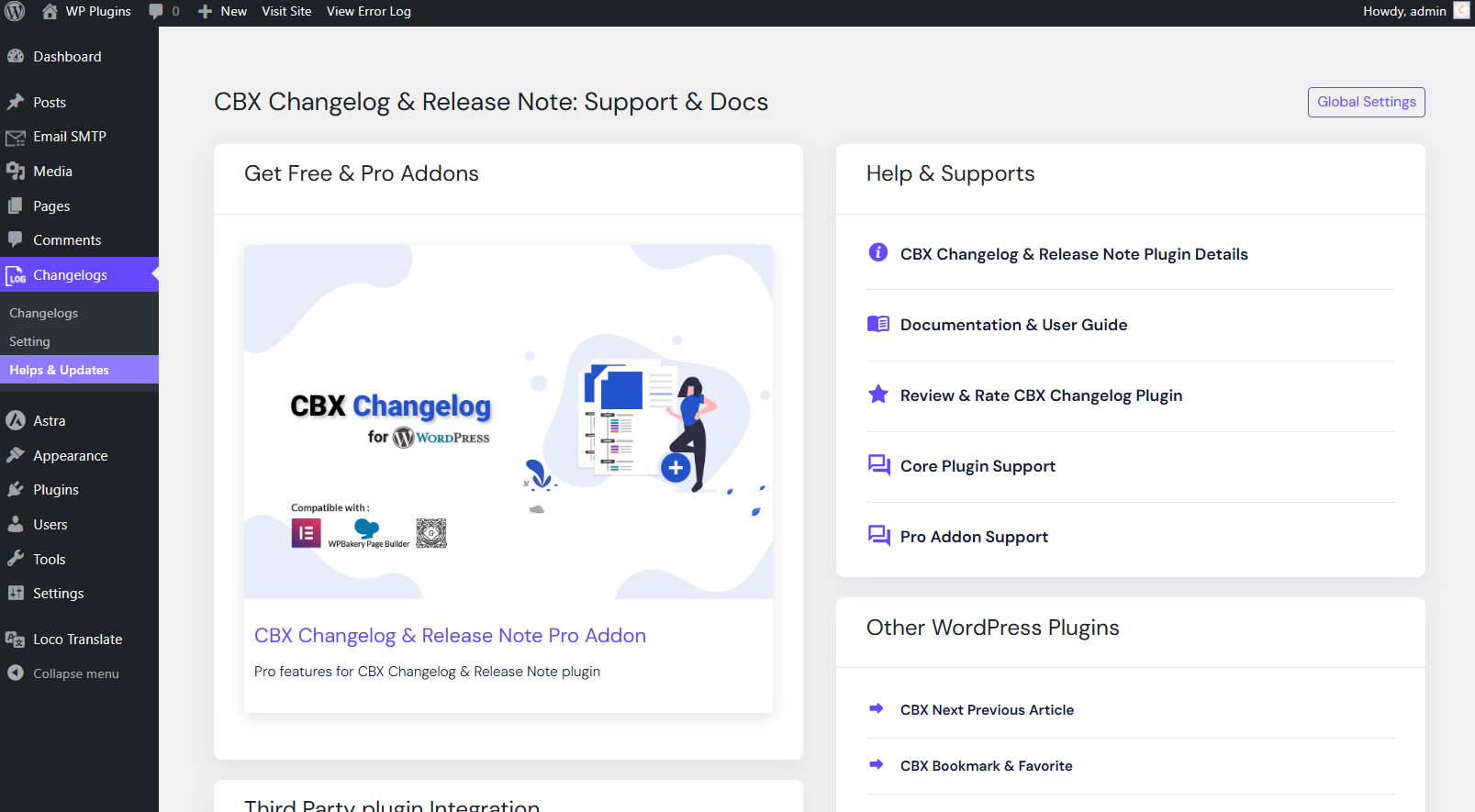
???? Documentation
⭐ Upgrade to PRO
???? Free Support
???????? Pro Support
???? Contact Us
???? If you think a feature is missing, let us know — we actively add new features based on user feedback.
Install the free version on a dev site and explore all features.
✨ Core Features
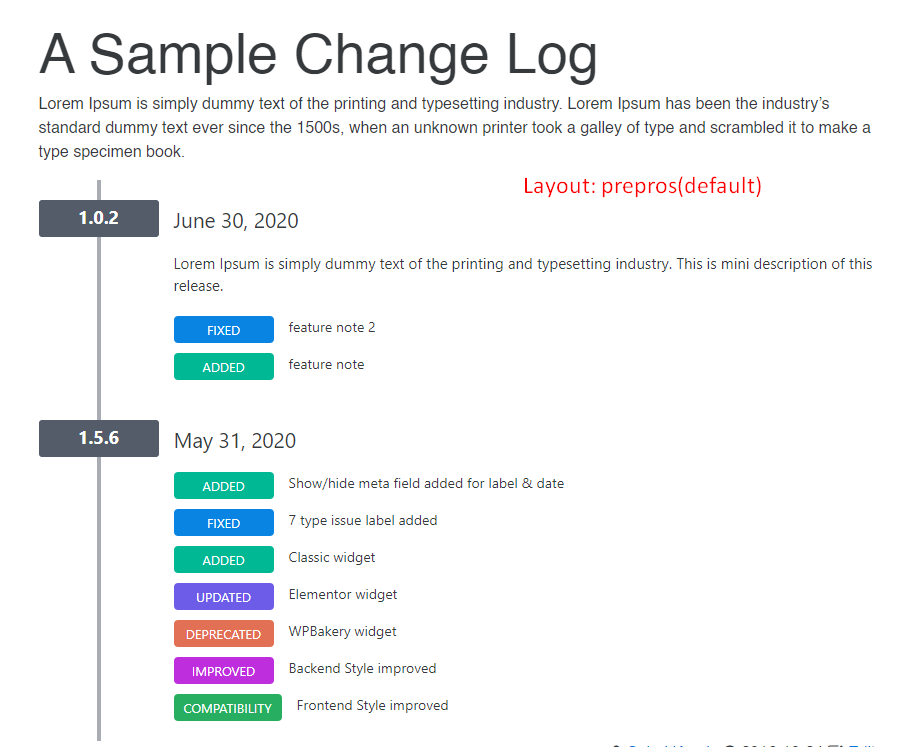
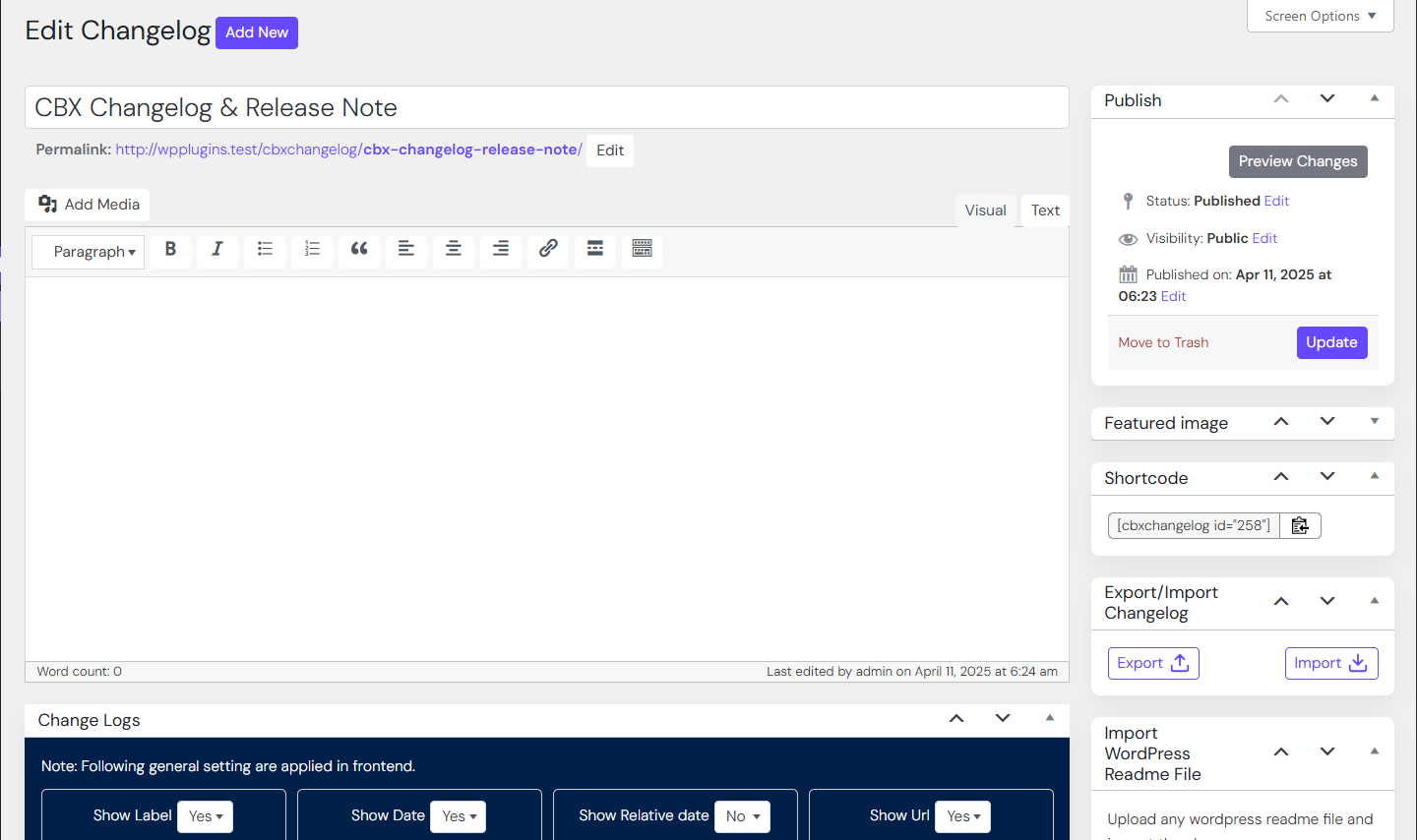
- Create and manage changelogs and release notes for your themes, plugins, or projects.
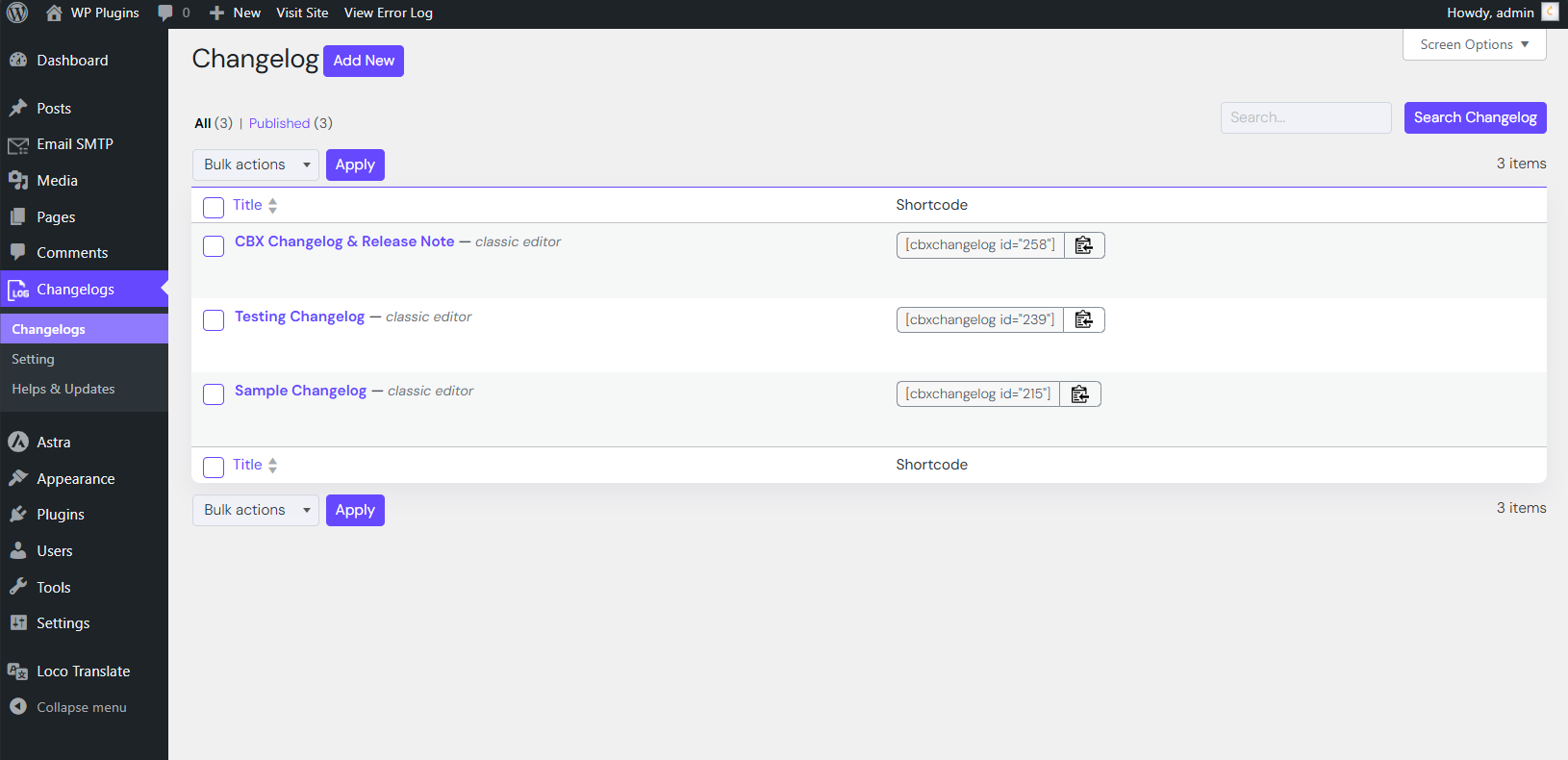
- Embed all releases or a single release via shortcode.
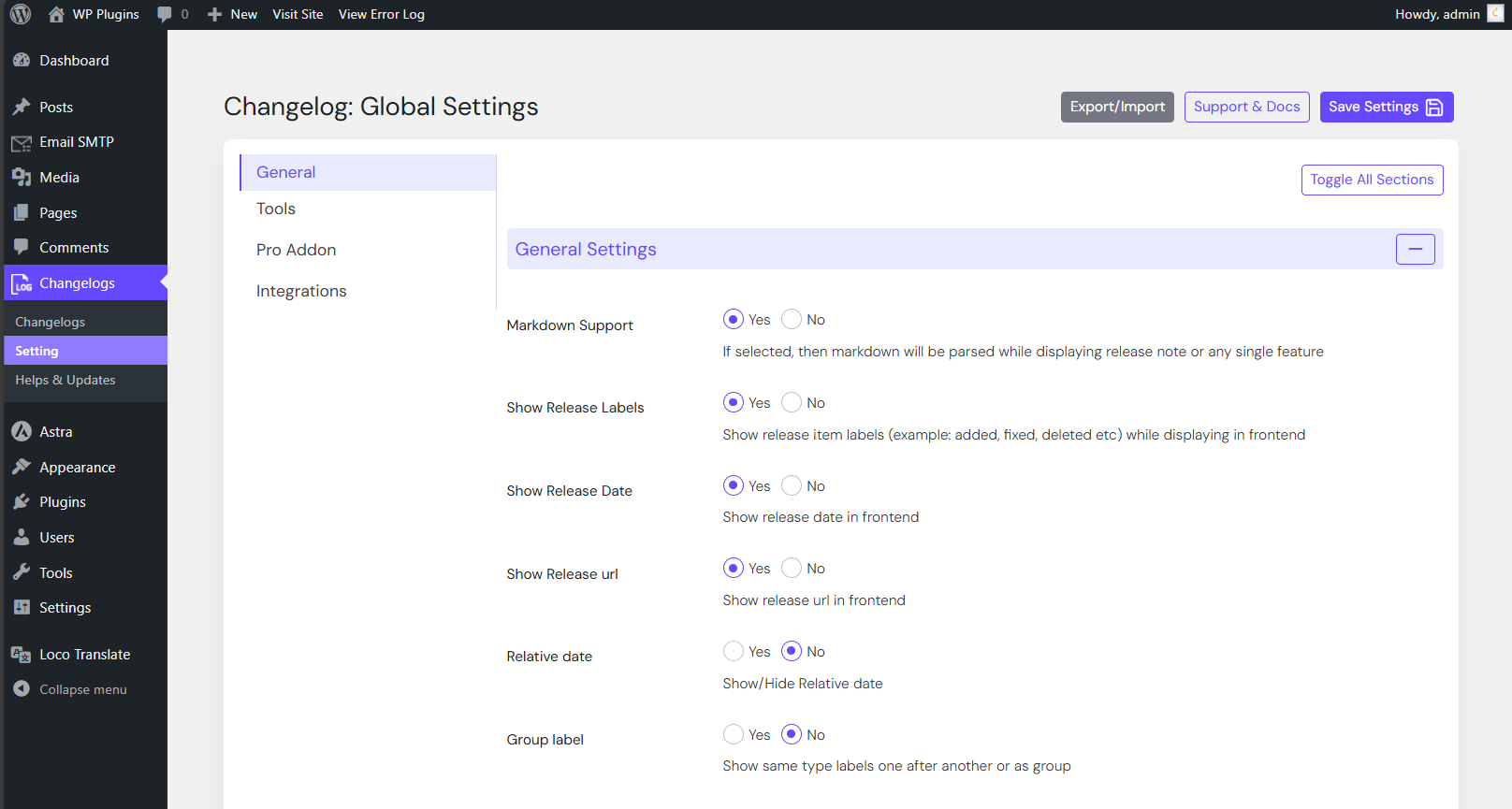
- Markdown syntax supported for changelog text.
- Option to show or hide labels and release dates (since v1.0.6).
- Seven predefined issue labels: Added, Fixed, Updated, Improved, Removed, Deprecated, Compatibility.
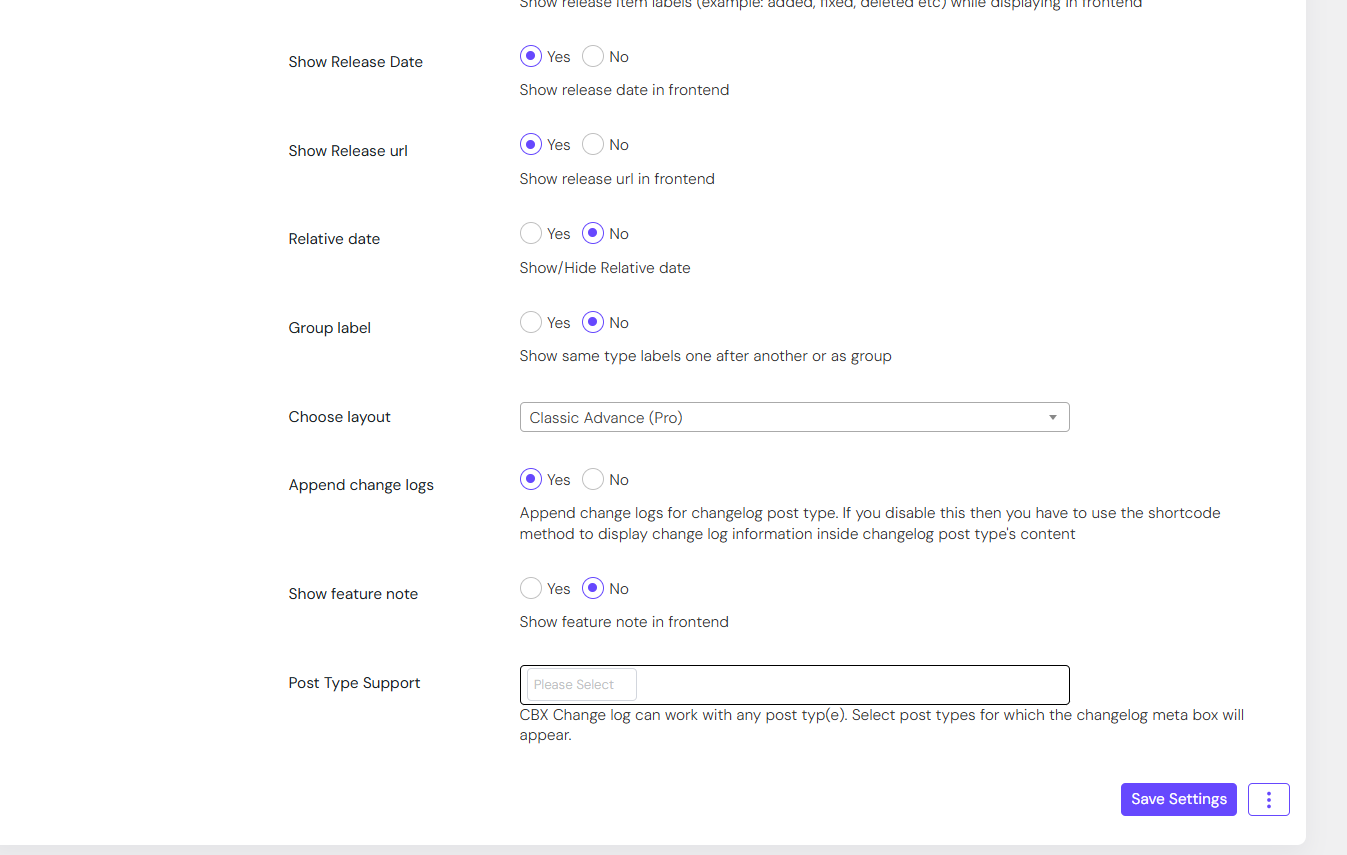
- Two display layouts for frontend presentation.
- Clean, responsive frontend design compatible with all default themes and Hello Elementor.
???? Widgets & Page Builders
- Classic WordPress Widget (since v1.0.6)
- Gutenberg Block support
- Elementor Widget (since v1.0.6)
???? Shortcodes
[cbxchangelog id="post_id"][cbxchangelog id="post_id" release="release_number"]
???? CBX Changelog & Release Note Pro Features
???? Get the Pro Addon
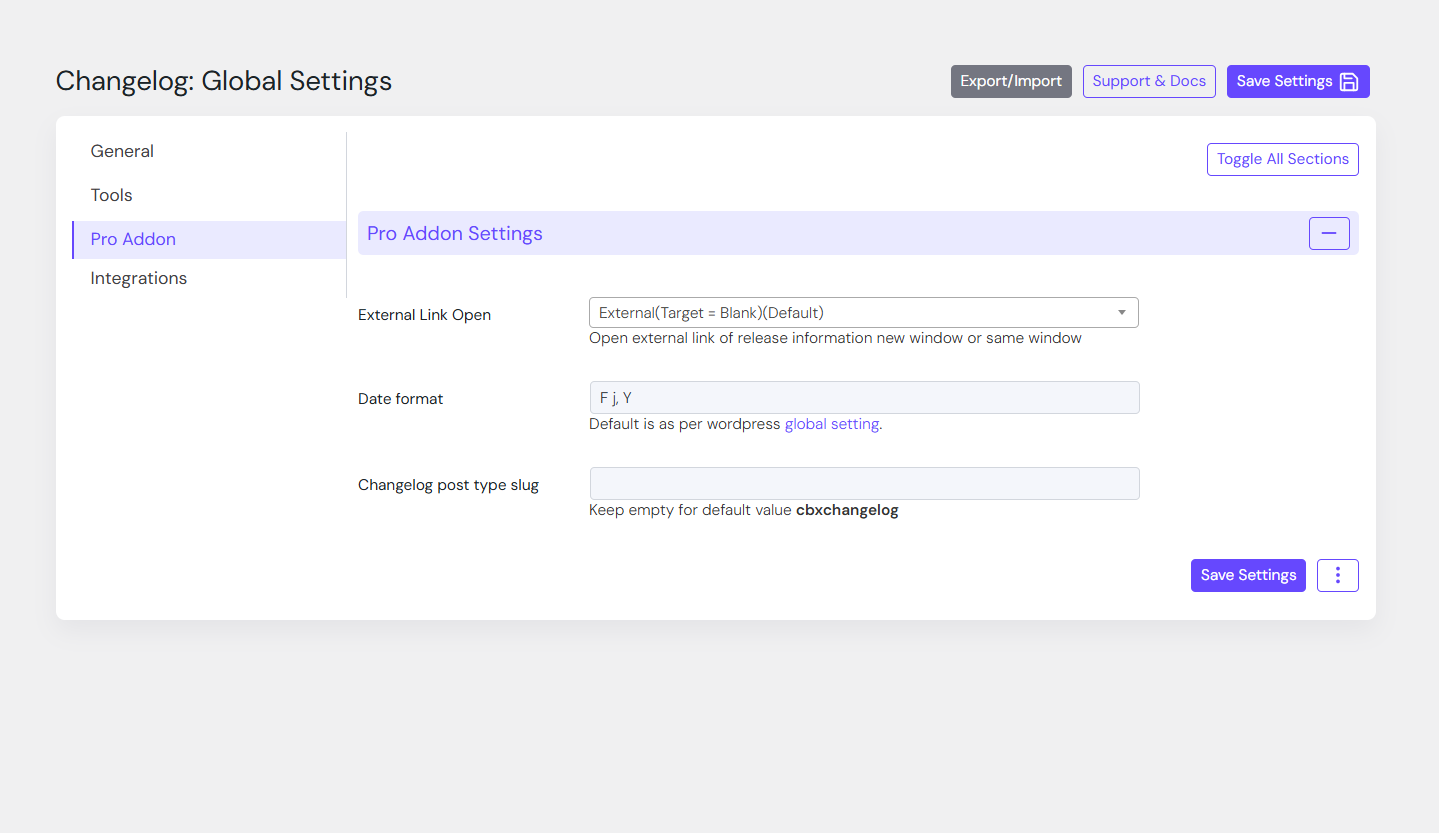
- Add changelogs to any post type (built-in or custom)
- Add a WooCommerce tab to display changelogs in product pages
- Auto integration with any post type (appends changelogs automatically)
- Two additional display layouts
- Dokan integration (since v1.1.2)
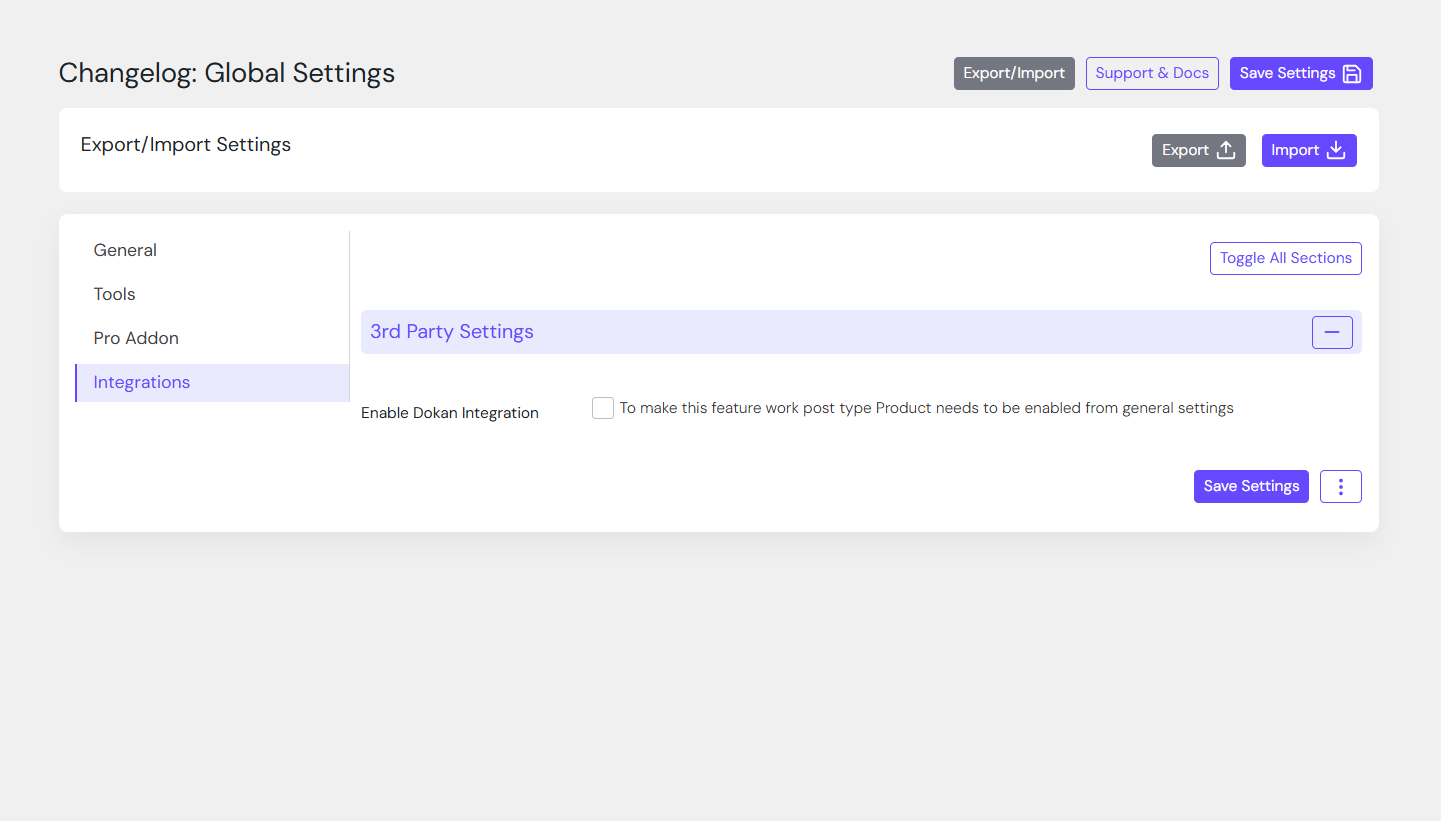
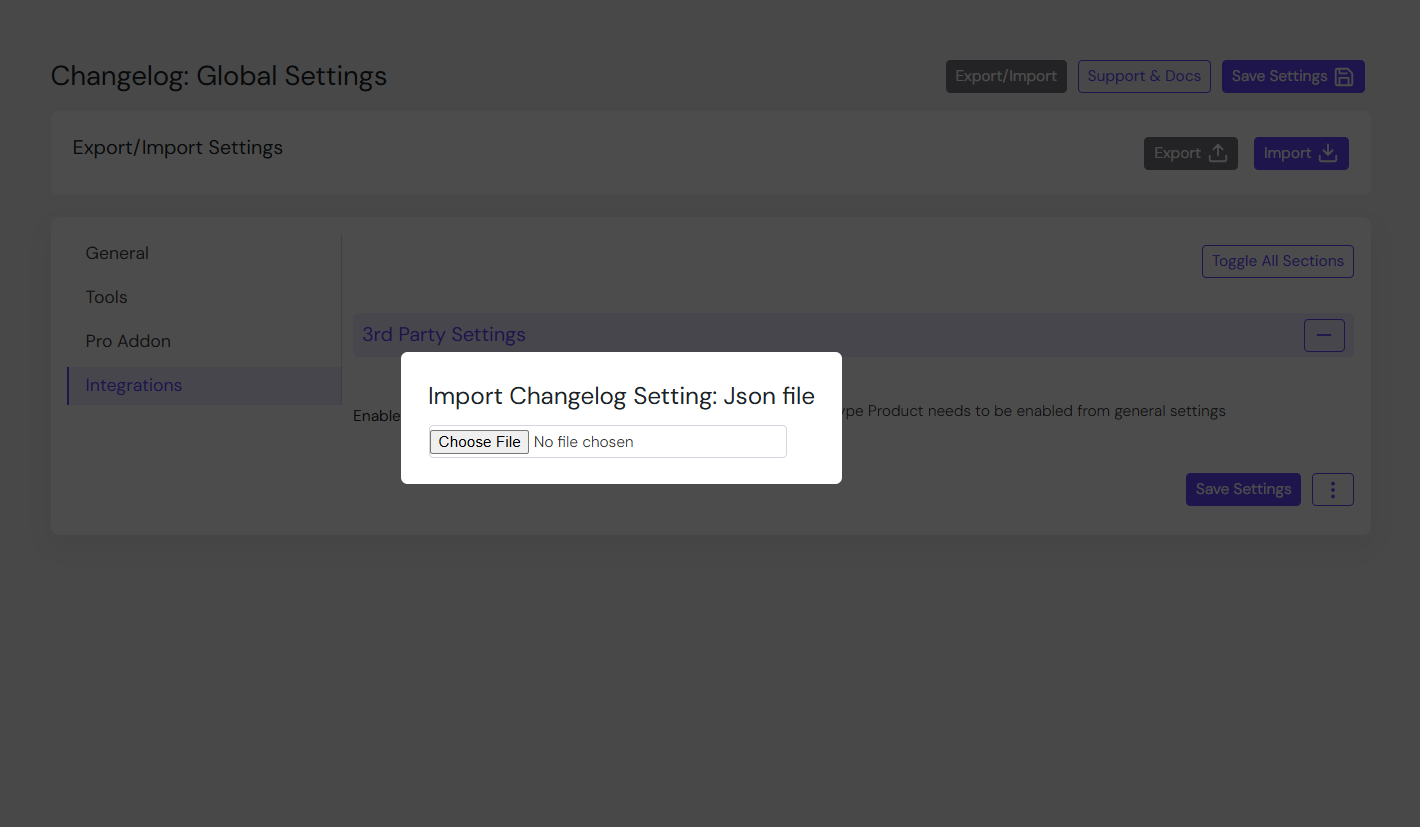
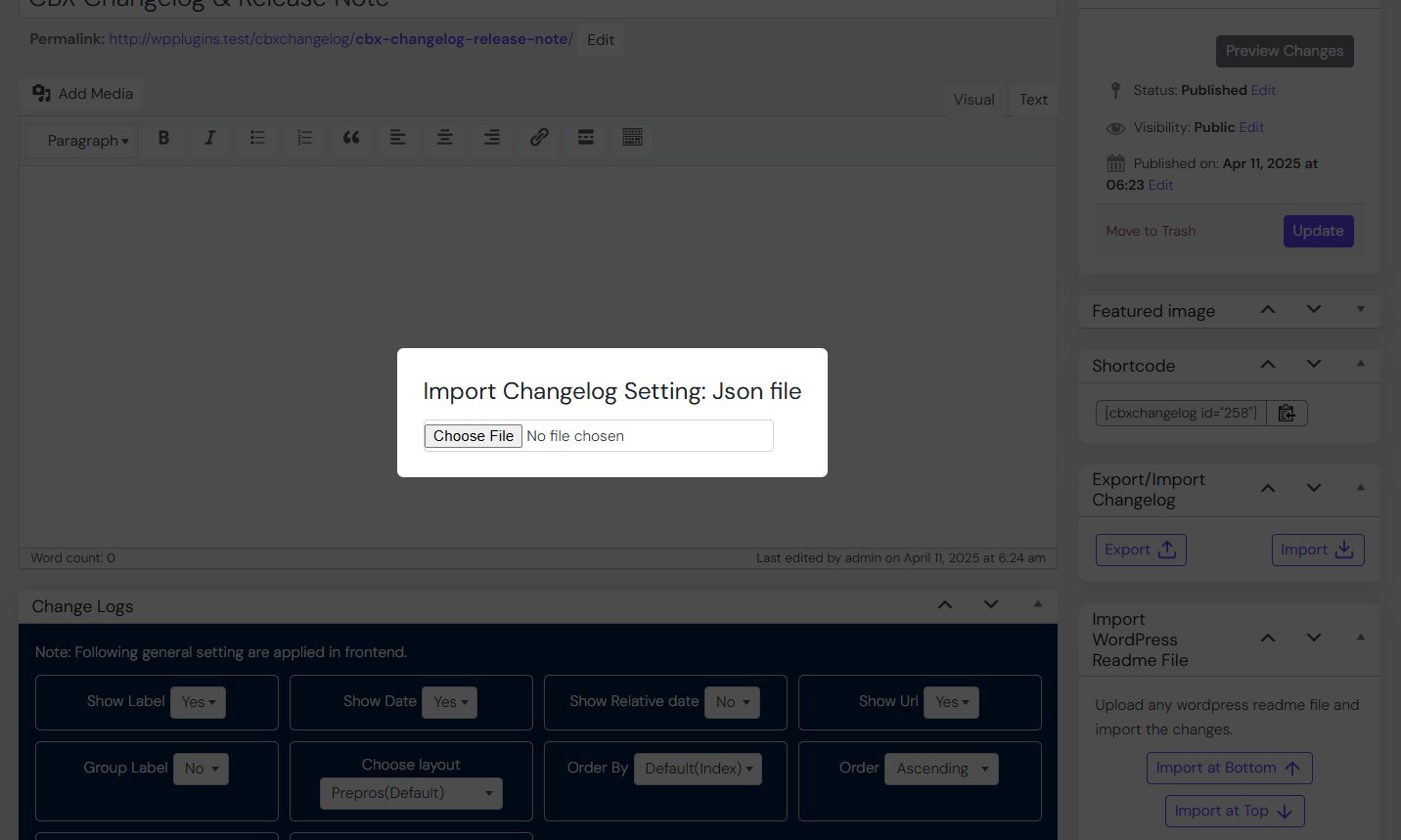
- Export/import all settings or individual setting tabs (since v1.1.1)
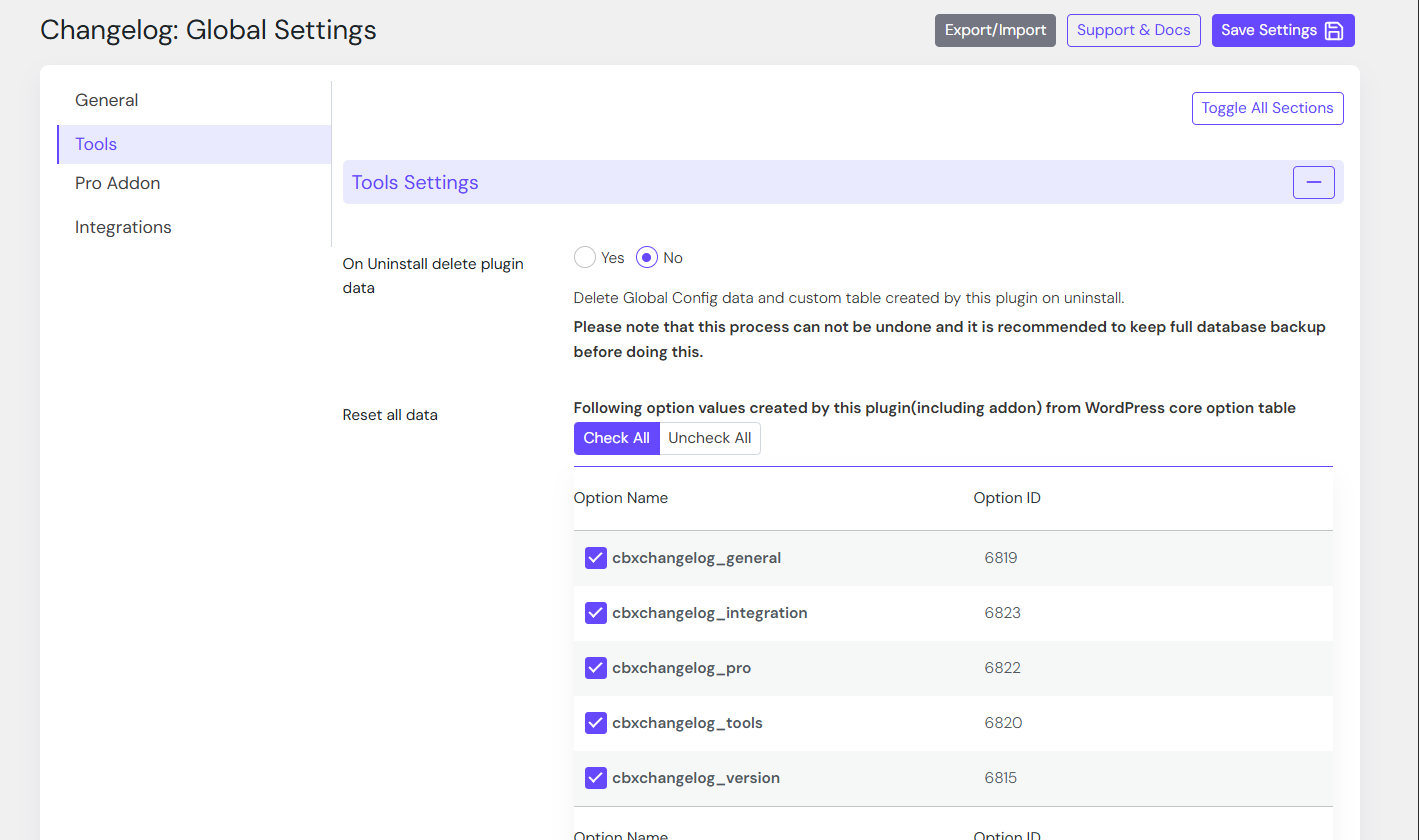
- Reset settings for specific tabs (since v1.1.1)
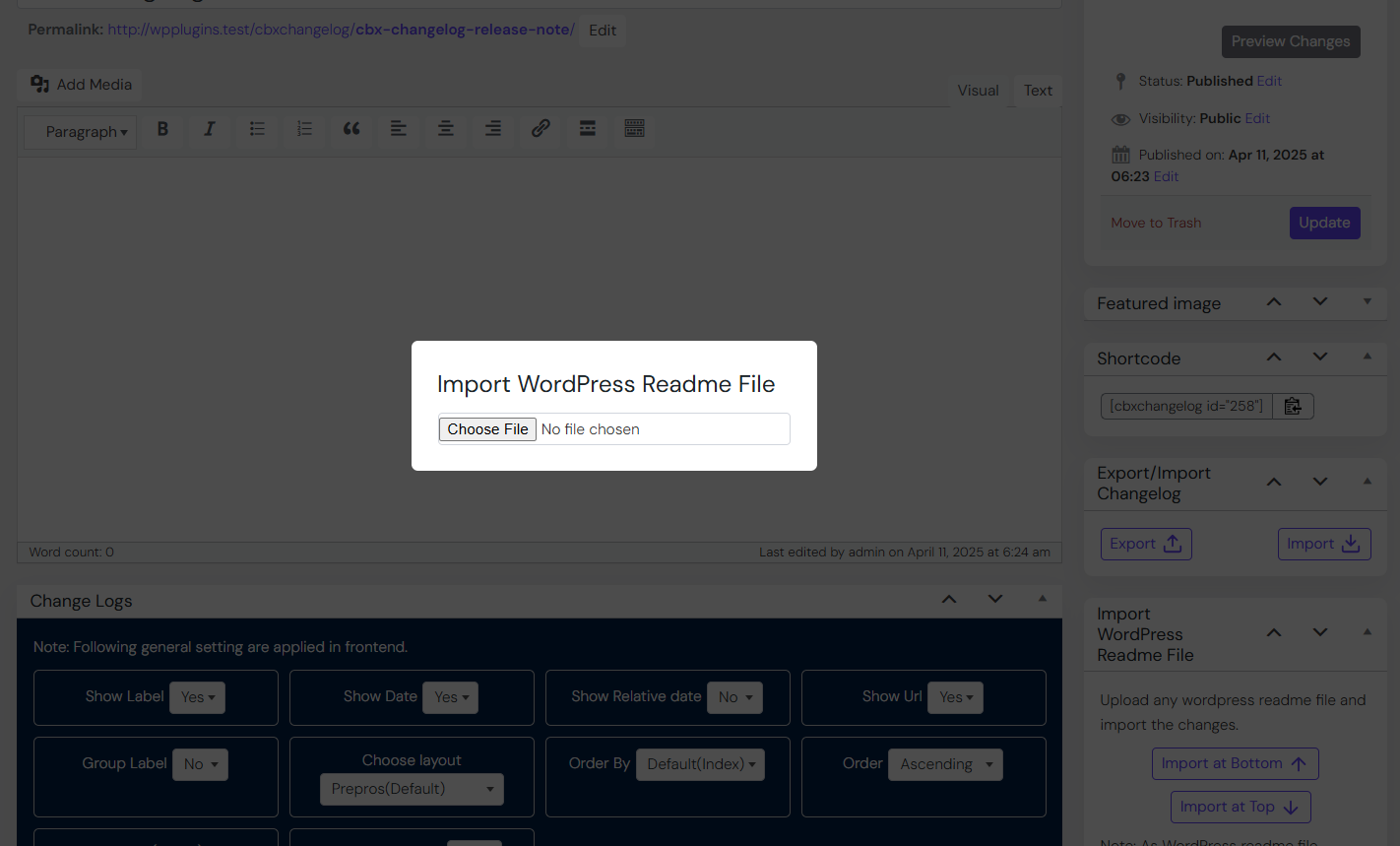
- Import from a WordPress readme.txt file (since v1.1.7)
Screenshots
FAQ



ChangeLog