Bulk Fixtures for SportsPress is an add-on plugin that extends SportsPress with a powerful bulk fixture creation tool.
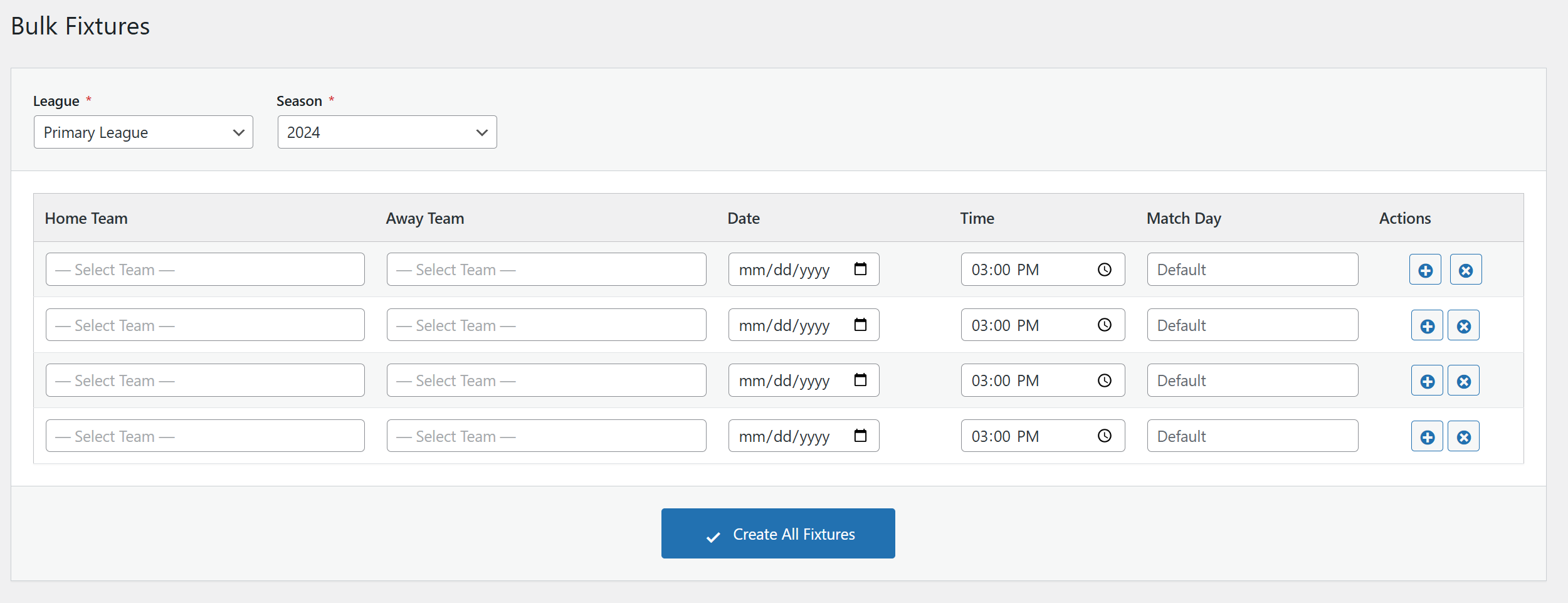
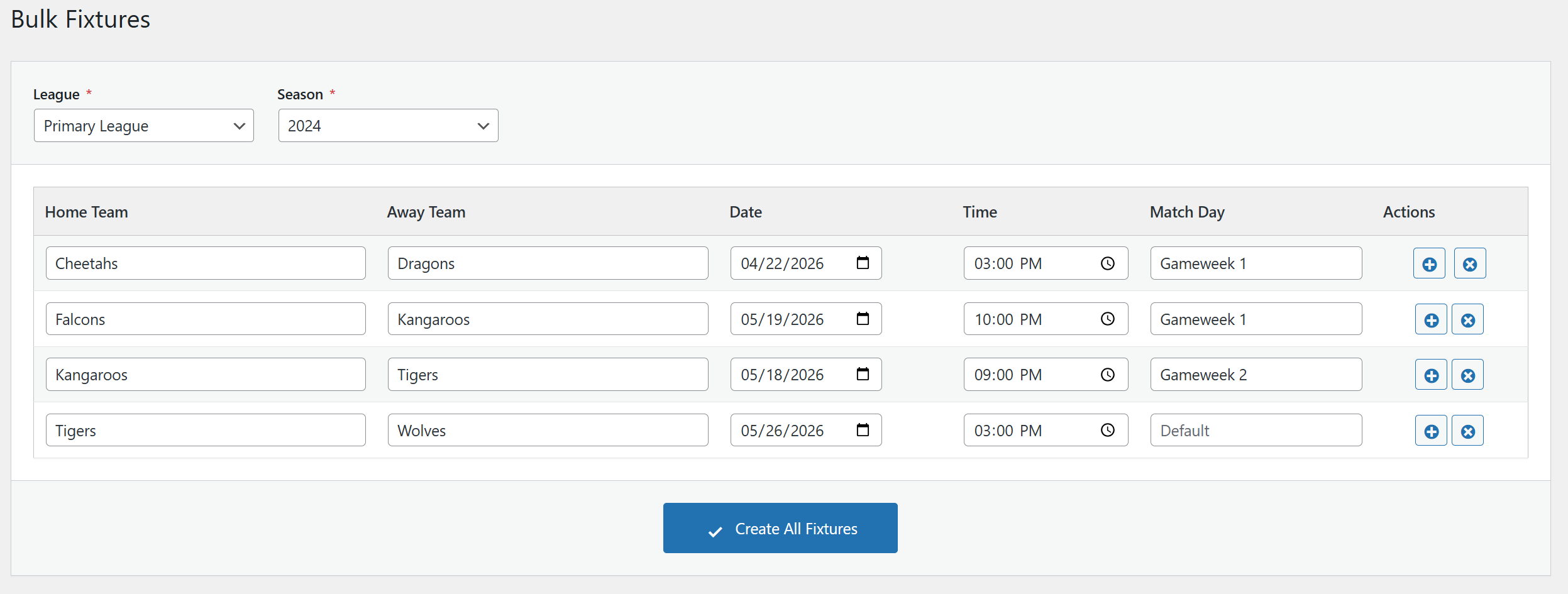
Instead of creating events one by one, this plugin provides a spreadsheet-like grid interface where you can quickly add multiple fixtures at once. Simply select a League and Season, then add as many fixtures as you need with Home Team, Away Team, Date, Time, and Match Day.
Key Features
Grid-Based Interface – Add multiple fixtures in a spreadsheet-like table
Smart Row Cloning – When adding a new row, Date, Time, and Match Day are automatically copied from the previous row
Searchable Team Dropdowns – Searchable dropdowns for easy team selection
Team Filtering – Teams are automatically filtered by the selected League and Season
Batch Processing – Fixtures are saved in batches for reliable performance
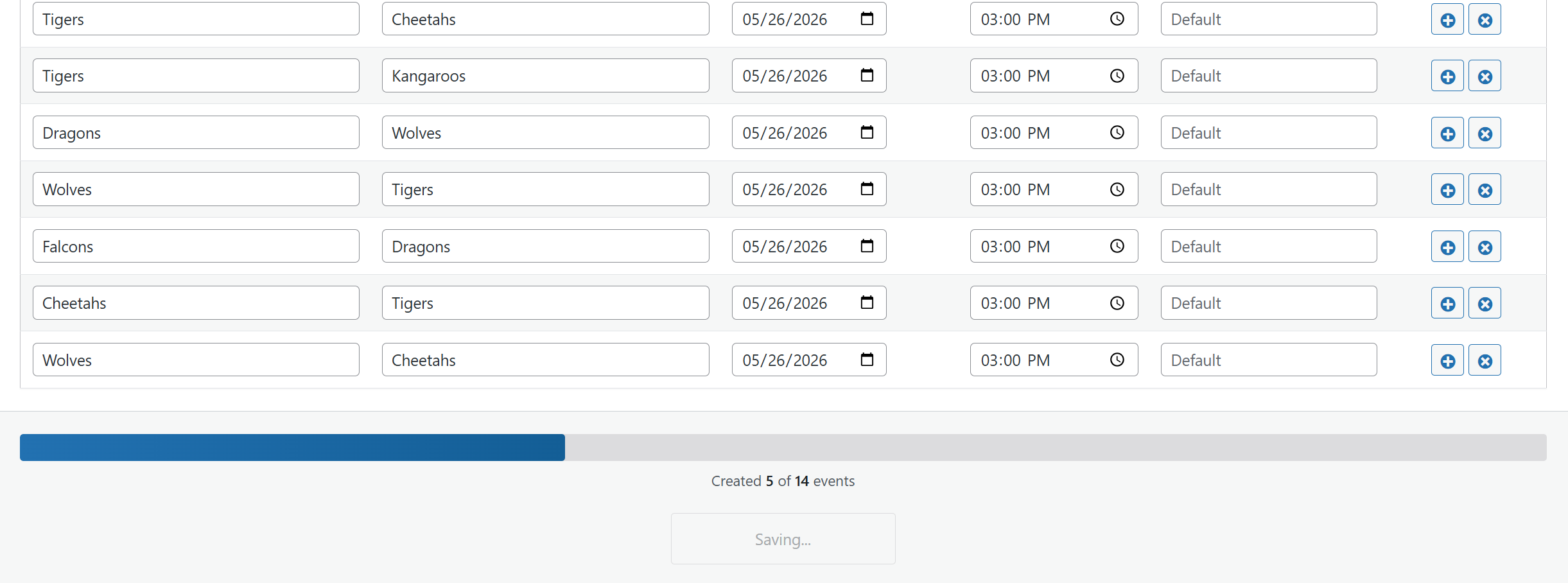
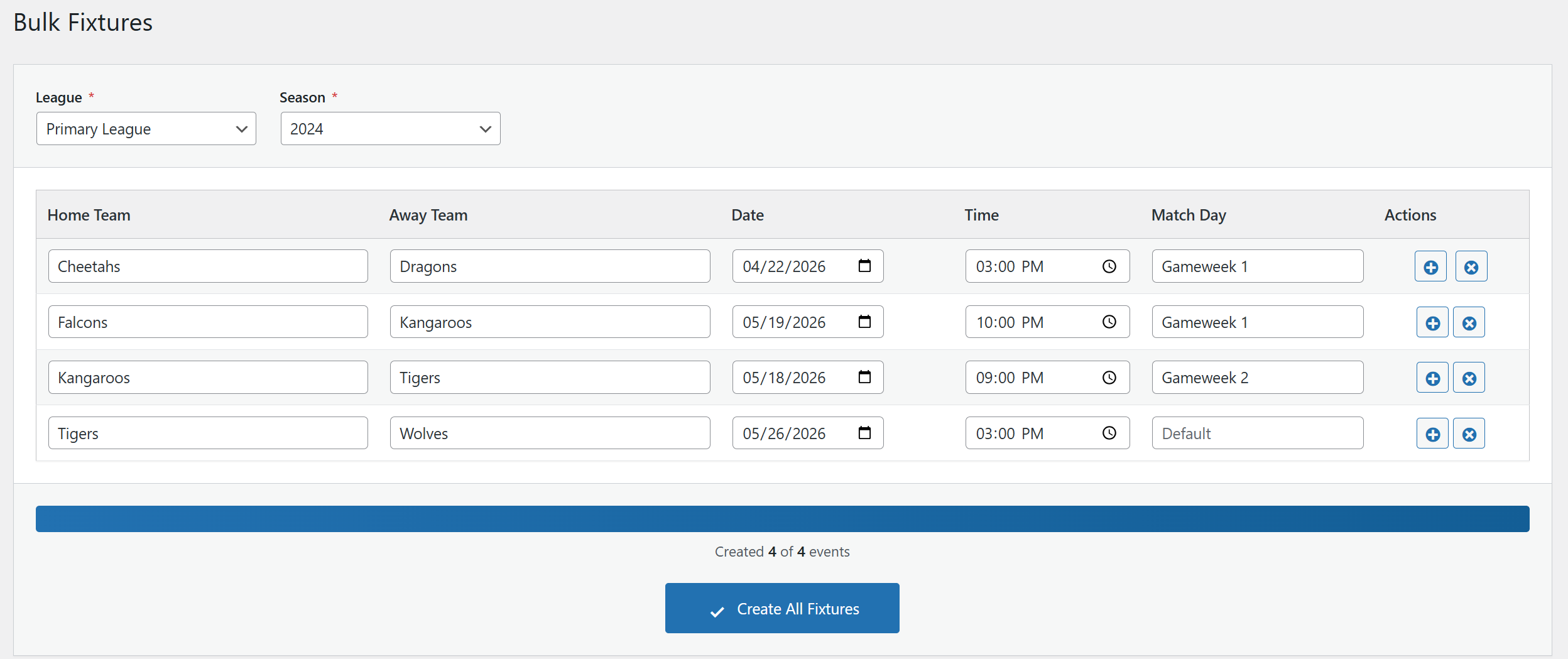
Progress Tracking – Real-time progress bar shows how many fixtures have been created
Error Handling – Graceful error handling with detailed feedback
Requirements
WordPress 5.6 or higher
PHP 7.4 or higher
SportsPress plugin (free or Pro version)
How to Use
Go to SportsPress → Events → Bulk Fixtures in your WordPress admin
Select a League from the dropdown
Select a Season from the dropdown
Teams will be automatically loaded based on your selection
Fill in the fixture details: Home Team, Away Team, Date, Time, and optionally Match Day
Click the + button to add more rows (values are cloned for faster entry)
Click Create All Fixtures to create all events
Support
For bug reports and feature requests, please visit the plugin’s support forum on WordPress.org.
Yes, this plugin works with both the free version of SportsPress and SportsPress Pro.
Can I create fixtures for multiple leagues at once?
Currently, you can only create fixtures for one League/Season combination at a time. This is by design to ensure data accuracy and proper team filtering.
What happens if an error occurs during saving?
The plugin uses batch processing to save fixtures. If an error occurs with one fixture, it will be logged and the remaining fixtures will continue to be processed. You’ll see a summary of any errors after the save process completes.
Can I edit fixtures after creating them?
Fixtures are created as standard SportsPress events. After creation, you can edit them like any other event from the Events list in SportsPress.
How are teams filtered?
Teams are filtered based on both the selected League AND Season. Only teams that are assigned to both the chosen League and Season will appear in the dropdowns.
What is the Match Day field?
The Match Day field is a text string (e.g., “Matchday 1”, “Week 5”, “Round 3”) that helps organize fixtures. It’s stored as post meta and displayed on the event page. This field is optional.