
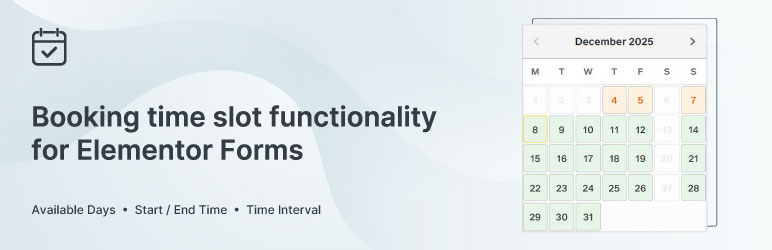
Add booking time slots to Elementor Forms. Create appointment booking forms with date and time selection.
| Author: | Dope Studio (profile at wordpress.org) |
| WordPress version required: | 5.0 |
| WordPress version tested: | 6.9 |
| Plugin version: | 1.0.0 |
| Added to WordPress repository: | 08-12-2025 |
| Last updated: | 08-12-2025 |
| Rating, %: | 100 |
| Rated by: | 1 |
| Plugin URI: | https://products.dopestudio.co.uk/ |
| Total downloads: | 621 |
| Active installs: | 10+ |
 Click to start download |
|
Booking Slots for Elementor Forms adds a booking field to Elementor Pro Forms, allowing you to create simple appointment booking systems directly within your Elementor pages.
This is an addon for Elementor Pro – it extends the Elementor Pro Forms widget to add booking functionality. You must have both Elementor (free) and Elementor Pro installed and activated for this plugin to work.
Free Version Features:
- Basic booking slots with date and time picker
- Perpetual weekday mode (bookings up to 1 year ahead)
- Global time interval settings
- Manual booking management
- Shared booking slots across all forms
- Admin page to view and manage bookings
- User control over data retention via Settings page
How It Works:
- Install and activate the plugin
- Edit any page with Elementor
- Add a Form widget to your page
- Add the \”Booking Slots\” field to your form
- Configure available weekdays and time settings
- Users can now select date and time when submitting the form
Requirements:
- WordPress 5.0 or higher
- Elementor (free version)
- Elementor Pro (for Forms widget)
- PHP 7.4 or higher
PRO Version Available:
The PRO version includes additional features:
* Specific date ranges with custom intervals
* Per-range time interval configuration
* Minimum booking notice
* Extended perpetual mode (up to 10 years)
* Multi-form slot isolation
* Custom calendar colors
* Advanced filtering and search
* Bulk delete operations
* Priority support
Screenshots
FAQ


ChangeLog