
Creates easy to use fully responsive background sliders that can be applied globally, or to individual pages and posts.
Screenshots

screenshot-1.png shows an example of a full width gallery with the thumbnail navigation.

screenshot-2.png shows an example of the original image ratio enabled on a gallery.
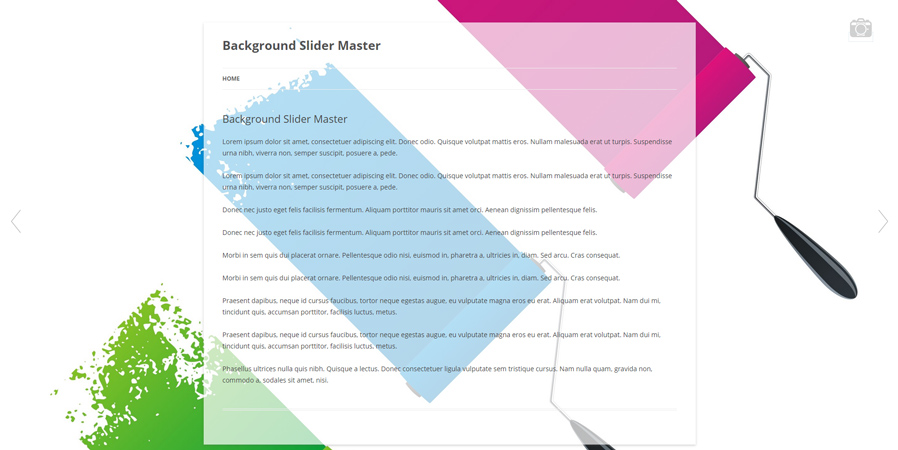
screenshot-3.png shows an example of a traditional background slider without the thumbnail navigation.

screenshot-4.png shows an example of the original image ratio enabled on a traditional background slider without the thumbnail navigation.
-
Can I create multiple background sliders and choose which pages to display them on?
Yes.
-
Can I apply a single background slider globally to all pages?
Yes.
-
Is the background slider responsive?
Yes.
-
Does it work on mobile setting?
Yes.
-
Can I disable the thumbnail navigation?
Yes.
-
Can I disable the original image ratio feature?
Yes.
-
Is this slider compatible with other major plugins?
Yes, this the Background Slider Master is compatible with the following major plugins:
-WooCommerce
-Gravity Forms
-WPTouch Pro
-Jetpack
-Many more
-
Can the navigation be shown overthe white or black background images?
Yes. You can choose different skin for the color of navigation and the scale change mode icon.
1.0.0
- Base version was released
1.0.1
- Bug Fix: When this plugin is activated and no slider set is defined, it runs all the images attached to a post or pages. This fix will only display the defined set of images through the Background Slider Set options.
1.2.0
- Global Slider Settings are now available to control:
- Default View Mode
- Hide View Mode Change Button
- Hide Arrow Navigation
- Hide Thumbnail Navigation
- Set Slider Show Interval
- Set Slider Easing Delay
1.3.0
- When a speicific slider set is selected from Posts, it overrides the permalink with the title of the slider set. – Fixed.
- The autoplay on load wasn’t working from firefox. – Fixed.
- Autosave is back for post contents, but doesn’t save the metabox settings.
1.3.1
- Add directions to the top of the settings tab: Apply slider to all pages and posts globally below, or click into your pages and posts individually and look for the “Select Background Slider Master Gallery” option on the side. This will apply the Background Slider to that page or post only.
1.4.0
- Users can choose different color skin to show the navigation arrow and the image scaling mode change icon over the black or white background color.
2.0.0
- Major Update on Creating Sets of images
- Users can choose images to be shown in the background from uploaded galleries or from a new upload.
- Drag and drop style background slider order.
2.0.1
Missing icons are added and unecessary files are removed.
2.0.2
Parse error: syntax error, unexpected [ in …/plugins/background-slider-master/includes/class-background-slider-master-activator.php on line 49
Has been fixed. The issue was created by older version of php not supporting creation of array using []. Now, the line has been changed to use the conventional method.
2.0.3
Very Minor Update: When debug mode is turned on, admin settings page display a notice “Notice: Undefined offset: 0.” This issue has been resolved.
2.0.3
Woocommerce conflict fixed. Detail:
https://icanwp.com/developer-blog/syntaxerror-json-parse-unexpected-character-line-1-column-1-json-data/
2.1.0
- Tested up to WordPress version 4.5.3
- Added extra animation
- Added premium link
- Enforcing strict mode in the public facing javascript
2.1.1
- License upgraded to GPL v3.
- Added PHP version checking to give warning when using the version out of support.
- Added recommendation panel and upgrade notice to support our development.
2.1.2
- Admin notice can be muted until next login.
- Settings menu link fixed.
2.2.0
- Minor error fixes
- Compatibility check with WP 4.9.8 and Gutenberg
- Instruction update

