

Description: The Auto Advance plugin for Gravity Forms makes the form filling process quicker and more user friendly for visitors.
| Author: | Frog Eat Fly (profile at wordpress.org) |
| WordPress version required: | |
| WordPress version tested: | 7.1.4 |
| Plugin version: | 5.0.6 |
| Added to WordPress repository: | 06-12-2018 |
| Last updated: | 13-11-2026 |
| Rating, %: | 86 |
| Rated by: | 20 |
| Plugin URI: | |
| Total downloads: | 65 385 |
| Active installs: | 2 000+ |
 Click to start download |
|
Build faster Gravity Forms multi-page forms with fewer clicks. Multi Page Auto Advance can move visitors to the next page automatically after supported radio button and dropdown choices, helping you create smoother lead forms, quote forms, client intake forms, quizzes, surveys, onboarding flows, and Typeform-style Gravity Forms experiences without custom JavaScript.
Instead of asking visitors to answer a question, find the Next button, click again, and wait for the next step, this Gravity Forms add-on can advance the form immediately after a supported answer. Paid plans add production workflow controls such as conditional logic support, hide Next button options, animation, and broader field triggers.
Use it for lead forms, client intake forms, quote request forms, onboarding flows, quizzes, surveys, and agency-built Gravity Forms workflows where fewer clicks can improve completion.
What the free plugin does
Free is the simple distribution version: it gives WordPress site owners the core Gravity Forms auto-advance experience for radio buttons and dropdowns.
- Auto-advance Gravity Forms pages after radio button choices
- Auto-advance Gravity Forms pages after dropdown selections
- Create a smoother one-question-at-a-time form experience in WordPress
- Reduce extra Next button clicks in multi-page forms
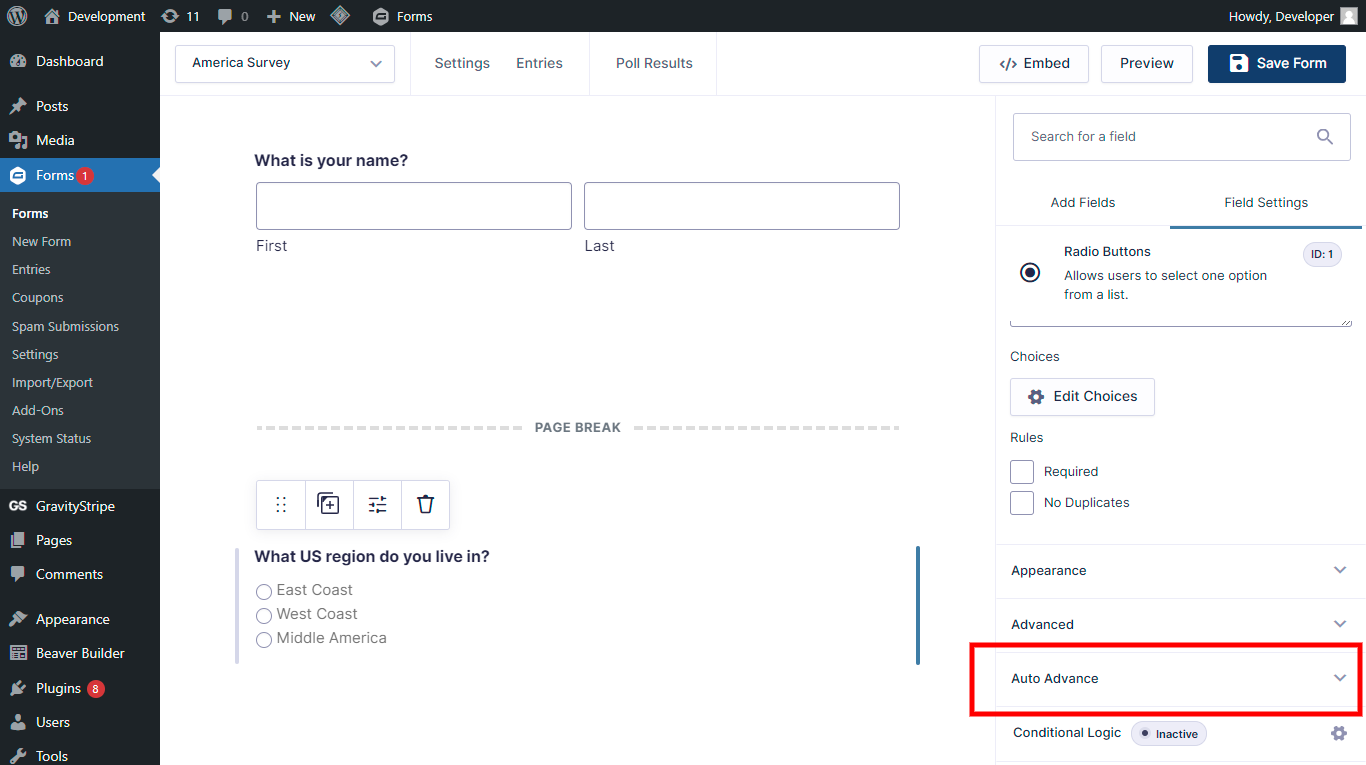
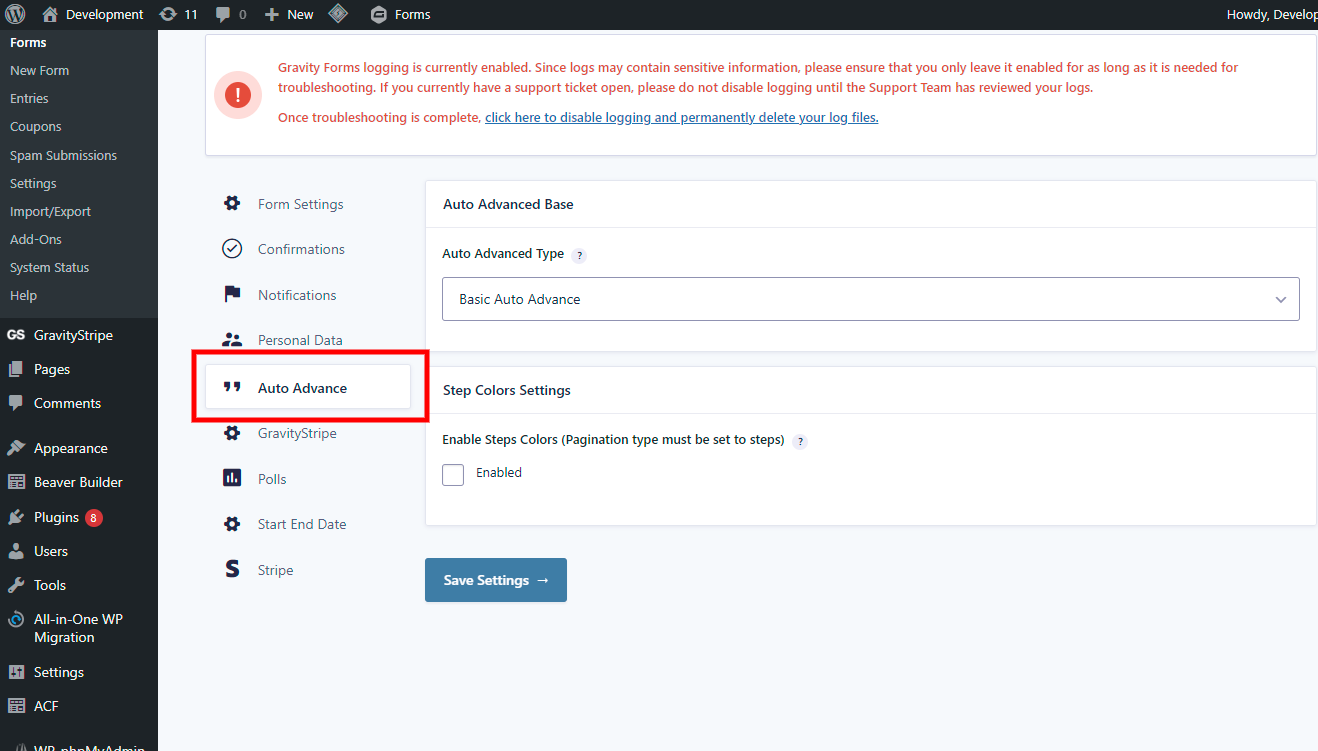
- Configure auto-advance from the Gravity Forms field settings panel
- Keep your forms built in Gravity Forms instead of moving to a separate form builder
Common use cases
- Gravity Forms auto next after a radio button answer
- Gravity Forms auto advance after a dropdown choice
- Multi-step lead generation forms
- Client intake forms with fewer clicks
- Agency client-site Gravity Forms workflows
- Quiz and survey flows
- Quote request forms
- Typeform-style WordPress forms built with Gravity Forms
Which plan should I use?
- Free is best for basic multi-page Gravity Forms that should advance after a radio button or dropdown answer.
- Pro is the single-site business plan for serious intake, quote, lead, survey, and onboarding forms that need a smoother production workflow.
- Plus is the agency and unlimited-site plan for teams building Typeform-style Gravity Forms flows across client websites.
Pro: single-site business plan
Upgrade to Pro when one business website depends on smoother Gravity Forms workflows.
Everything from Free, plus:
- Product field support
- Poll, quiz, and survey workflow support
- Conditional logic support
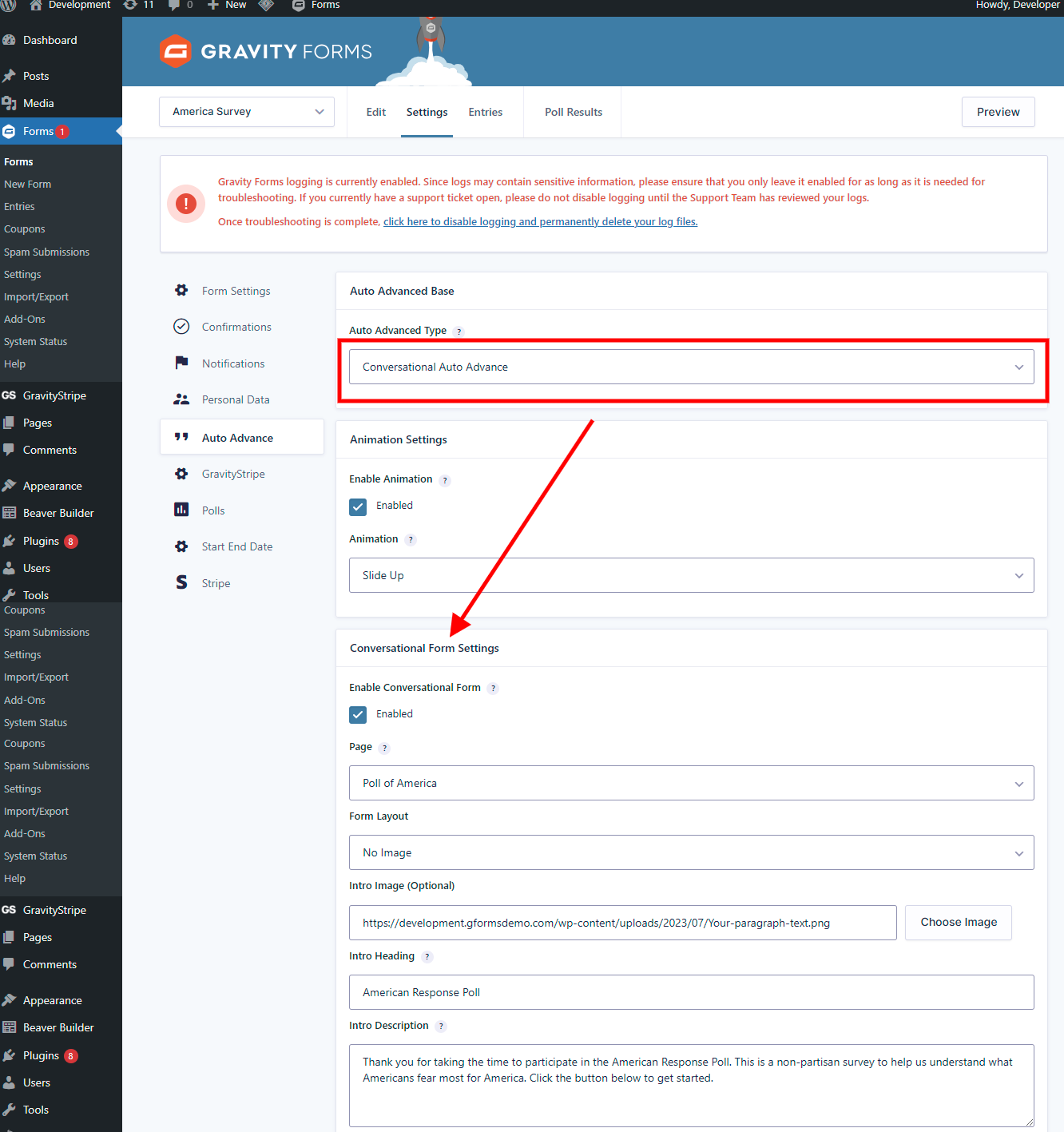
- Gravity Forms Conversational Forms Add-On support
- Hide Next and Previous buttons where appropriate
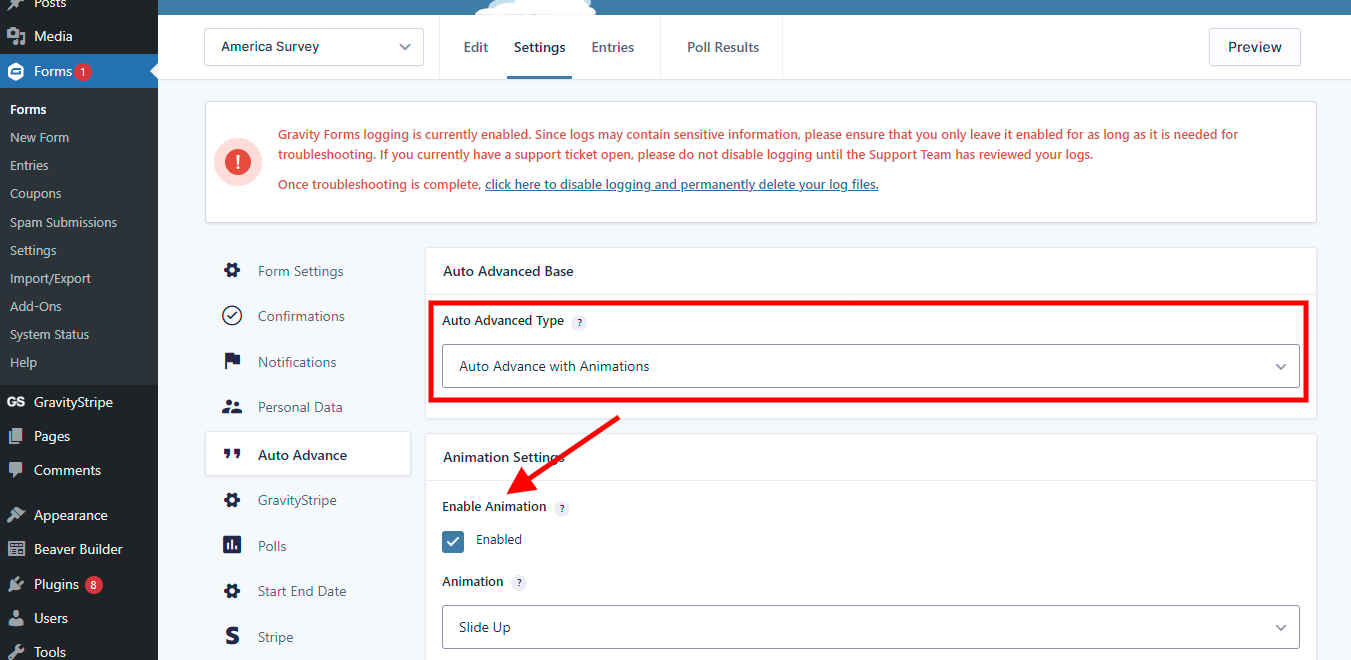
- Transition animations
- Step color controls
Pro is a good fit for business websites using Gravity Forms for lead generation, client intake, quote requests, consultation requests, onboarding, quizzes, surveys, and other conversion-focused multi-page forms.
Plus: agency and unlimited-site plan
Upgrade to Plus when you build Gravity Forms workflows across multiple websites or client sites.
Everything from Pro, plus broader auto-advance triggers and upgraded conversational form functionality for more advanced one-question-at-a-time experiences.
Plus adds:
- Checkbox field auto-advance
- Text and textarea field auto-advance
- Number field auto-advance
- Address field auto-advance
- Upgraded conversational form functionality
- Unlimited-site licensing for client and agency work
Plus is designed for agencies, freelancers, WordPress consultants, and multi-site operators who want faster Gravity Forms intake forms, quote forms, lead forms, and Typeform-style client workflows without rebuilding everything in another form tool.
Watch the conversational settings video
Resources
- Live demos: https://multipagepro.com/demo/
- Feature overview: https://multipagepro.com/features/
- Pricing and FAQ: https://multipagepro.com/pricing/
- Setup docs: https://multipagepro.com/docs/
- Support: https://multipagepro.com/support/
Videos
- Overview and features: https://youtu.be/bZlvWOlgtLw
- Conversational settings: https://youtu.be/LUk1OwOZb-0
- Text and number fields: https://youtu.be/CXPq4270kA4
- Checkbox fields: https://youtu.be/C66gjrMBaRw
Screenshots
FAQ
ChangeLog