

Accept AstroPay payment methods in your WooCommerce store.
| Author: | astropayintegrations (profile at wordpress.org) |
| WordPress version required: | 5.8 |
| WordPress version tested: | 6.9.12 |
| Plugin version: | 3.0.3 |
| Added to WordPress repository: | 19-03-2021 |
| Last updated: | 20-04-2026 |
| Rating, %: | 0 |
| Rated by: | 0 |
| Plugin URI: | https://github.com/astropay-it/woocommerce-pl... |
| Total downloads: | 3 858 |
| Active installs: | 30+ |
 Click to start download |
|
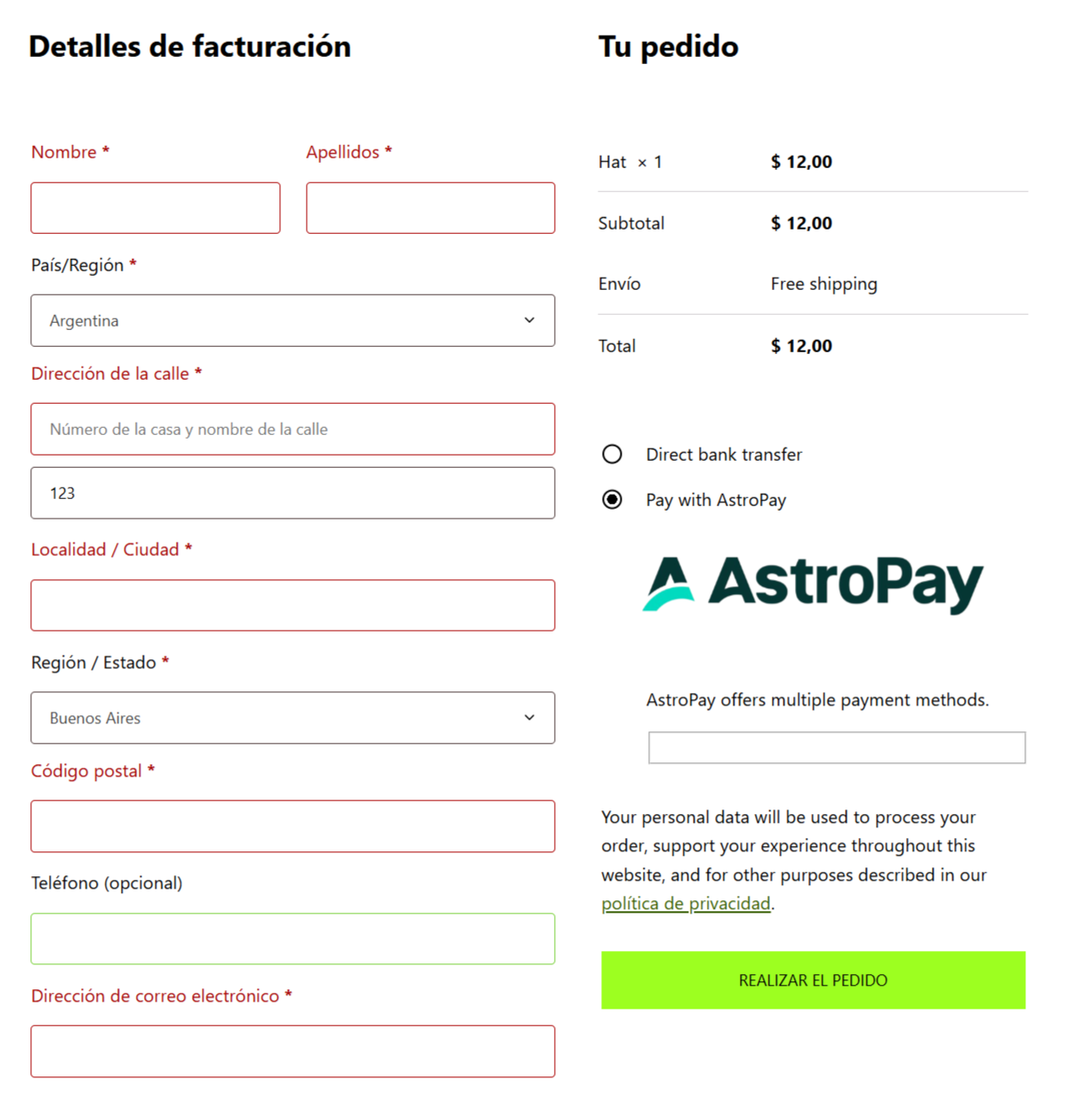
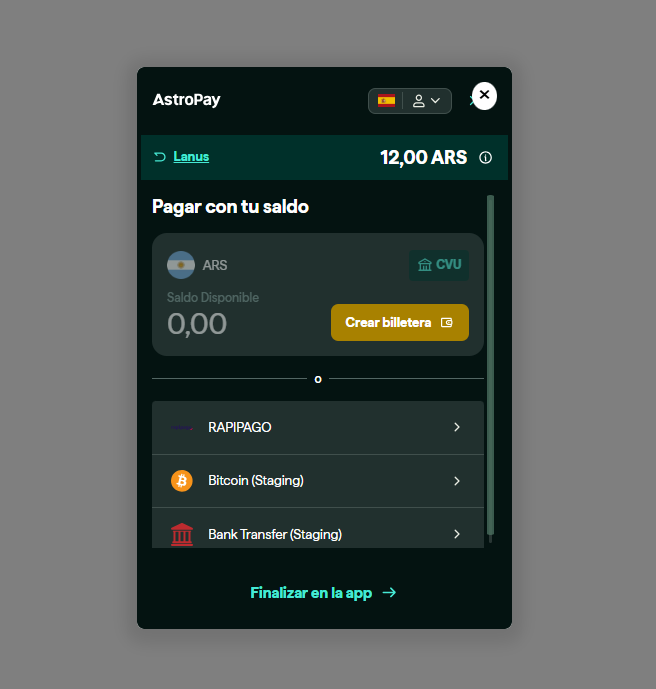
AstroPay for WooCommerce allows your store to accept payments through AstroPay’s Checkout – including credit/debit cards, AstroPay Wallet, and local payment methods across Latin America and other markets.
Features
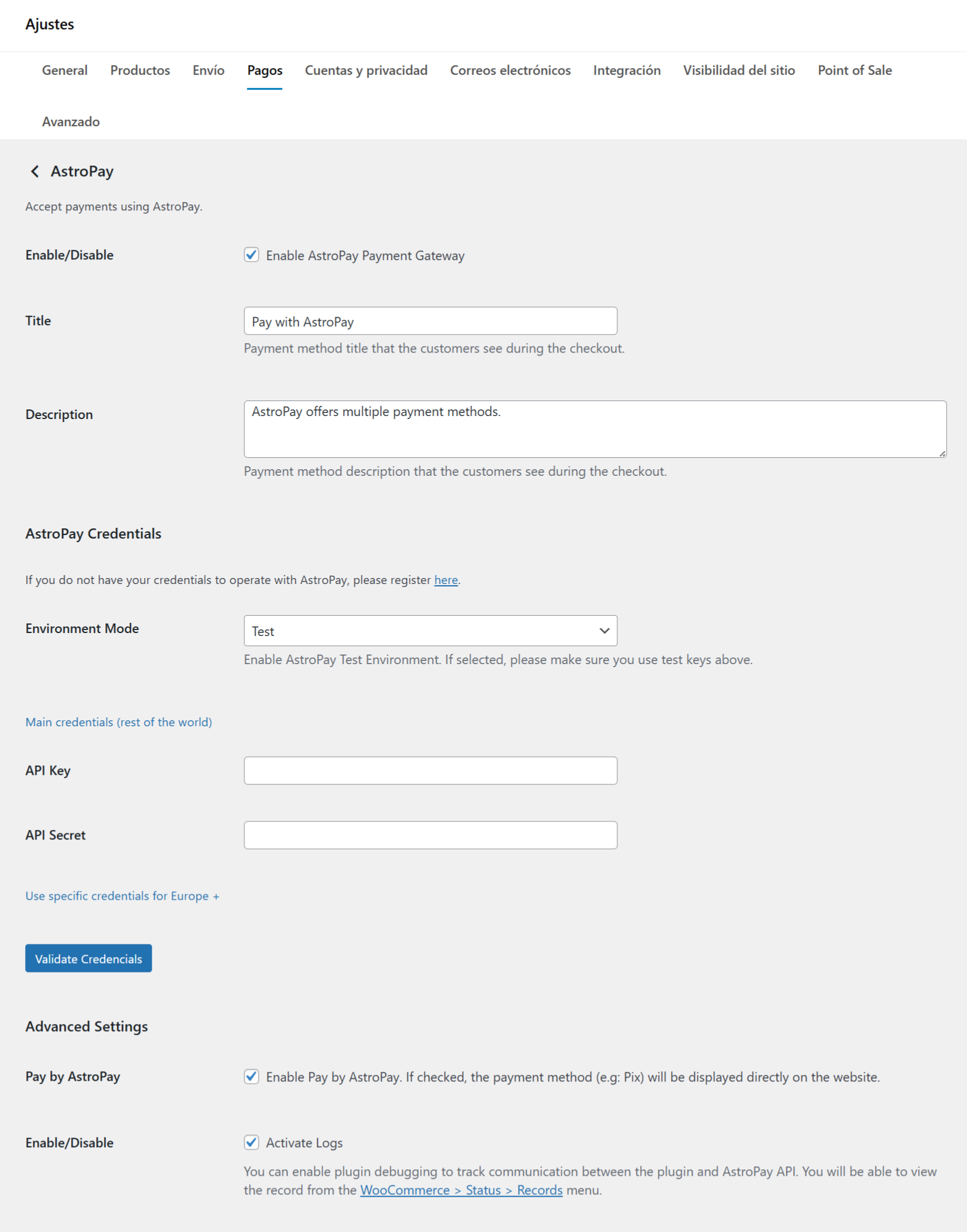
- Accept card payments, AstroPay Wallet, and local payment methods
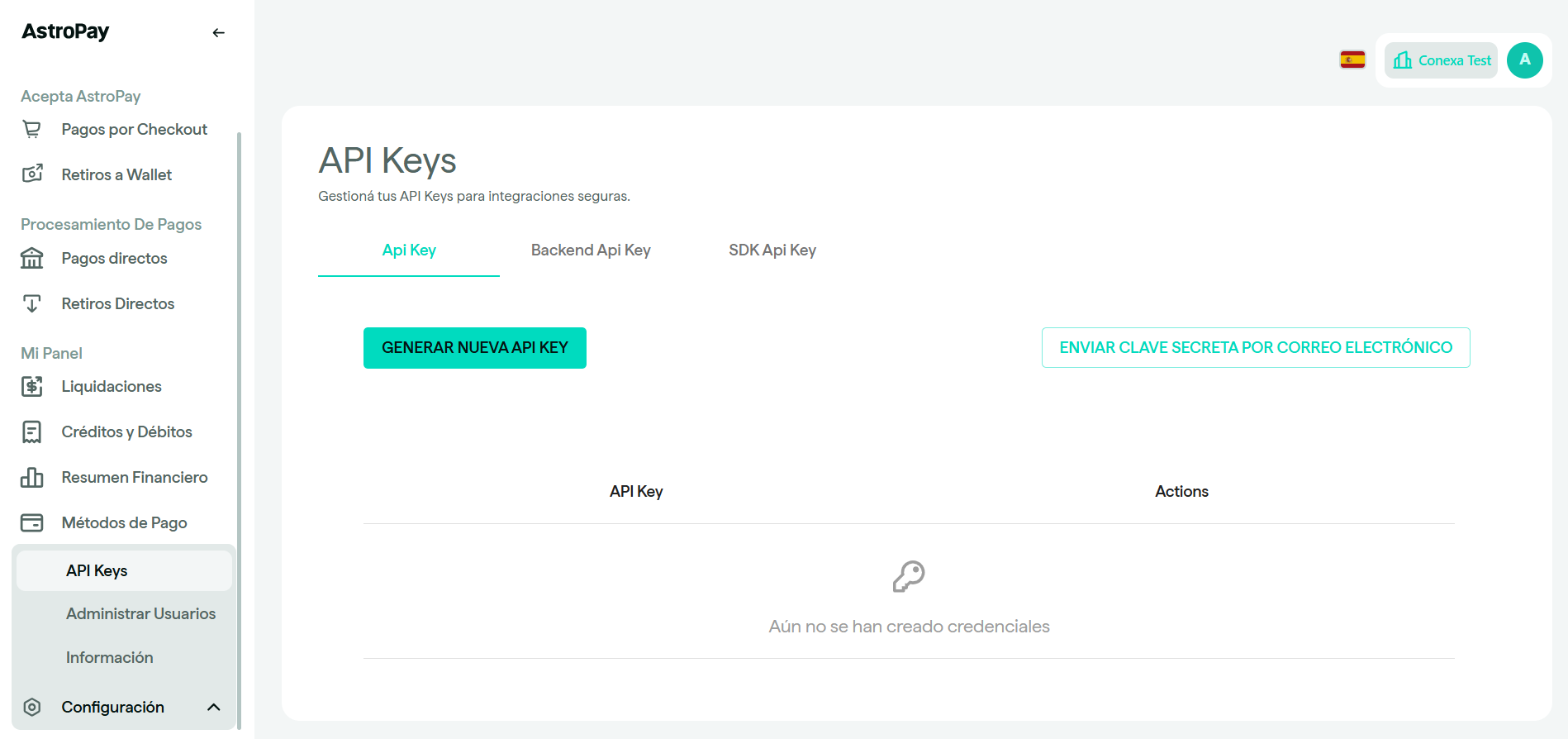
- Sandbox and Production environments
- Automatic order status updates via webhooks
- Refund support directly from the WooCommerce admin
External Services
This plugin connects to AstroPay’s API to process payments. By using this plugin, you agree to AstroPay’s terms of service.
- Production API: https://partners-api.astropay.com
- Sandbox API: https://partners-api-sandbox.astropay.com
These services are called when:
– A customer places an order (to create a payment session)
– A refund is issued from the WooCommerce admin
– A webhook is received (to fetch signing certificates)
Please review AstroPay’s Privacy Policy: https://www.astropay.com/legal/privacy-policy/
And Terms of Service: https://www.astropay.com/legal/terms-and-conditions/
Screenshots
FAQ
ChangeLog