

Adds Animated Floating Icons for the footer, WhatsApp icon & Scroll-to-Top icon.
| Author: | Farith Adhil (profile at wordpress.org) |
| WordPress version required: | |
| WordPress version tested: | 6.9 |
| Plugin version: | 1.3.1 |
| Added to WordPress repository: | 03-02-2025 |
| Last updated: | 03-02-2026 |
| Rating, %: | 0 |
| Rated by: | 0 |
| Plugin URI: | |
| Total downloads: | 1 316 |
| Active installs: | 20+ |
 Click to start download |
|
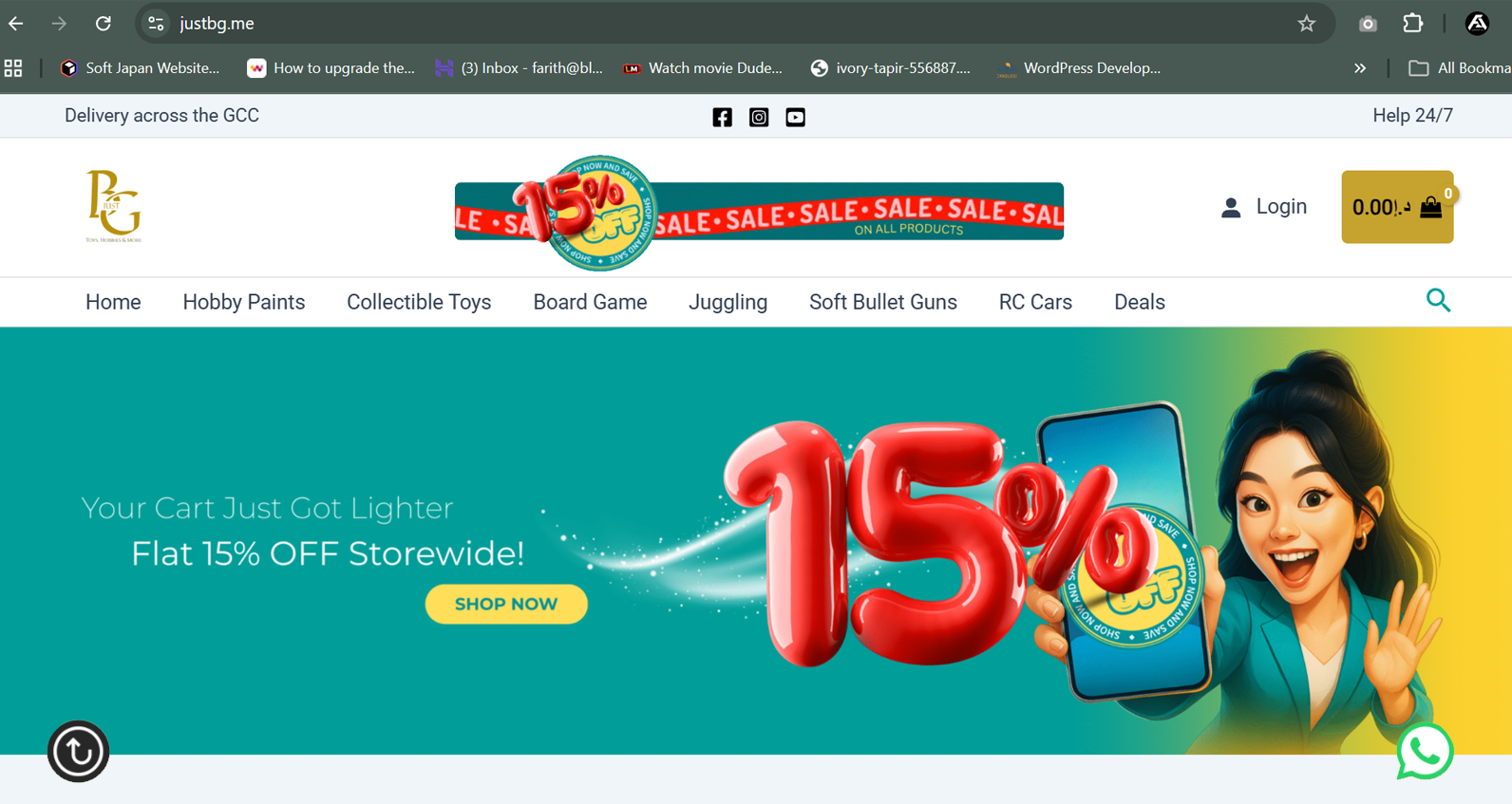
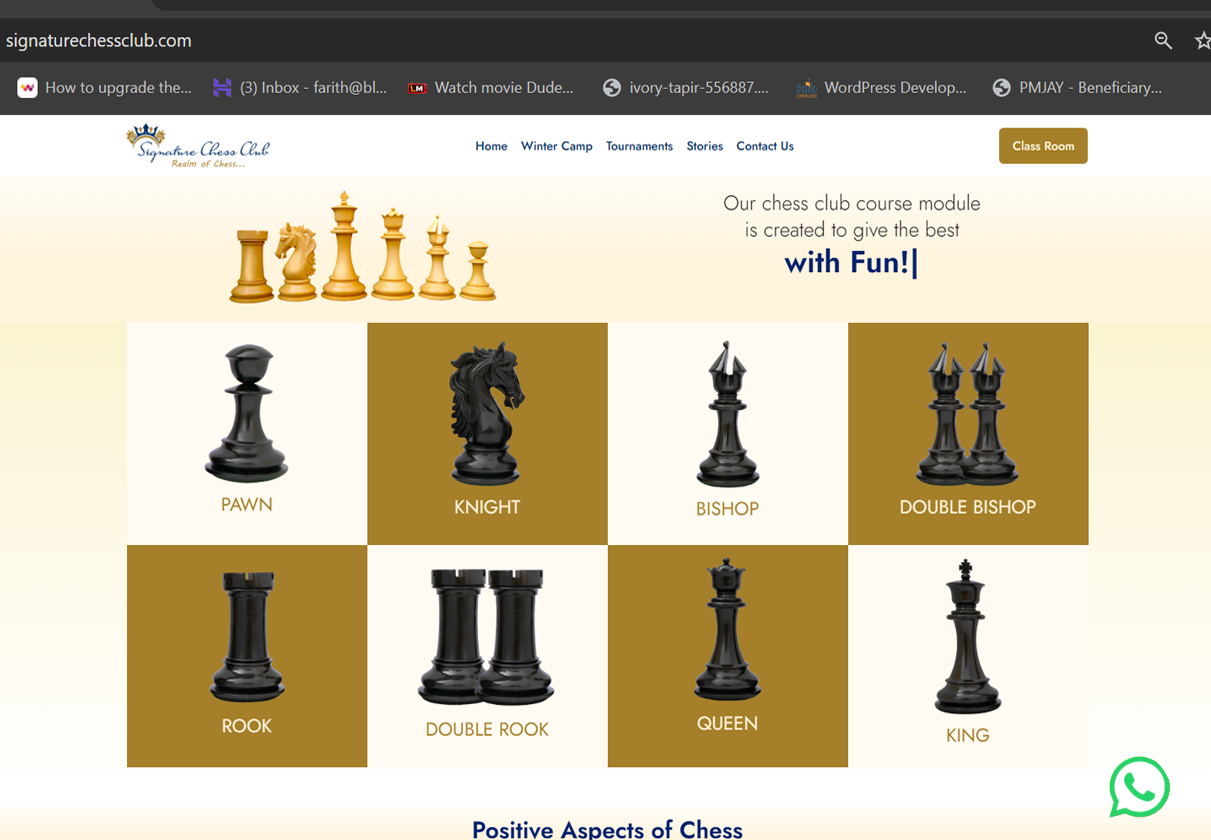
Anicons is a lightweight WordPress plugin that adds an animated WhatsApp Chat Button and a Scroll-to-Top button to your website.
It helps visitors contact you instantly via WhatsApp and improves navigation — without slowing down your site.
Perfect for:
✅ WooCommerce stores
✅ Local businesses
✅ Service providers & freelancers
✅ Small business blogs that rely on WhatsApp leads
???? Video tutorial:
https://www.youtube.com/watch?v=kC2qM2_g8lk
Best For
???? WooCommerce Stores
Answer pre-sale questions instantly
Reduce cart abandonment
Increase customer trust with WhatsApp support
???? Local Businesses
One-tap WhatsApp contact on mobile
Ideal for salons, clinics, shops, restaurants
???????? Service Providers
Freelancers, consultants, agencies
Convert visitors into WhatsApp leads
No complex setup required
WhatsApp Chat Button Features
✅ Opens WhatsApp Web on desktop
✅ Opens WhatsApp app on mobile (Android & iOS)
✅ Supports WhatsApp & WhatsApp Business numbers
✅ Floating sticky button (left or right position)
✅ Clean animated icons
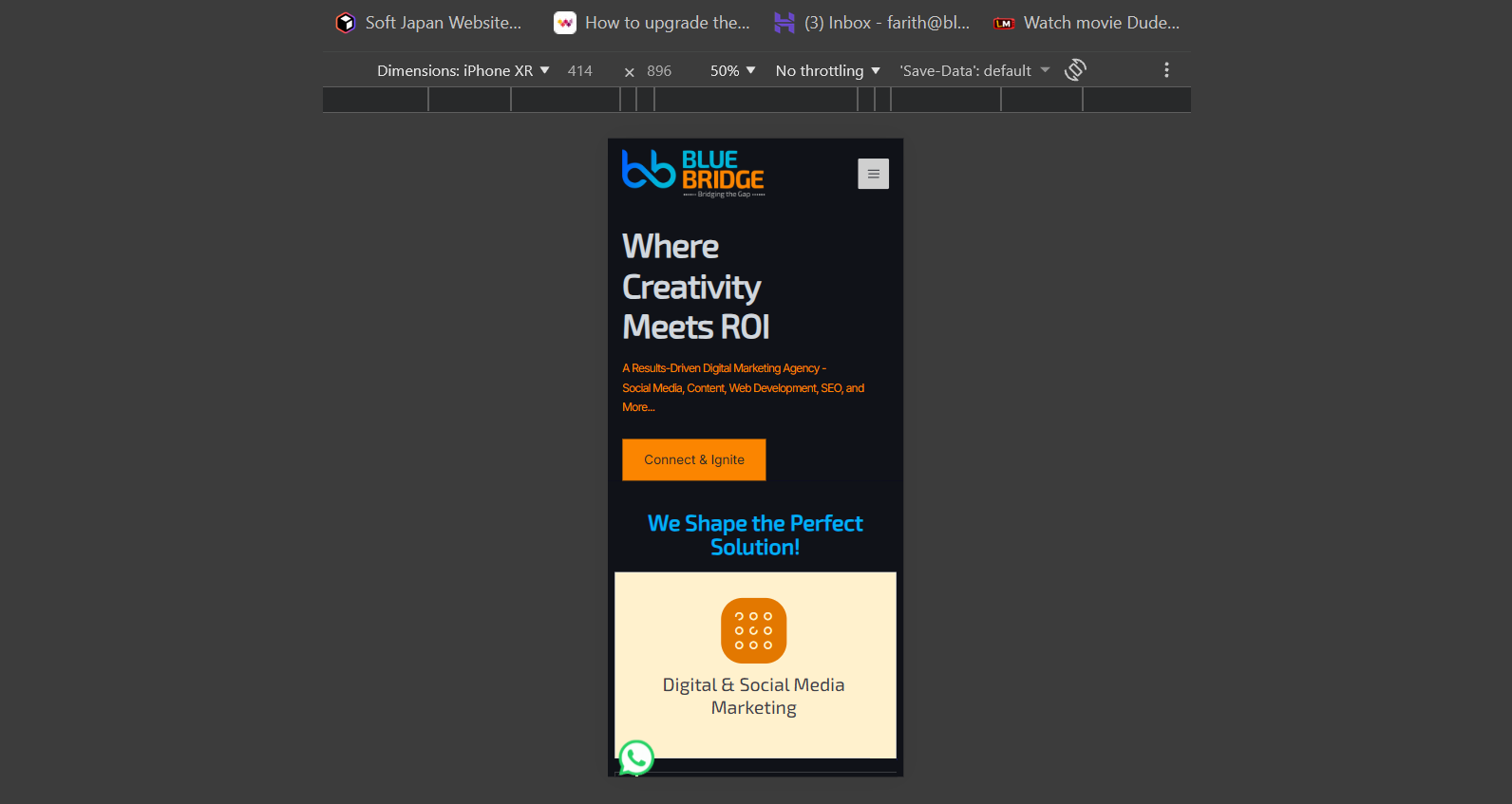
✅ Mobile-friendly and responsive
Scroll to Top Button Features
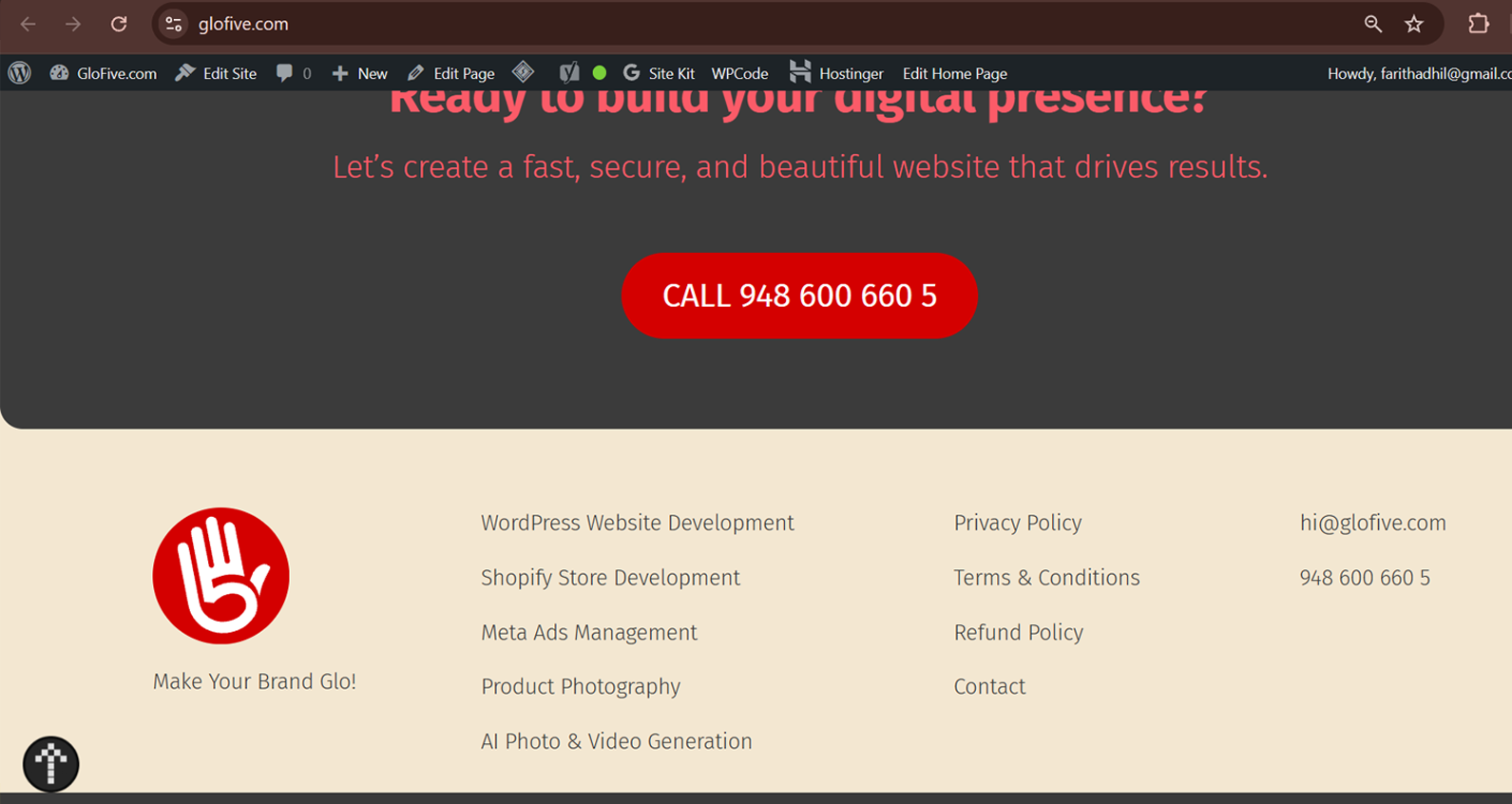
✅ Sticky scroll-to-top button
✅ Appears automatically on scroll
✅ Multiple icon styles
✅ Adjustable position and spacing
Performance & Optimization
Lightweight and fast-loading
No jQuery dependency
Minimal CSS & JavaScript
Compatible with caching plugins
No negative impact on Google PageSpeed
Translations
Available languages:
English
How to Use
Activate the plugin
WhatsApp Chat Button and Scroll-to-Top Button will appear automatically
Go to Anicons Settings to:
Add your WhatsApp number
Enable or disable buttons
Adjust position and spacing
Note:
WhatsApp button will appear only after a valid mobile number is added.
Screenshots
FAQ

ChangeLog