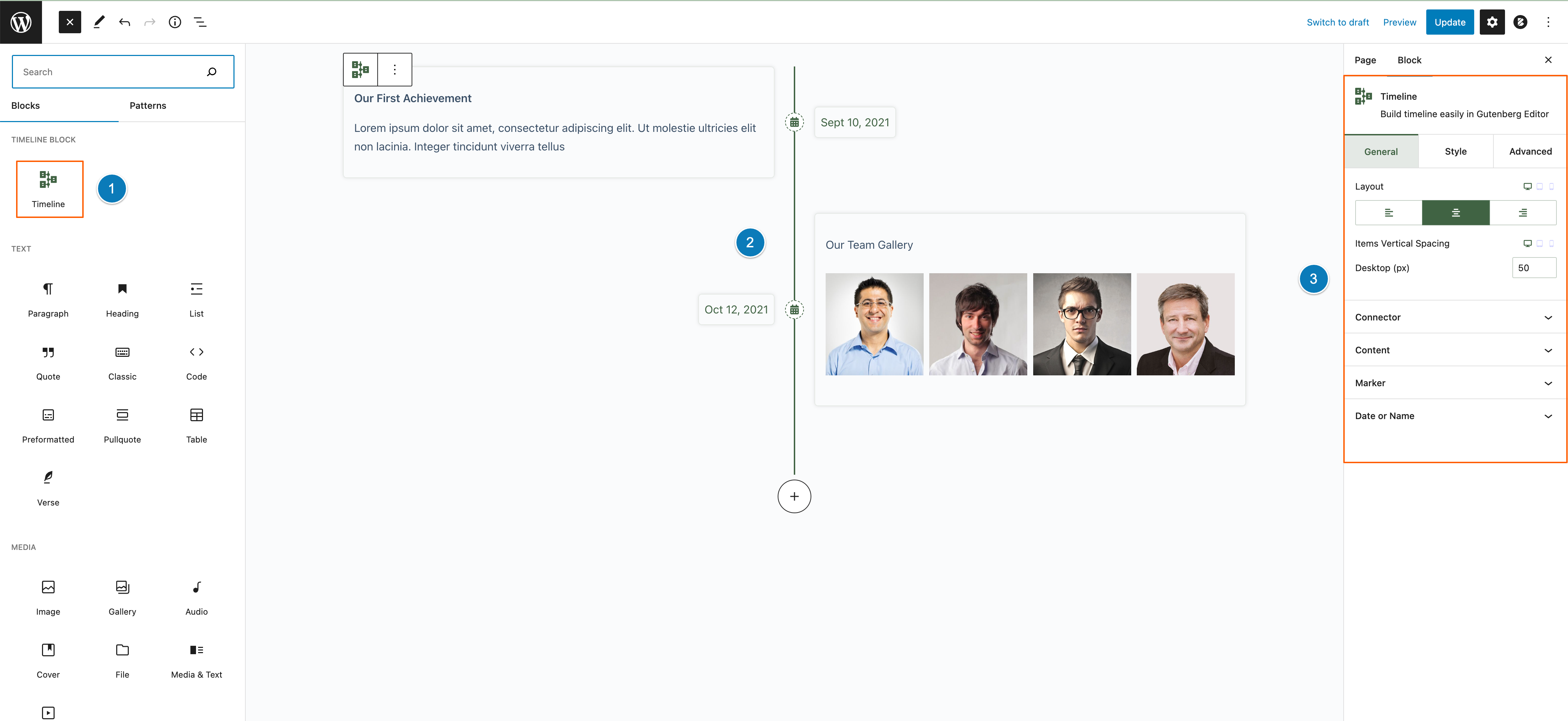
Advanced Timeline Block is a custom Gutenberg Block developed with Gutenberg Native Components. You can easily design your stories or events timeline in Gutenberg Editor. It is highly customizable with a number of options. It allows you to design your timeline content as per your need.
Overview
Key Features
Simple, light-weight, and super-fast
Unlimited Inner Blocks for Timeline Content
Only CSS based Timeline
Built with only Gutenberg Native Components
No Block Builder at all
100% Responsive
Unlimited Timeline Content
Responsive 3 Types of Timeline Style
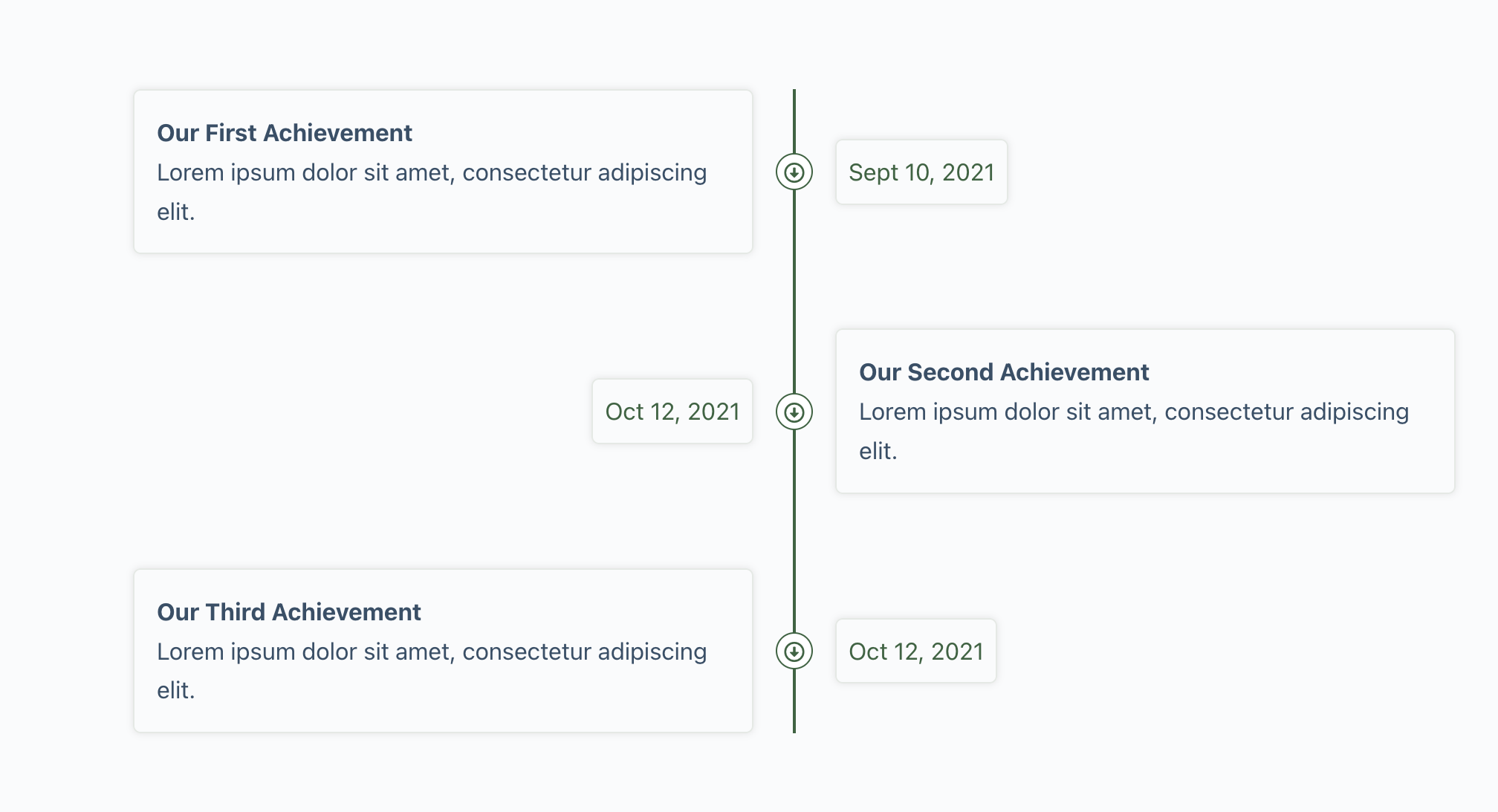
Both Sides Timeline
Only Left Side Timeline
Only Right Side Timeline
Unlimited Color
FontAwesome Icon for Timeline Marker
Highly Customizable with a lot of Options
Easy to Use in Gutenberg Editor
Drag & Drop Use
About Developer
Designed & Developed By Zakaria Binsaifullah. Available for any freelance work, feel free to Contact Me
Yes, the timeline is 100% responsive. You can even choose a different timeline layout (both sides, left side or right side) for desktop, tablet and mobile.
Can I use my own SVG icon for the timeline marker?
Yes. Pick any icon from the built-in inline SVG icon library or paste your own custom SVG code in the marker icon picker. Icons inherit the marker color automatically when they use currentColor.
Do I need Font Awesome or any icon font?
No. Since version 2.2.0 the timeline marker uses lightweight inline SVG icons, so no icon font stylesheet or webfont file is loaded on your site. Markers saved with older releases are automatically rendered as inline SVG too.
Have you used any block builder?
No, the block is built with 100% Gutenberg Native Components only.
Does it work with any WordPress theme?
Yes, the block works with any theme that supports the Gutenberg block editor, including block themes and classic themes.
Where can I find guides and examples?
The plugin website shows every layout and preset in action, and the blog publishes step-by-step guides for company histories, roadmaps, résumés, event agendas, changelogs and more.
Is there a Pro version?
Not yet. A Pro add-on is in development for carousel layouts, filters, year navigation and timelines built from any post type. The free plugin stays complete on its own: no item limits and no branding on your pages. See the roadmap.
New: Redesigned Settings → Timeline Block dashboard: a quick start drawn as a timeline, what the free plugin includes, what comes next, and help and review links. Its stylesheet loads on that screen only.
New: Guides and Support links in the plugin’s row on the Plugins screen.
New: A one-time request to review the plugin on WordPress.org, shown to administrators only on the Dashboard, the Plugins screen and the plugin’s page, and only after 14 days of use with at least one published timeline. “Leave a review” or “I already did” ends it for good; “Maybe later” hides it for 30 days. Turn it off with the atlb_show_review_notice filter.
Improved: The dashboard now lists the 26 ready-made sections and shows planned features as planned instead of included.
Improved: Plugin homepage, readme and dashboard links point to the new plugin website, timeline.gutenbergkits.com.
3.0.0
New engine release. Existing timelines are fully backwards compatible: content saved by every earlier version (1.x, 2.0, 2.1, 2.2) opens without block recovery and renders identically.
New: Six design presets (Classic, Minimal, Card, Outline, Bold, Dark) with a visual picker
New: First-insert setup screen – pick one of three featured designs (or browse all), or build your own with illustrated layout and style choices and a starting number of items
New: Compact layout (single column, date above content)
New: Marker styles – icon, dot or auto-numbered – and a per-item icon override
New: Timeline Era block for year / section labels on the line
New: 26 ready-made timeline sections in the inserter’s “Timeline” category – each a complete, padded section with a heading and theme-independent typography – and a full-screen pattern browser with live previews and search on first insert
New: Date label font size (theme presets) and weight
New: Settings → Timeline Block dashboard with quick start and the free/pro overview
Improved: Redesigned block sidebar – structure in Settings, every visual option in Styles with per-item reset, native colour swatches, border and box controls, and responsive device toggles linked to the editor’s Desktop / Tablet / Mobile preview, which now shows each device’s real layout
New: Responsive border radius for the content box, date label and marker
New: Text colour for the content box
New: Redesigned marker icon picker – a full icon library (all 1,600+ Font Awesome Free icons) with categories, synonym search, Solid / Regular / Brands filter, recently used icons and a curated “Timeline essentials” set, plus a Custom SVG tab with live preview and SVG file upload
New: Premium design options – gradient card backgrounds, layered soft shadows, hover lift and glow, marker halo ring and glow, gradient, dashed and dotted connector lines, and uppercase eyebrow date labels
Fixed: In the both-sides layout, era labels no longer break the left / right alternation of items
Fixed: Markers are now exactly centred on the connector line in every layout and breakpoint (previously off by the marker border width, by half the line thickness in the right layout, and on narrow screens in the both-sides layout), and icons are exactly centred inside markers
Improved: Markers always render above content boxes, dates and the connector line; the timeline no longer stacks above theme elements such as sticky headers
Improved: Toolbar button to add an item after the current one, “Add Era Label” button under the timeline
Improved: Styling now uses CSS custom properties on the block wrapper with a single static stylesheet; no more per-block generated CSS in the page head.
Improved: Timeline items are rendered server-side. Changing the marker icon, date tag or shadows no longer rewrites every item block.
Improved: Accessibility – list semantics (role="list" / role="listitem"), decorative marker and connector hidden from assistive technology.
Improved: HTML anchor and additional CSS classes now use the core block controls.
Improved: Marker SVG is sanitised on output as well as on input.
New: Public PHP and JavaScript hooks for add-ons (see docs/hooks.md) and a frontend Interactivity API module pipeline that loads nothing until a feature needs it.
Requires WordPress 6.6 and PHP 7.4.
2.2.1
Plugin header and icon are updated
2.2.0
New: Inline SVG icon support for the timeline marker, with a built-in SVG icon library and custom SVG code option
New: “Use this icon” custom SVG picker with automatic sanitization of pasted SVG code
Improved: Removed the Font Awesome icon font library (~1.5MB) — markers are now rendered as lightweight inline SVG for faster page loads
Improved: Existing markers saved with Font Awesome classes are automatically converted to inline SVG on the frontend, with no block recovery required
Improved: Sidebar controls reorganized into native Settings, Styles and Advanced panels
Improved: Icon picker loads on demand in the editor for better editor performance
Improved: Code quality and overall structure improvements
2.1.3
Fixed: New timeline item add button issue
Improved: Codes quality Improved
2.0.0
2.0.0 – A major update with a lot of new features and more optimization