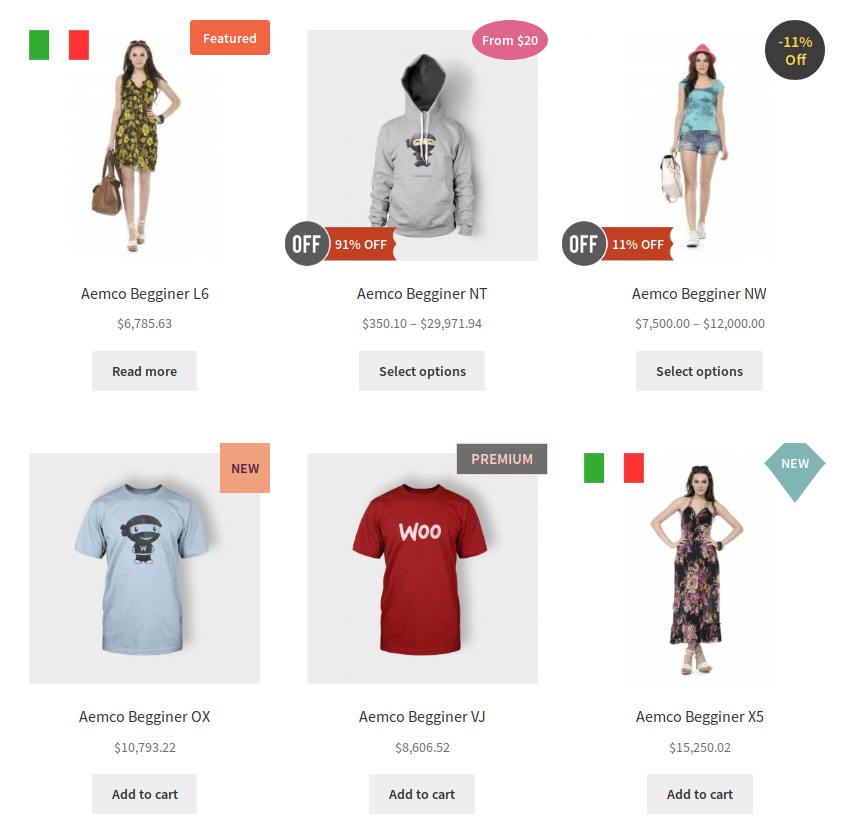
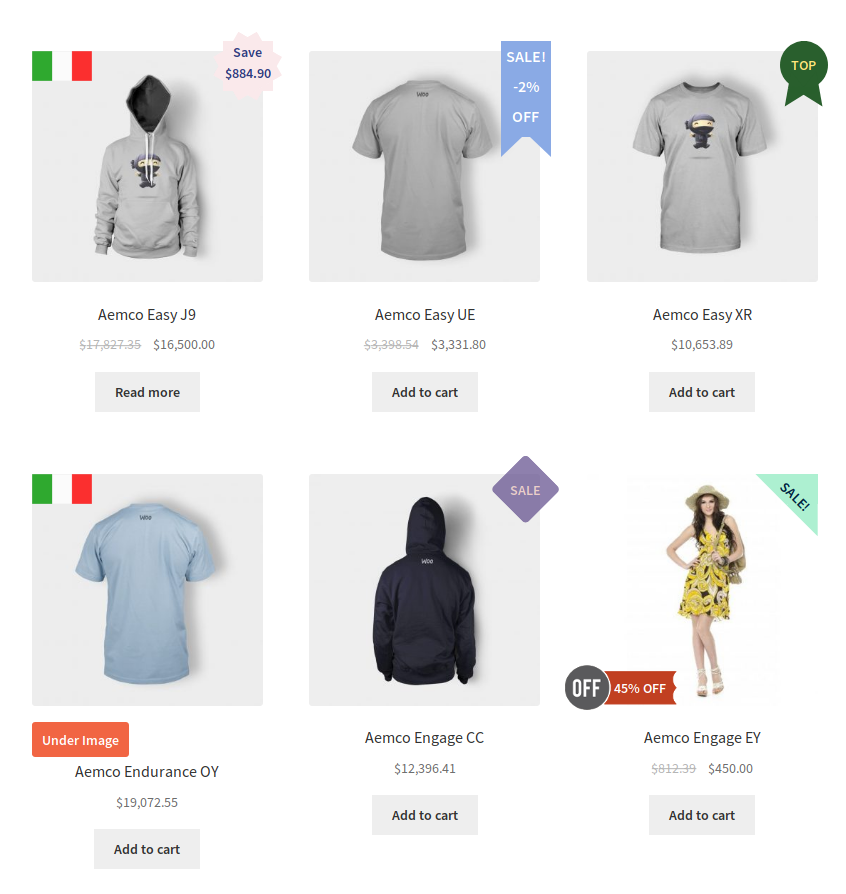
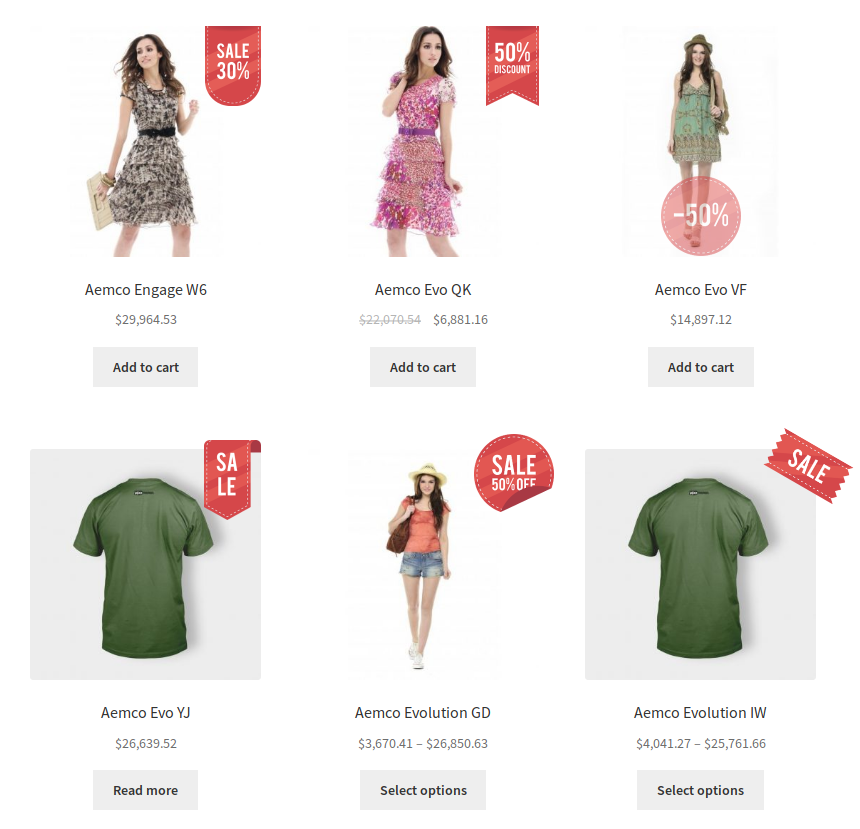
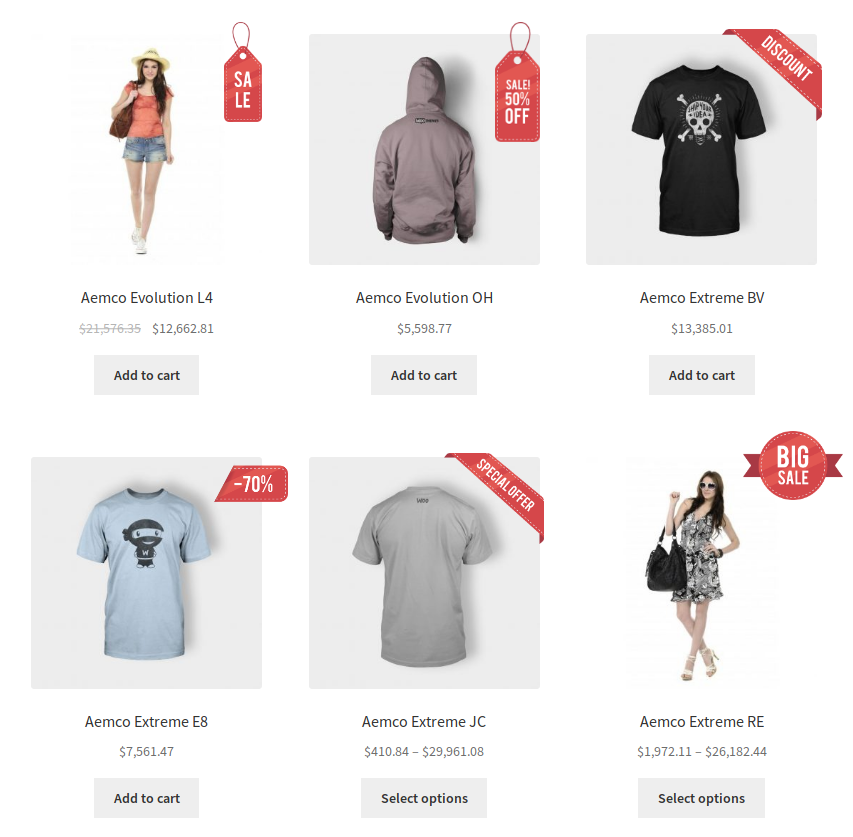
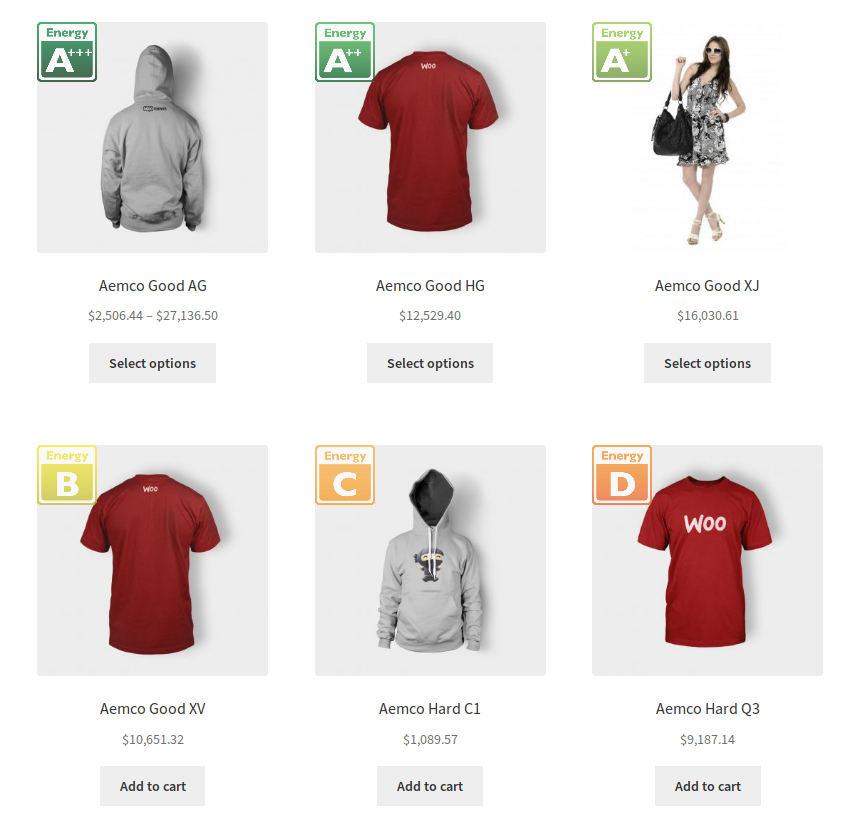
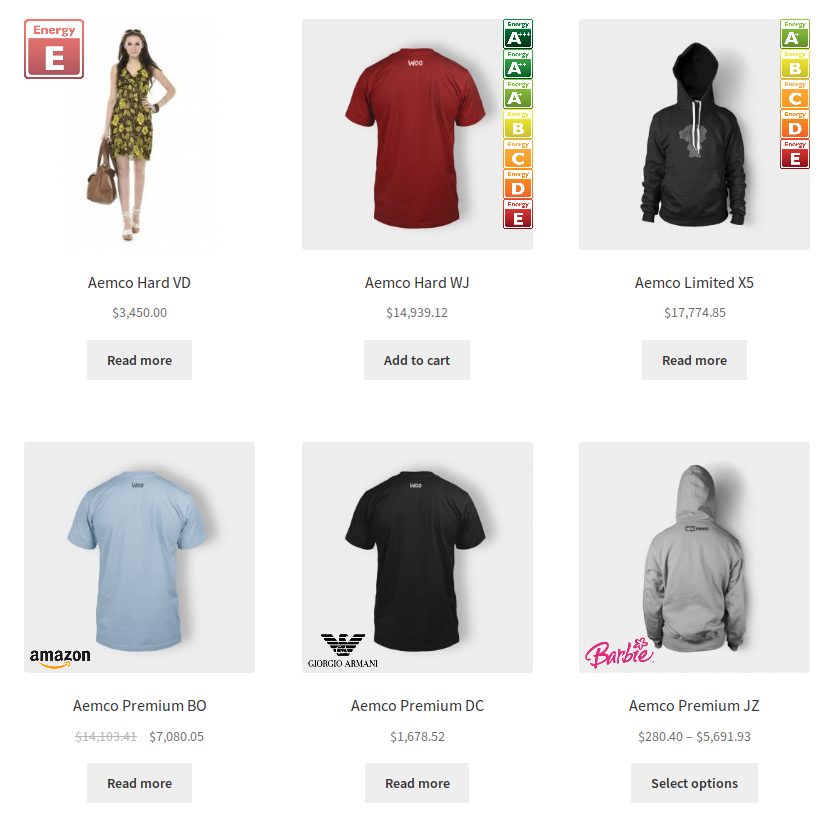
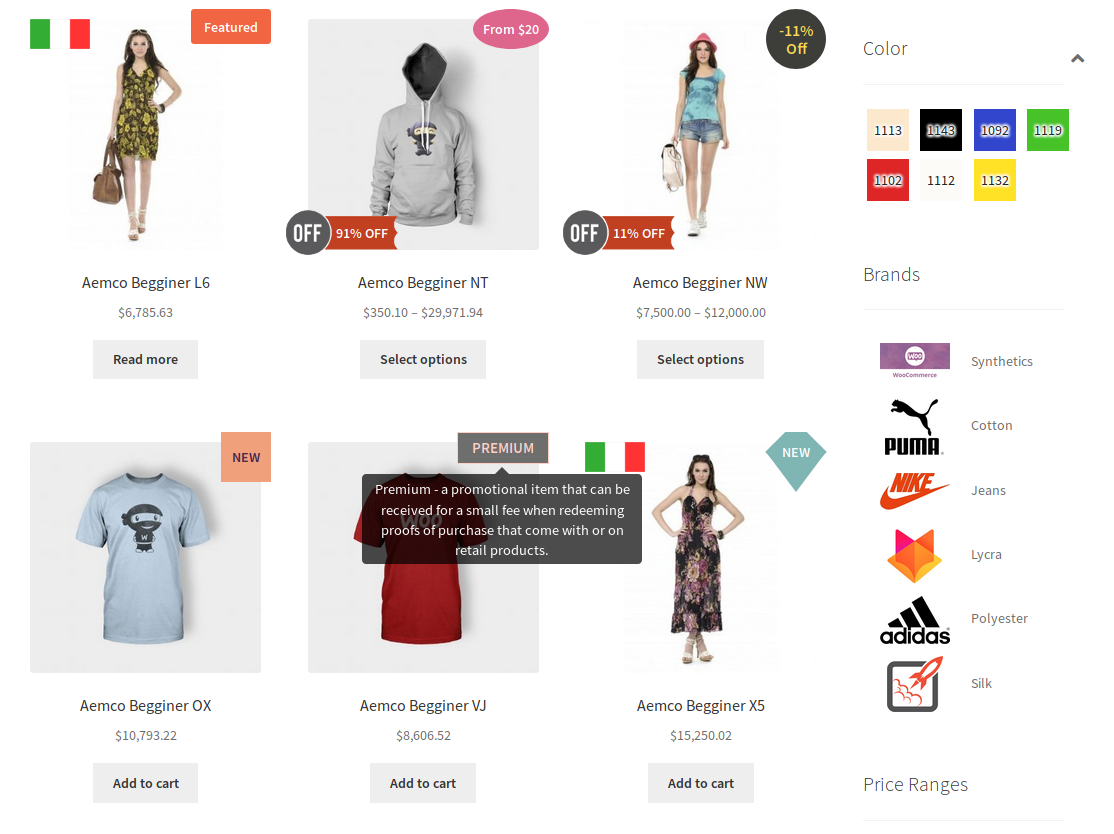
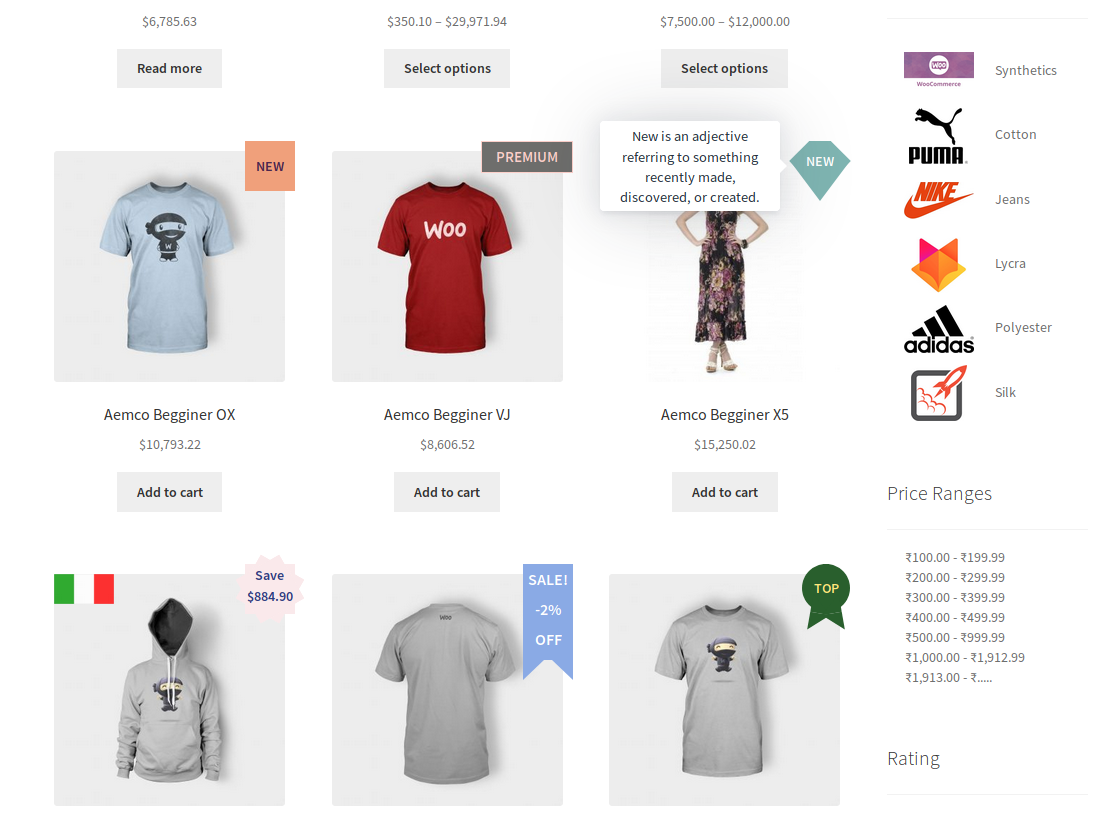
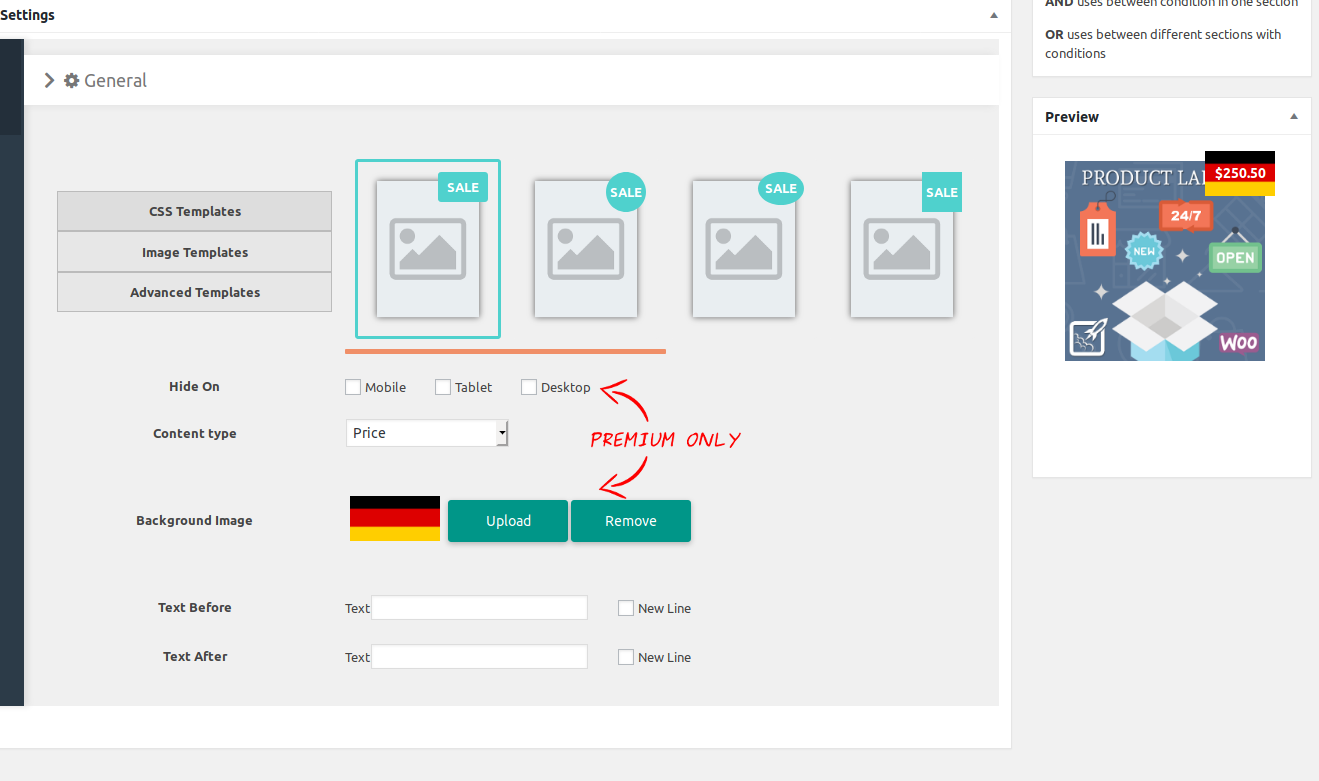
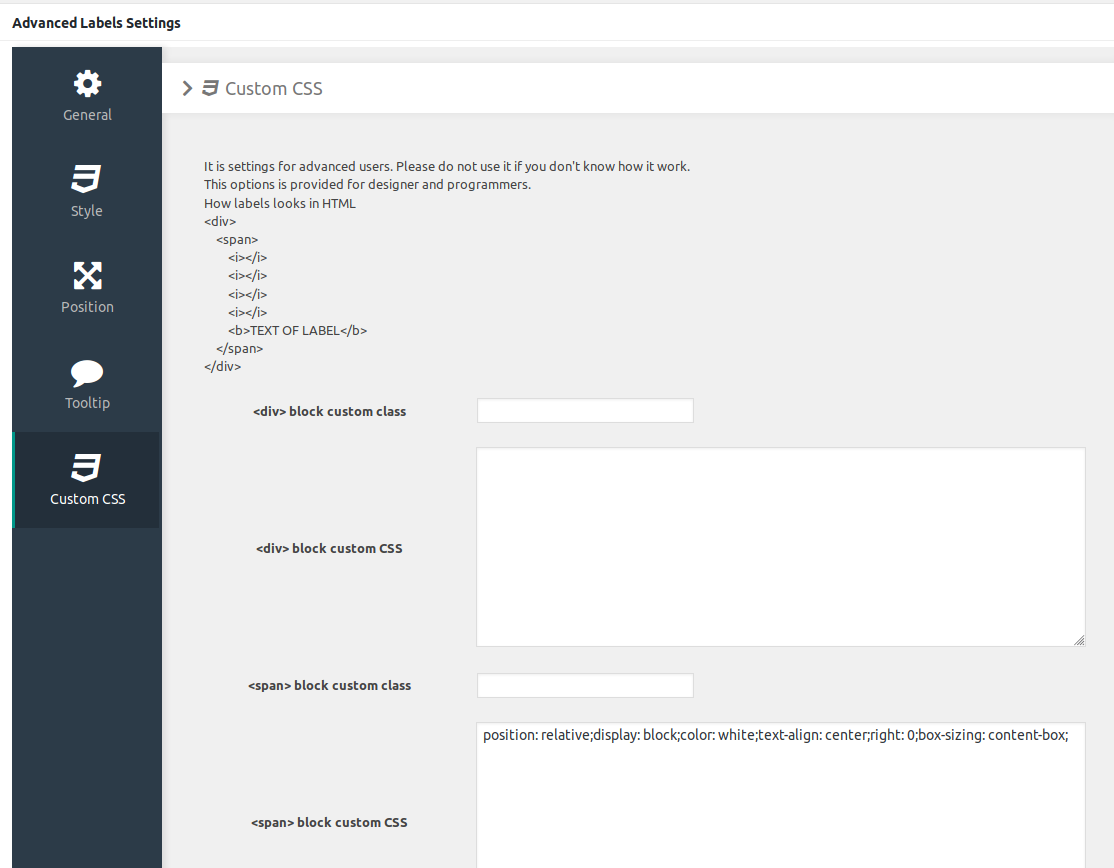
Creating labels has come really easy and fast with the Advanced Product Labels plugin. Promote your free products, show “Free Shipping” or other special attributes of products. By using conditions you can add each label to specific products in your shop.
Features:
✅ Custom labels on products
✅ Labels for products by specific conditions
✅ Labels by: product name, product category, sale status, stock status, bestsellers position, price, total sales count
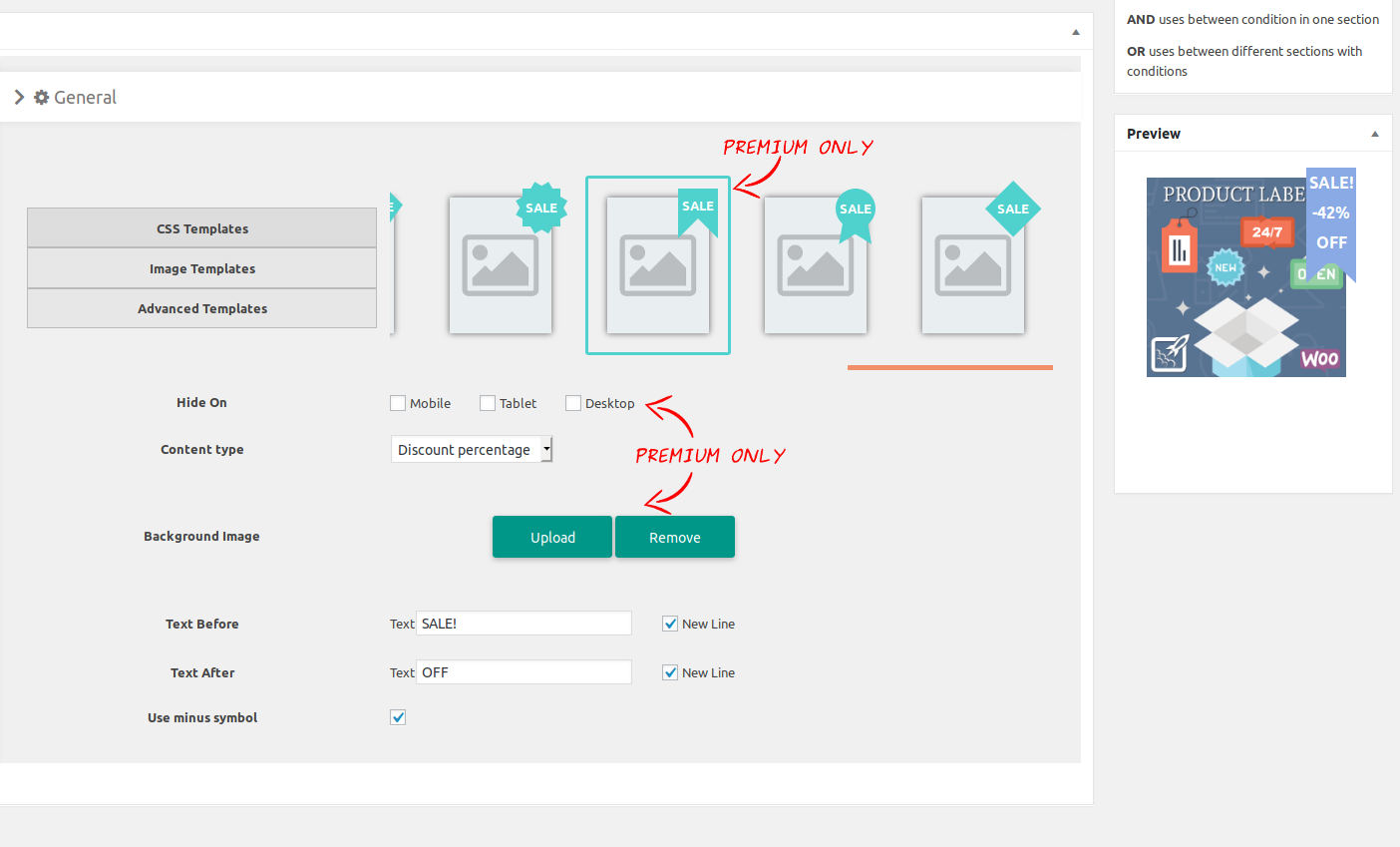
✅ Labels custom text and discount percentage type
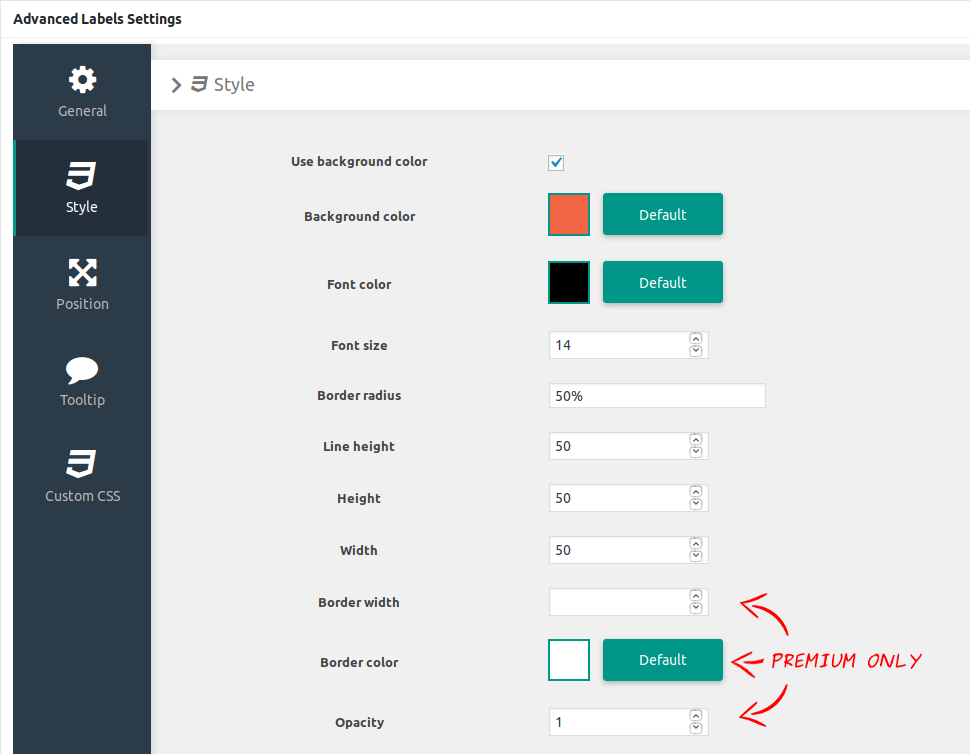
✅ Labels custom background and text colors
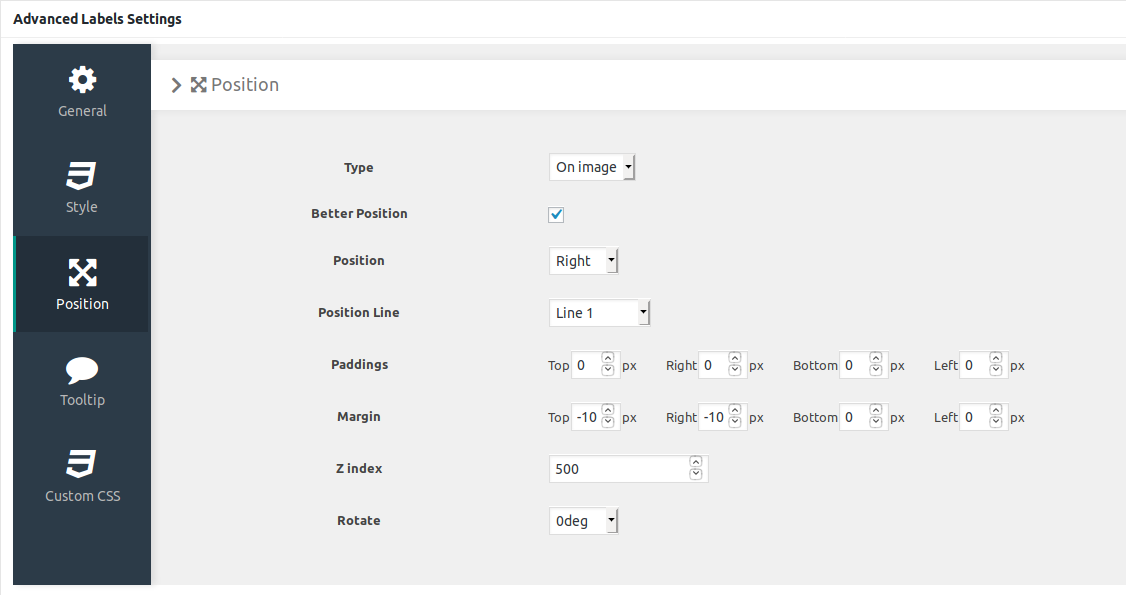
✅ Custom label position
✅ Multiple labels for one product
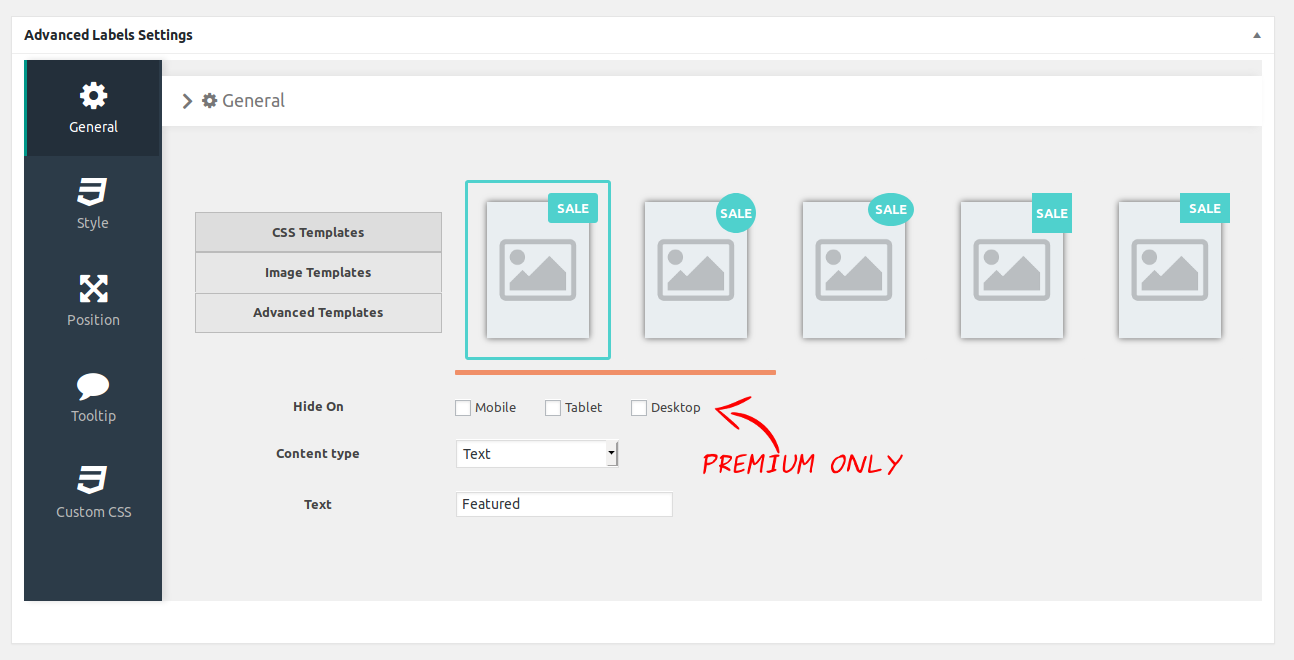
✅ CSS templates
✅ Custom image template
✅ Better position for labels
✅ Font size for labels
✅ Font family for labels
✅ Dimensions(px|em|%) for the Height, Width, Font size, Line height, Padding and Margin
✅ z-index for labels
Additional Features in Paid Plugin:
✅ 30 CSS templates
✅ 12 Advanced templates
✅ 14 Image templates
✅ Label size multiplier for scaling complex labels
✅ Addon Advanced Content: links for labels
✅ Opacity for labels
✅ In-title label position
✅ Labels for each product
✅ Shortcodes can be used in the label content
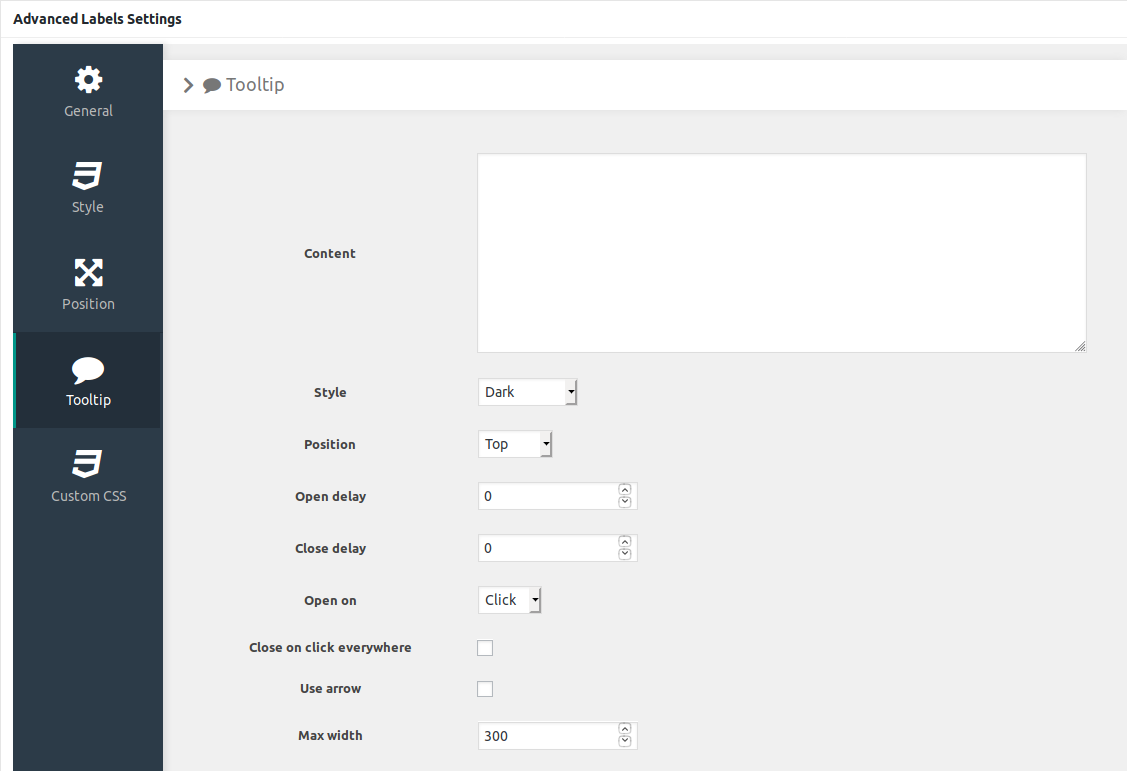
✅ Tooltip can have an image inside
✅ Label by: product age, stock quantity, sale price
✅ Custom image and time left for discount type of label
✅ Custom label border and font size
✅ Gradient and Shadow
✅ Size Multiplier
✅ Discount Timers
✅ In-title label
✅ Labels can be rotated from -90deg to 90deg
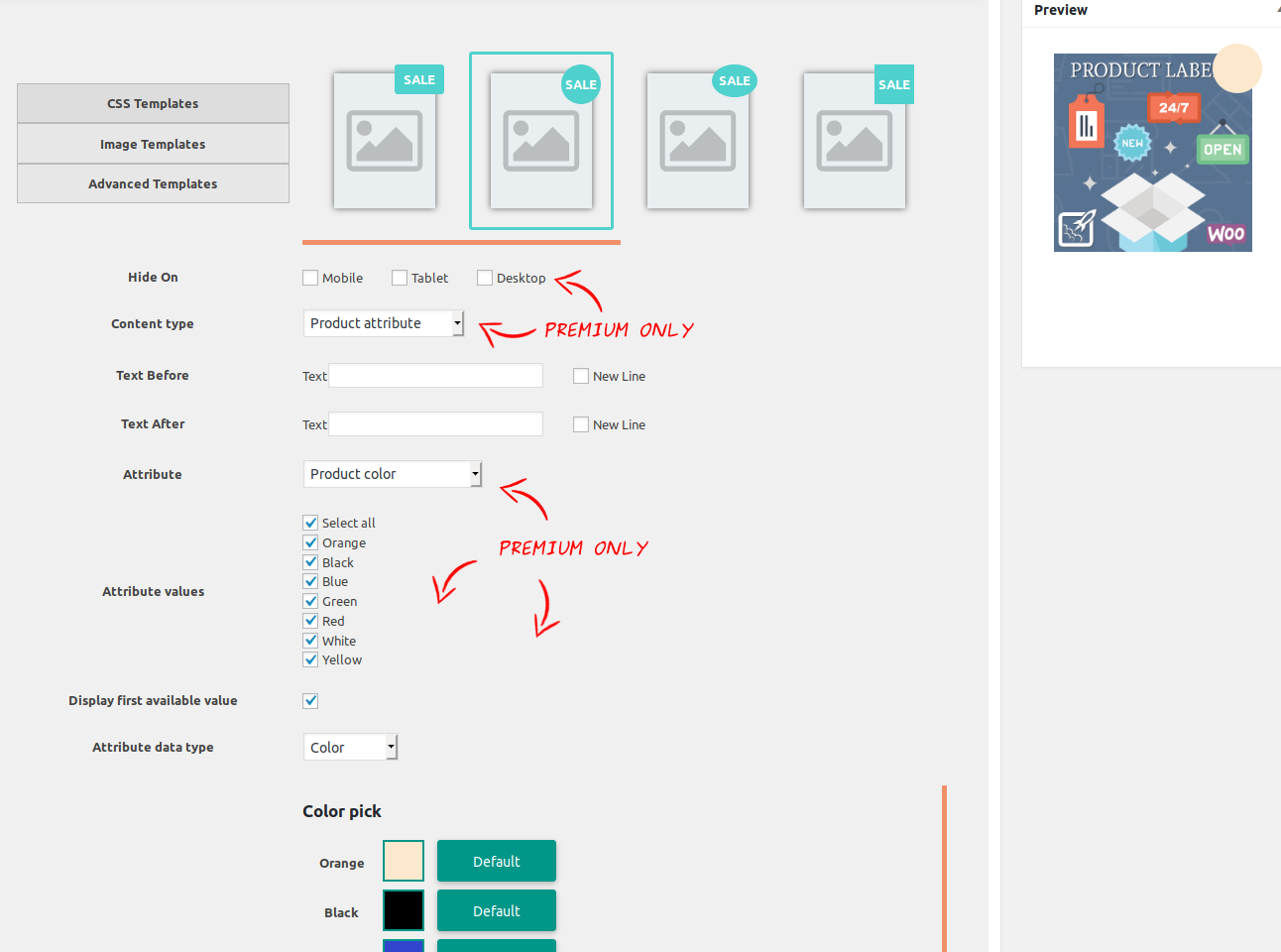
✅ Labels can be added to products with specific attribute values
✅ Schedule condition (previously named “Date Time”) for showing labels between optional From and To values
Admin Demo – get access to this plugin’s admin and try it from the inside. Change things and watch how they work.
Premium plugin video
Video for the free plugin is not ready yet, but we are working on it!
Compatibility with WooCommerce plugins
Advanced Product Labels for WooCommerce has been tested and compatibility is certain with the following WooCommerce plugins that you can add to your site:
Since there are so many themes, compatibility with all of them is barely possible. In general, though, if the theme is developed according to WordPress and WooCommerce guidelines, BeRocket plugins are compatible with it.
How can I get support if my WooCommerce plugin is not working?
If you have problems with our plugins or something is not working as it should, first follow this preliminary steps:
Test the plugin with a WordPress default theme, to make sure the error is not caused by the theme you are currently using.
Deactivate all plugins you are using and check if the problem is still occurring.
Make sure your plugin version, your theme version and your WordPress and WooCommerce versions (if required) are updated and the problem you are experiencing has not already been solved in a later plugin update.
If none of the previous listed actions helps you solve the problem, then, submit a ticket in the forum and describe your problem accurately, specify WordPress and WooCommerce versions you are using and any other information that might help us solve your problem as quickly as possible. Thanks!
How can I get more features for my WooCommerce plugin?
You can get more features with the premium version of Advanced Product Labels for WooCommerce, available on BeRocket page. Here you can read more about the premium features of the plugin and make it give it its best shot!
Where did the Date Time condition go?
The Paid condition is now named Schedule. Existing Date Time rules continue to work without re-saving. Some Free upgrade prompts may still show the historical “Date Time (premium)” alias; it refers to Schedule and is not a separate condition.
How can I try the full-featured plugin?
You can try this plugin’s admin side here. Configure plugin the way you need to check the results.
New – Five more 1-click designs in every edition: Cyber Monday with an electric outline, Last Chance with an angled cut, Stocking Stuffer as a gift tag, Staff Pick as a seal, and Winter Edit with an icy frame.
New – Left accent CSS style with a coloured vertical line beside the label text, and a local Gift outline SVG in the image template list styled as a red tag with a white gift.
Improved – All 1-click design thumbnails and the Left accent style thumbnail are compact and aligned to the right in the picker; the main Preview retains the full label size.
Fix – Preset thumbnails and Preview now use consistent shapes, colours, text and padding. Reapplying a preset preserves its selection and placement, synchronizes dimension units, and cancels outdated Preview requests.
Fix – Hide the irrelevant Image Title option for 1-click designs and the Left accent CSS style.
Fix – Divi 5 assets can be built on Linux without the unused Windows-only dependency.
Enhancement – Updated the bundled BeRocket Framework, including settings import/export improvements and premium product link handling.
Enhancement – Updated compatibility declarations for WordPress 7.1.4 and WooCommerce 11.3.0.
3.5
Improved – Font color mode now appears after Font color only for a custom background without a manual text color override. A manually selected font color keeps priority when the background changes, including after saving. Font color Default or a new style clears that override; each style retains its designed foreground on its default background.
New – Optional automatic black or white font color for opaque solid CSS label backgrounds. Manual colors take priority, existing labels stay unchanged, and gradients or image backgrounds retain their manual color.
Improved – Seasonal label compositions now have their own 1-click designs tab using the same horizontal slider and product-preview styling as the other template tabs, without extra explanatory text or captions. Existing saved designs reopen in the correct tab without migration.
New – Six ready-to-use CSS label designs in every edition, including Free: Black Friday, Christmas, Outlet, New arrival, Gift idea and Limited edition. Text and colours remain editable; existing labels are unchanged.
Enhancement – Improved settings import/export and label updates after AJAX requests and product changes.
Fix – Corrected stock quantity conditions and compatibility with WooCommerce modules through the selectors add-on.
Enhancement – Updated BeRocket Framework to 3.1.3 with CDN release metadata, reduced updater API traffic, isolated invalid catalog records, improved banner tracking, and an SVG account icon.
Enhancement – Updated compatibility declarations for WordPress 7.1.3 and WooCommerce 11.2.1.
3.4.1
Fix – Refined Paid User Role condition controls and matching-products feedback in the Conditions editor.
Fix – Selected product controls align correctly in the admin interface.
3.4
New – User Role condition for product labels in the paid edition.
Enhancement – The Date Time condition is now named Schedule.
Enhancement – Conditions editor can check a bounded, paginated list of matching products.