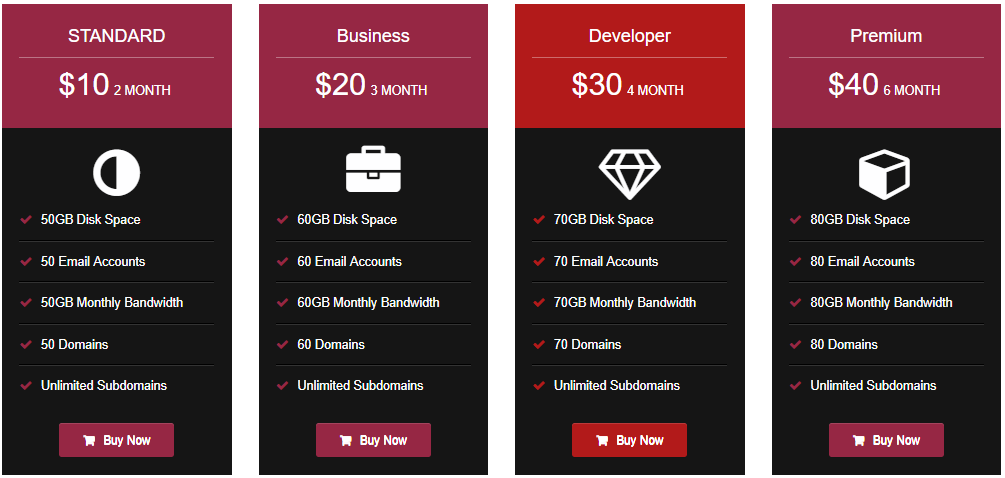
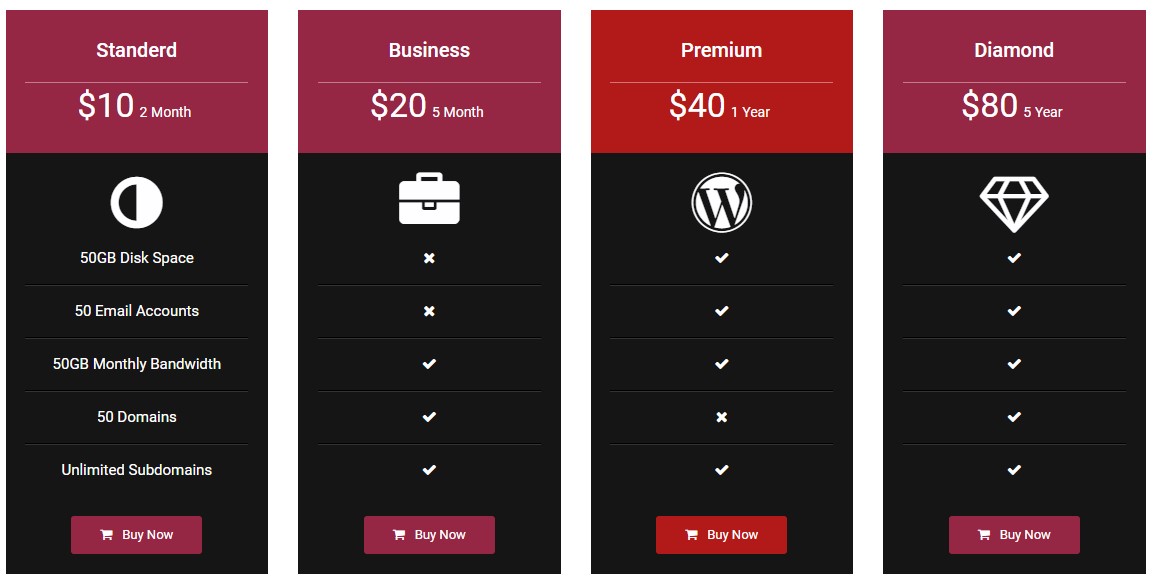
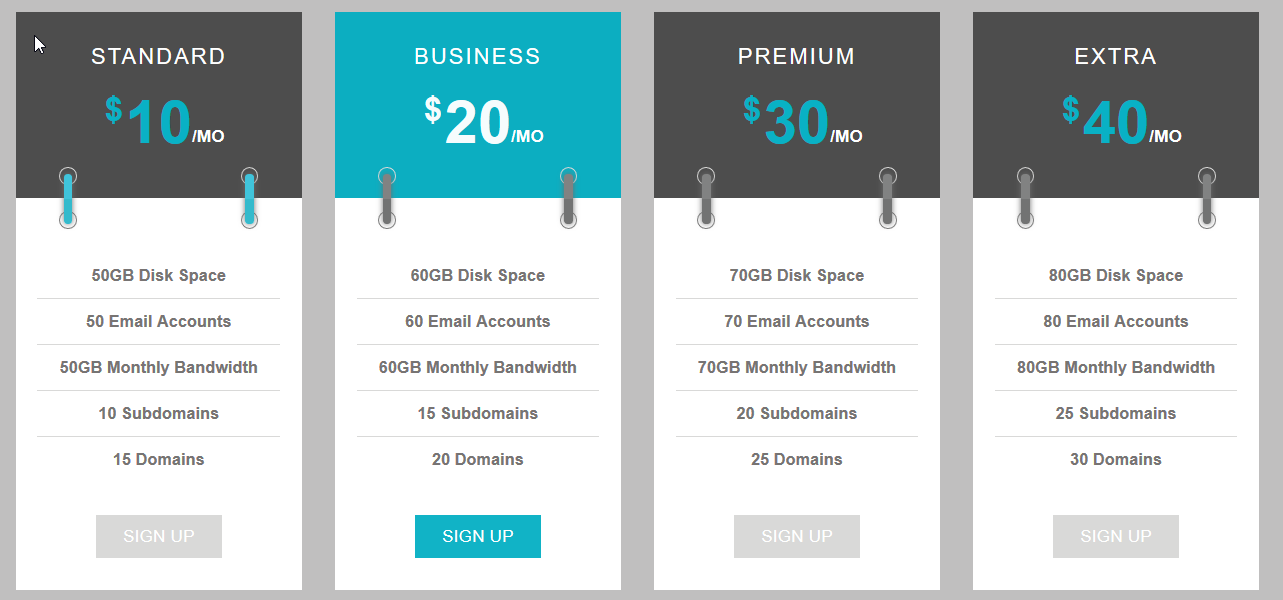
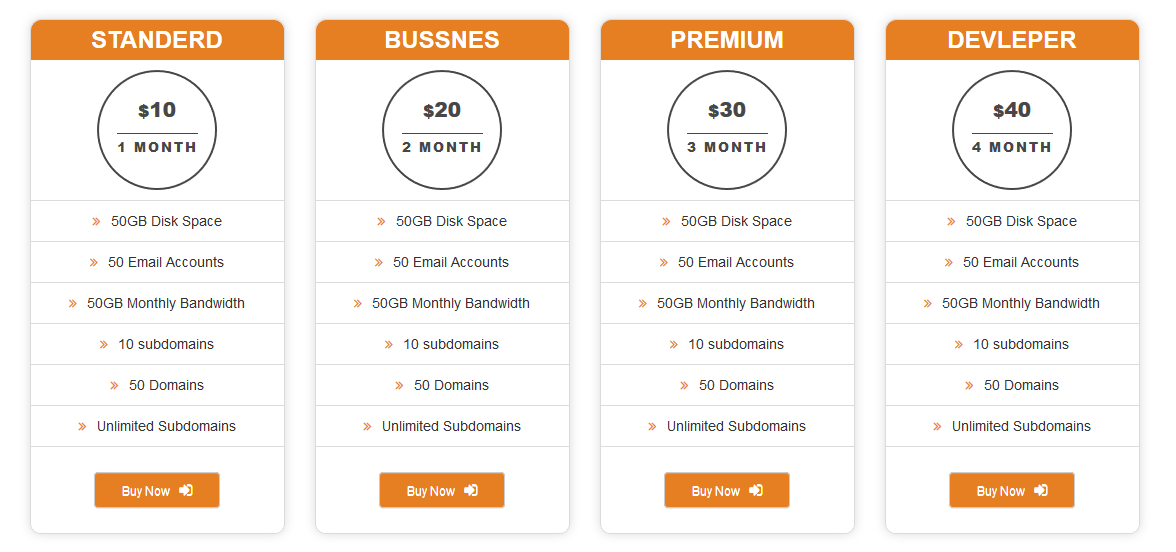
Pricing Table lets you add professional pricing tables to your WordPress site. Show your products, services, or subscription plans in a clean, organized layout that visitors can compare at a glance.
This pricing table builder works with shortcodes, so you can place tables anywhere — pages, posts, sidebars, or widget areas. Each table supports unlimited pricing packages with custom features, icons, and call-to-action buttons.
Video Tutorial
What You Can Do
Create pricing comparison tables for:
SaaS subscription plans
Service packages (basic, standard, premium)
Product feature comparisons
Membership levels
Hosting or software pricing
Free Version Features
4 ready-to-use pricing table templates
Unlimited pricing packages per table
Unlimited features per package
Responsive layout for mobile, tablet, and desktop
Header, button, and feature color customization
Icon picker for feature icons
Show/hide features with ✔️(right) or ❌(cross) marks
Shortcode support for pages, posts, and widgets
Sidebar widget integration
Custom CSS option for advanced styling
Works with Gutenberg and Elementor
Multi-language support (English, Hindi, German, Spanish, Arabic, Indonesian, Portuguese, Chinese)
Go to “Pricing Table” in your WordPress dashboard, click “Add New,” and fill in your plan details including name, price, features, and button text. Save and copy the shortcode to use on any page.
Can I use this plugin with Elementor or Gutenberg?
Yes, this pricing table works with both Elementor and Gutenberg editors. Just paste the shortcode in any widget or block.
How do I display the pricing table on my website?
After creating a pricing table, copy its shortcode and paste it into any page, post, or sidebar widget.
Is the plugin responsive?
Yes. All pricing tables adapt to screen sizes including desktop, tablet, and mobile devices.
How many pricing tables can I create?
Unlimited. You can create as many pricing tables as needed with unlimited plans inside each table.
Can I add a featured or highlighted plan?
Yes, you can highlight a specific plan using the featured option. This makes one plan stand out from the others to draw visitor attention.
Does this work with WooCommerce?
The pricing table displays information and links. You can connect buttons to WooCommerce product pages or checkout URLs for a smooth buying experience.
Can I customize the button text and link?
Yes, each pricing package has its own button with customizable text, link URL, and color settings.
How do I show or hide specific features?
Use the feature toggle options to show a checkmark (✔️) for included features or an X (❌) for excluded ones in each plan.
Can I use different colors for each plan?
Yes, you can set individual header colors, button colors, and feature colors for each pricing package.
Is there a limit on the number of tables I can create?
No, you can create unlimited pricing tables. Each table gets its own unique shortcode.
What is the difference between free and pro versions?
The free version includes 4 templates and essential features. The pro version adds 26 templates, pricing switcher, tooltips, video support, and more customization options. View Pro Features
Does the plugin slow down my website?
No, the plugin uses lightweight CSS and minimal JavaScript. It does not load unnecessary resources on pages where the shortcode is not used.
Can I import or export pricing tables?
The pro version supports exporting and importing pricing table settings for backup or migration purposes.
Where can I get support?
For free version support, use the WordPress.org support forum. Pro users receive priority support through the developer website.