
Essential bundle of elements for Elementor Page Builder.
| Author: | WPDeveloper (profile at wordpress.org) |
| WordPress version required: | 5.0 |
| WordPress version tested: | 6.5 |
| Plugin version: | 5.9.15 |
| Added to WordPress repository: | 20-07-2017 |
| Last updated: | 09-04-2024 |
| Rating, %: | 98 |
| Rated by: | 3457 |
| Plugin URI: | https://essential-addons.com/elementor/ |
| Total downloads: | 70 251 605 |
| Active installs: | 2 000 000+ |
 Click to start download |
|
Enhance your Elementor page building experience with 90+ creative elements and extensions. Add powers to your website builder using our easy-to-use Elementor widgets and ready template which were designed to make your next WordPress page and posts design easier and prettier than ever before.
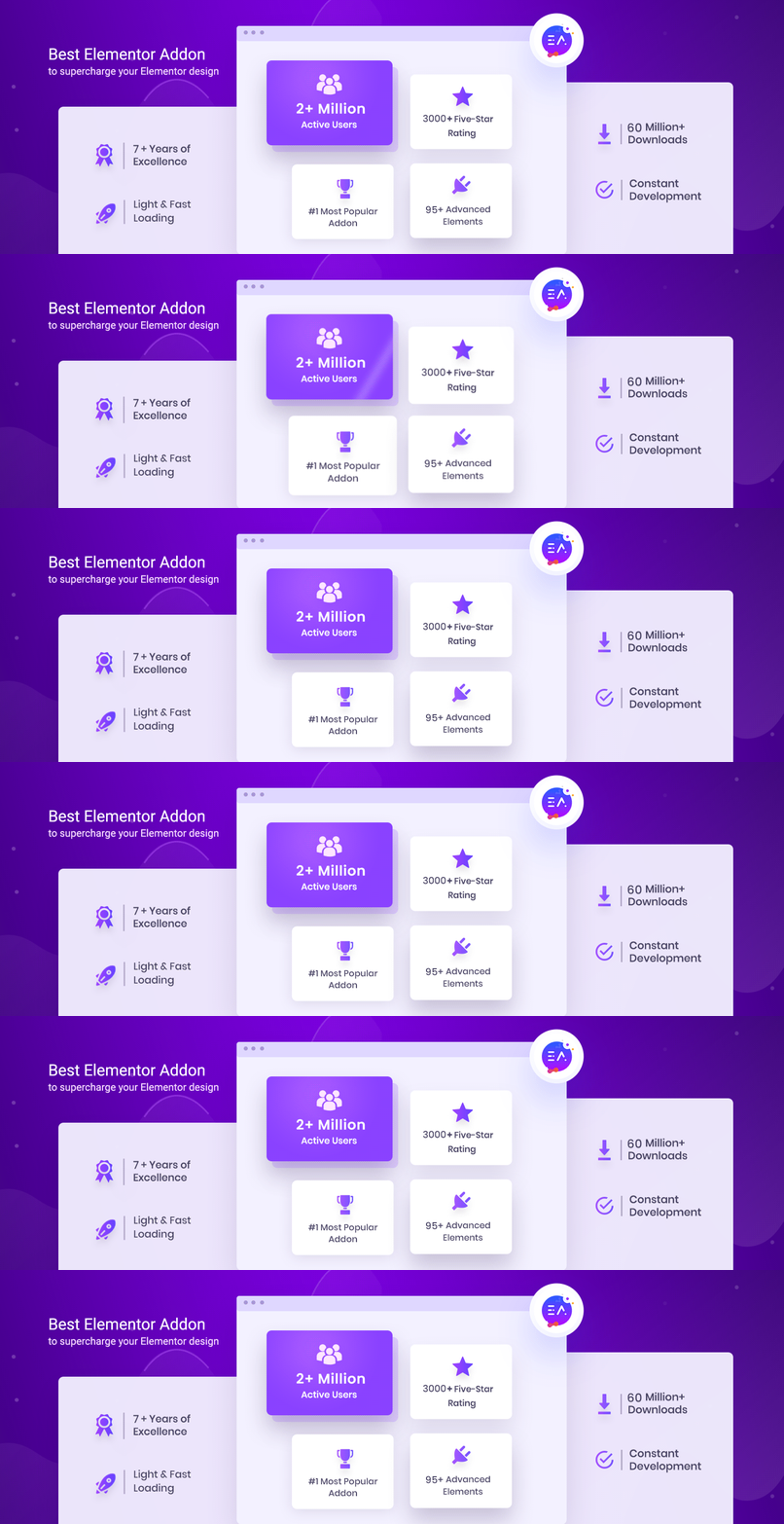
ESSENTIAL ADDONS FOR ELEMENTOR – 90+ BEST ELEMENTOR WIDGETS WITH KITS, 5,000+ READY TEMPLATES & BEST WOOCOMMERCE BUILDER, SERVING 2 MILLION+ ACTIVE USERS
Completely Customizable
Each Elementor widget and extension comes with a bunch of options to customize your website in every possible way. You can achieve nearly any design of your imagination.
Light Weight & Instant Loading
No extra resources or messy codes to slow down your website. Optimized for super fast loading and instant Live editing.
Elements Control option
Enable and disable individual Elementor adding to make your page load faster and smoother. You can deactivate unnecessary widgets to keep the site lite.
5000+ Ready Elementor Templates & Blocks through Templately
Grab access to 5,000 pre-made templates templates from the ultimate templates cloud for WordPress, Templately, that come with Essential Addons.Unlock stunning Elementor templates, blocks and sections,and design your website to stand out from the crowd.
Templately: Most Popular Templates Cloud For Elementor
Each of these Elementor templates is completely customizable and responsive, and also seamlessly compatible with Essential Addons. You can add Elementor addons, change font or color and personalize them effortlessly.
Templately also offers advanced features and facilities to saving your Elementor templates to cloud. Save all your ready and customized designs with Templately & deploy in hundreds of websites with 1-click. Increase productivity and power up your whole team to build websites faster than ever before.
Ready Elementor Templates From Templately:
- MerryGift [PRO] – Christmas Website Template For Elementor
- AlgoMind AI – Data Science & Machine Learning Template For Elementor
- FestiveLy [PRO] – Carnival Template For Elementor
- Profily – Personal Portfolio Template For Elementor
- NatuRetreat [PRO] – Ecotourism Template For Elementor
Expert Support
We have extra-ordinary support team ready to help you. Ask your questions in the support forum, or contact us directly through live chat and contact form.
Elementor Website builder is required for this plugin.
50+ FREE ELEMENTOR ADDONS AND COUNTING
We have designed more than 50 of the most useful widgets to enhance your Elementor Page Building experience and allow you to climb the top of your design capabilities.
- Post Grid – Showcase your blog posts in 3 unique styles
- Post Timeline – Create stunning timeline for your posts & pages
- Fancy Text – Design pages using animated texts in 8 different styles
- Creative Buttons – Quickly add modern buttons with hover effects
- Countdown – Include a countdown timer to boost click-through rates
- Team Members – Feature your team members with a few clicks
- Testimonials – Showcase customer reviews & increase credibility
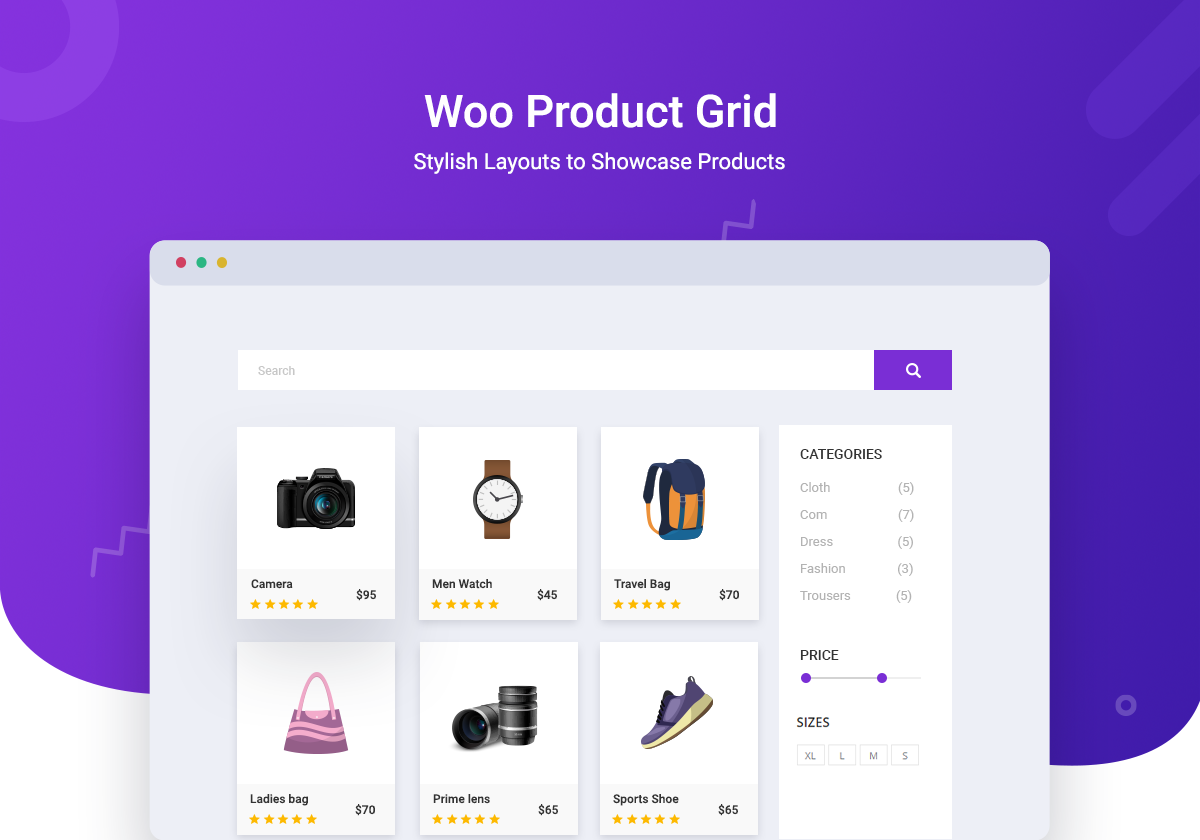
- WooCommerce Product Grid – Display WooCommerce products in grid layout
- Contact Form 7 – Customize beautiful forms without any coding
- Gravity Forms – Design forms with Elementor & Gravity Forms
- Ninja Forms – Easily create your form style just the way you want
- Caldera Forms – Design effective mobile-friendly forms
- WPForms – Create powerful WordPress forms in minutes
- weForms – Get the fastest form building experience
- Info Box – Design beautiful info box from predefined styles
- Flip Box – Use animated Flip Boxes to highlight any content
- Dual Color Heading – Highlight your headings with dual colors
- Call to Action – Design call-to-action buttons with a few clicks
- Pricing Table – Create Pricing Tables within minutes that converts
- Twitter Feed – Showcase your latest tweets to your visitor
- Data Table – Insert attractive data table anywhere you want
- Filterable Gallery – Share images with an interactive gallery
- Image Accordion – Highlight your images with amazing hover effects
- Content Ticker – Use slider & ticker effects to display your content
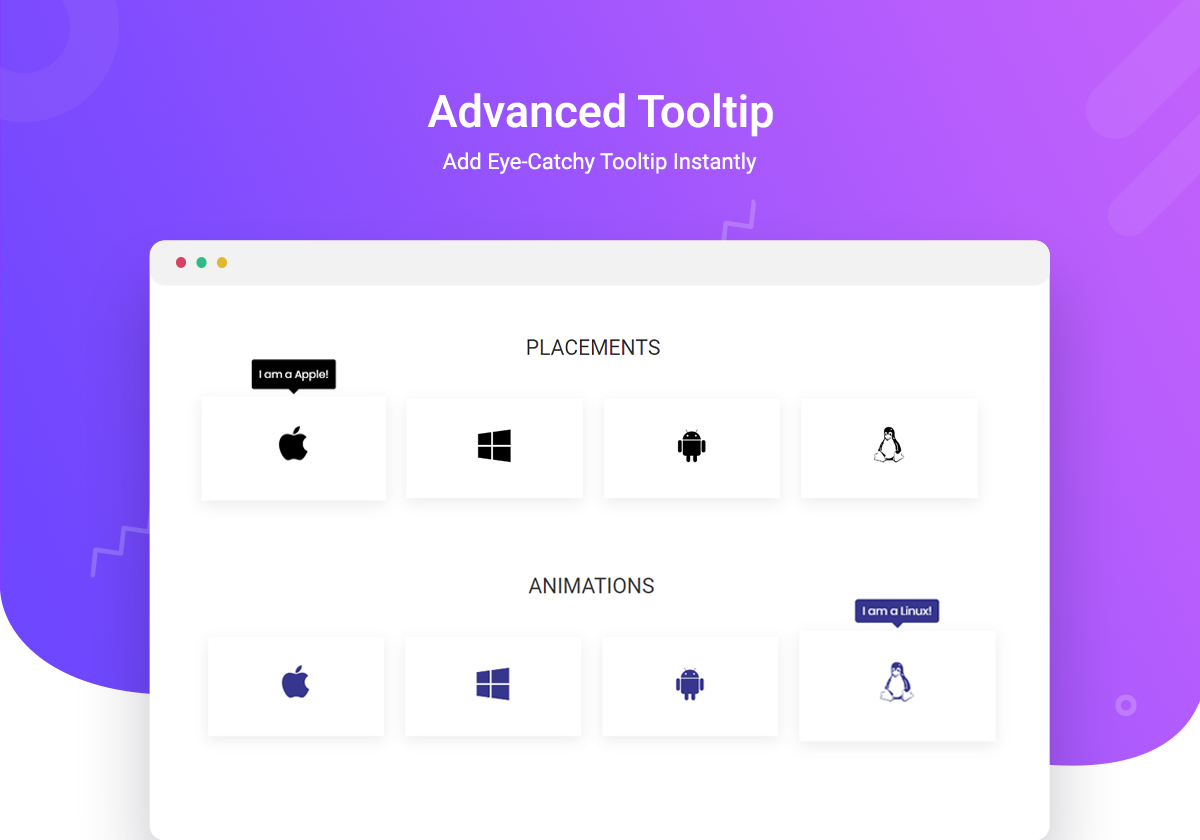
- Tooltip – Set tooltip for Icon, Image, Text or shortcodes
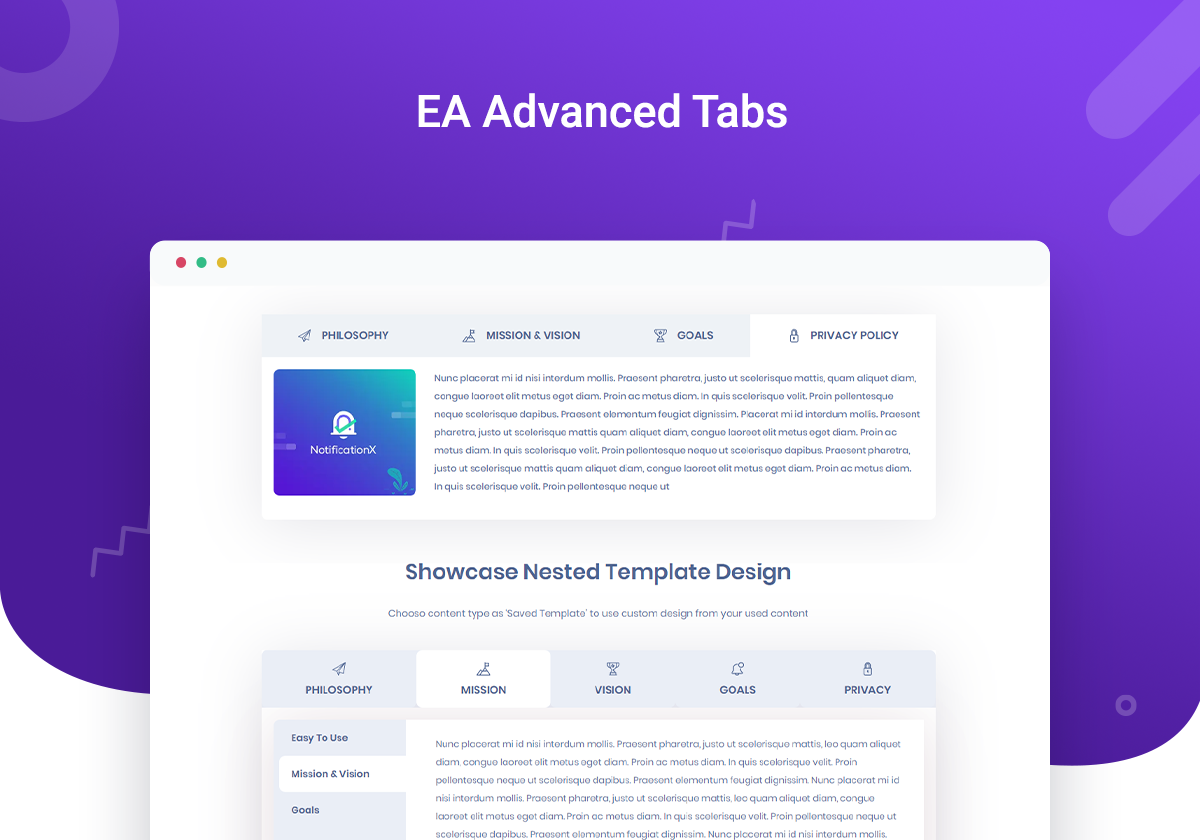
- Advanced Tabs – Display information neatly in nested tabs
- Advanced Accordion – Add beautiful nested accordions anywhere
- Progress Bar – Display progress bars with 4+ different styles
- Feature List – Display feature lists with custom icons and styles
- Fluent Forms – Design your Fluent Forms container, fields and anything you want
- Facebook Feed – Display Facebook post feed from your page
- Sticky Video – Add videos that are sticky on scroll while playing
- BetterDocs Category Grid – Create documentation in grid layout
- BetterDocs Category Box – Create documentation in box layout
- BetterDocs Search Form – Add a live search box for documentation
- Advanced Data Table – Design large data tables without coding
- Event Calendar – Create customized event pages in Elementor
- Formstack – Design your Formstack forms within Elementor
- Woo Checkout – Build attractive WooCommerce Checkout pages
youtube - Typeform – Embed & design your Typeform forms in Elementor
- Login | Register Form – Create amazing login/registration forms
- Woo Product Compare – Design stunning product compare tables
- Woo Product Carousel – Add Product Carousels for WooCommerce
- Simple Menu– Design minimalist navigation menus in Elementor
- Woo Product Gallery– Show your products in a filterable gallery
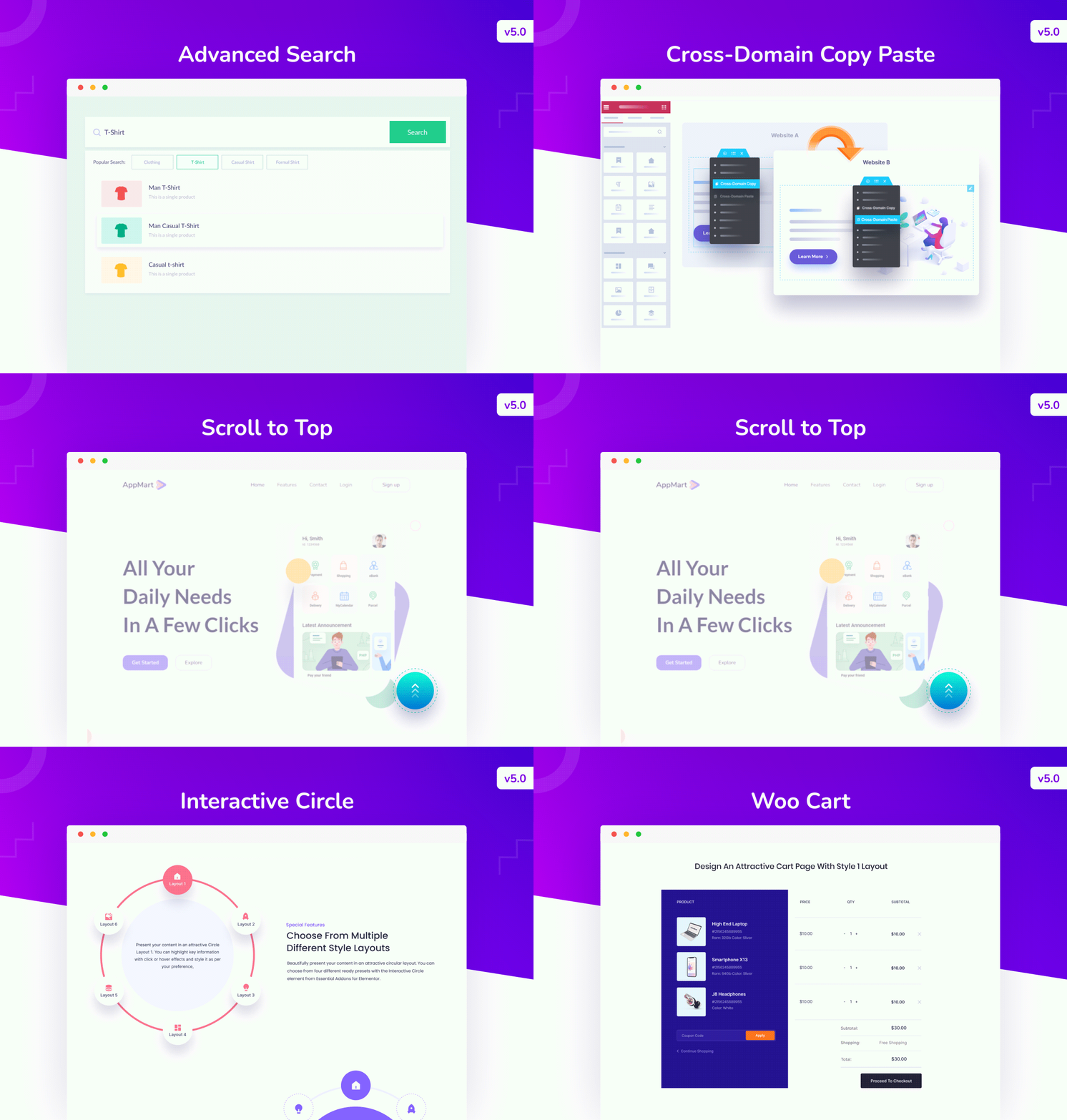
- Woo Cart– Use WooCommerce Cart page to boost online sales
- Interactive Circle– Display content with engaging circular layouts
- NFT Gallery– Add and showcase NFT collections effortlessly in Elementor
- Business Reviews– Display Google Customer Review to increase your online reputation
- SVG Draw– Display SVG elements in a visually striking and interactive way on your website
- Woo Product List– Showcase your store’s products with a stunning listicle format
Extensions (Free):
- Reading Progress Bar – Add progress bar to show reading position
youtube - Duplicator – Duplicate any page or post in a single click
- Table of Contents – Display Table of Contents anywhere you want
youtube - Custom JS – Add custom JavaScript in Elementor with a few clicks
- Scroll to Top– Let visitors quickly navigate to the top of your page
- Wrapper Link– Add custom links into any section, column, or even flexbox
More elements (35+) on Premium Version
- Post Block – Display your blog posts with a variety of styles
- Lightbox & Modal – Create interactive popups after trigger actions
- Testimonial Slider – Share customer reviews with animated sliders
- Image Comparison – Let your viewers compare between two images
- Interactive Promo – Display content with attractive animations
- Instagram Feed – Display Instagram posts beautifully in Elementor
- Advanced Google Map – Create maps with unlimited themes
youtube - Static Product – Present your static product just the way you want
- Flip Carousel – Feature your content using a unique carousel style
- Interactive Cards – Create fascinating effects for your content
- Content Timeline – Create memory lane with animated scrolling
- Advanced Menu – Use advanced navigation menu anywhere
- Twitter Feed Carousel – Share Twitter posts in interactive styles
- Dynamic Gallery – Add filterable gallery for any content
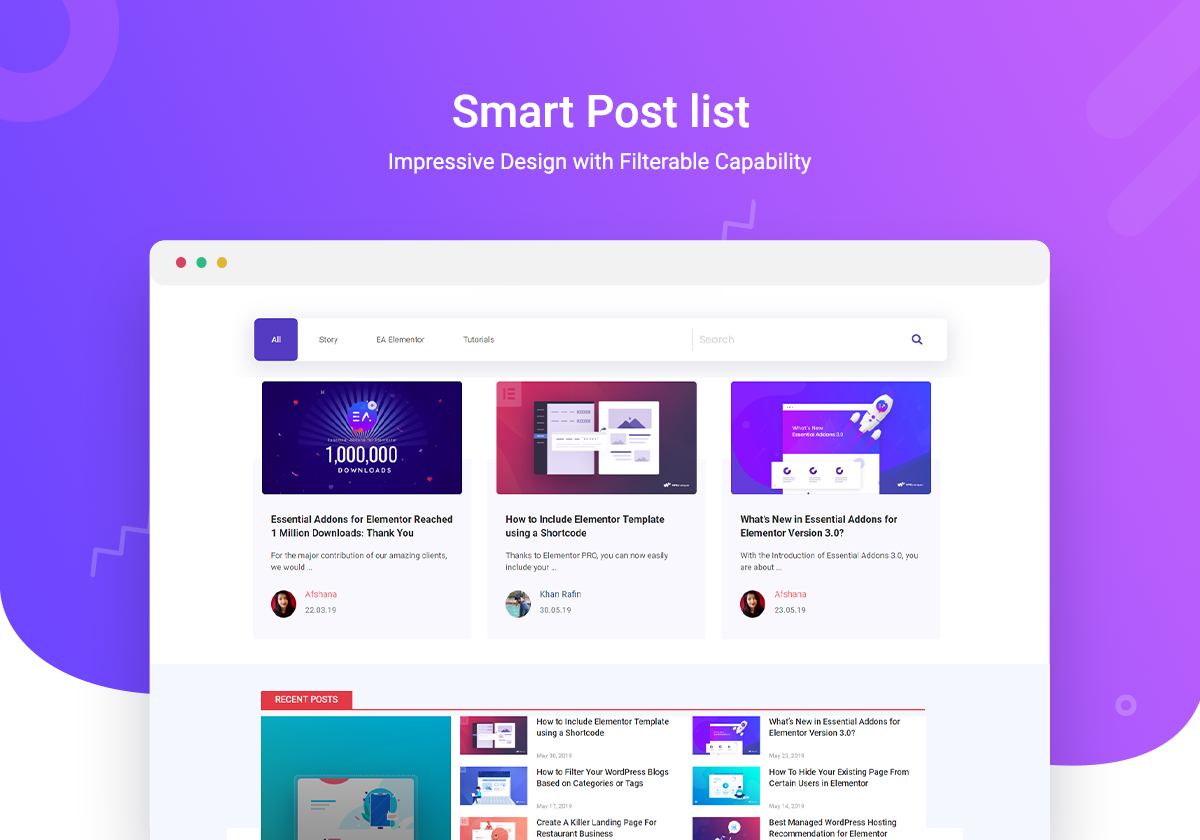
- Smart Post List – Design your blog page with modern post list
- Mailchimp – Design your Mailchimp form within Elementor with ease
- Toggle – Share any content in less space with a toggle
- One Page Navigation – Create one page websites in Elementor
- Price Menu – Make a beautiful pricing menu for your brands
- Image Hotspots – Add hotspot icons with tooltips in an image
- Divider – Separate your section with fancy divider
- Counter – Highlight important data using the Counter element
- Team Member Carousel – Display team members in a carousel
- Post Carousel – Use a carousel to display multiple posts
- Logo Carousel – Highlight brands or product logos in a carousel
- Protected Content – Lock your content with password protection
- Offcanvas – Display content in offcanvas with one click
- Image Scroller – Show long height images with image scroller
- Woo Product Slider – Showcase your products in a stunning slider
- Woo Product Collections– Show product collections beautifully
- LearnDash Course List– Share LearnDash course list in Elementor
- Advanced Search– Add a customizable, dynamic search bar
- Woo Thank You– Design a personalized thank you message on the WooCommerce order confirmation page
- Woo Cross Sells– Customize the display of cross-sell products to boost your sales potential
- Woo Account Dashboard– Design a personalized WooCommerce Customer Account Dashboard
- Fancy Chart– Visualize important data with interactive charts and graphs on your website
Extensions (Pro):
- Parallax – Add creative parallax effects to your content
- Particles – Add animated particle effects to your content
- Advanced Tooltip – Make any widget more informative with tooltip
- Content Protection – Hide your content with password protection
- Cross-Domain Copy Paste– Copy any section in Elementor from one website and paste it on another
- Conditional Display– Display your preferred content based on the logic conditions you have set
More features and improvements are coming on regular updates. Want to unlock the advanced elements? Upgrade to our Pro version
Elementor WooCommerce Widgets From Essential Addons
With Essential Addons, we bring you seamless compatibility with WooCommerce, enhancing your ability to showcase products, categories, and filters with ease. There are 11+ beautiful Elementor WooCommerce widgets for your every need:
EA Woo Product Carousel: Display your store’s products interactively with this Elementor WooCommerce widget and implement various styling options and ready-made layouts to create an interactive product showcase on your WordPress website.
EA Woo Product Gallery: Captivate visitors and drive immediate purchases on your WooCommerce store using the Product Gallery element from Essential Addons. Explore incredible ready layouts, abundant customization choices, and more.
EA Woo Product Slider (PRO): Present your WooCommerce products in a stunning slider format with this advanced Elementor addon. You can also easily customize the entire slider appearance with fantastic pre-designed layouts, effects, and other advanced options.
EA Woo Product Collection (PRO): Exhibit your WooCommerce product collections on any section of your Elementor website to showcase items based on categories, tags, or attributes, and add engaging hover effects.
How to Add WooCommerce Product Collections using Elementor
EA Woo Product List: Easily add all your WooCommerce products in a listicle format on any Elementor page or post on your website and customize with unique layouts to attract customers instantly.
EA Woo Product Grid: Display your products in visually appealing grid-layouts on any website section and allow customers to view them based on category, tags, or attributes.
EA Woo Product Compare: Easily compare your preferred WooCommerce products anywhere on the page with this free Elementor addon. Benefit from numerous pre-designed theme layouts and much more.
EA Woo Cross Sells:: Effortlessly show related items to your customers with this premium Elementor widget, aiding them in discovering complementary products and enriching their overall shopping experience.
How To Configure Cross-Sell With The EA Woo Cross Sell Widget?
EA Woo Cart: Elevate customers’ purchasing experience on your WooCommerce store by effortlessly designing an appealing Cart Page with Essential Addons using no coding.
EA Woo Checkout: Craft visually appealing Checkout pages for your Elementor WooCommerce store to customize and style the widget effortlessly to ensure increased sales.
EA Woo Account Dashboard (PRO): Create a user-friendly and visually appealing dashboard for your WooCommerce store, consolidating all vital tabs into one convenient location.
Configure The WooCommerce My Account With EA Woo Account Dashboard Widget
EA Woo Thank You (PRO):Resonate with customers and ensure a positive post-purchase experience with this advanced Elementor WooCommerce widget from Essential Addons. It lets you create tailor-made thank-you messages with limitless personalization.
???? FEATURED BY 100+ RENOWNED PUBLICATIONS
WP Mayor: “If you use Elementor, Essential Addons is a great way to expand your library of available widgets without slowing your site down.”
WP Pagebuilders: “With 60+ additional widgets, Essential Addons is a great add-on to enhance your experience in building a website with WordPress+Elementor.”
MonsterPost: “Essential Addons for Elementor has the largest number of active users among all third-party extensions on the market. The widgets are tested in all popular web browsers to ensure full browser compatibility for all elements.”
WPCrafter: WordPress influencer Adam Preiser did a Speed Test & found Essential Addons for Elementor is the fastest solution out there ????
Essential Add-ons For Elementor Review & Speed Performance Test
BACKED BY A TRUSTED TEAM
Essential Addons for Elementor is brought to you by WPDeveloper, a dedicated WordPress product company, trusted by 5 million+ happy users.
Documentation and Support
- For documentation and tutorials go to our Documentation.
- If you have any more questions, visit our support on the Plugin’s Forum.
- For more information about features, FAQs and documentation, check out our website at Essential Addons for Elementor.
Happy User of Essential Addons?
- Join our Facebook Group.
- Learn from our tutorials on Youtube Channel.
- Or rate us on WordPress ????
???? WHAT’S NEXT
If you like Essential Addons, then consider checking out our other WordPress Plugins:
???? NotificationX – Best Social Proof & FOMO Marketing Solution to boost conversions & designing stunning WordPress notification bars in Elementor
????️ BetterDocs – Best Documentation & Knowledge Base Plugin for WordPress, which also comes with ready doc templates for Elementor
⏰ SchedulePress – Complete solution for managing WordPress content scheduling through an editorial calendar & Social Share
???? EmbedPress – Easiest WordPress solution for embedding videos, images, posts, audio, maps and PDF, DOC, PPT & all other types of content into your website using Elementor, Gutenberg and more.
???? Easy.Jobs – Smart and easy recruitment and talent sourcing solution for hiring remotely with AI-powered screening system, question sets, remote interviews, and designing branded career pages with Elementor.
Screenshots
FAQ












ChangeLog